Description
Banana Pi R64 (BPI-R64): the MediaTek MT7622 OpenWrt router board with 5 Gigabit ports
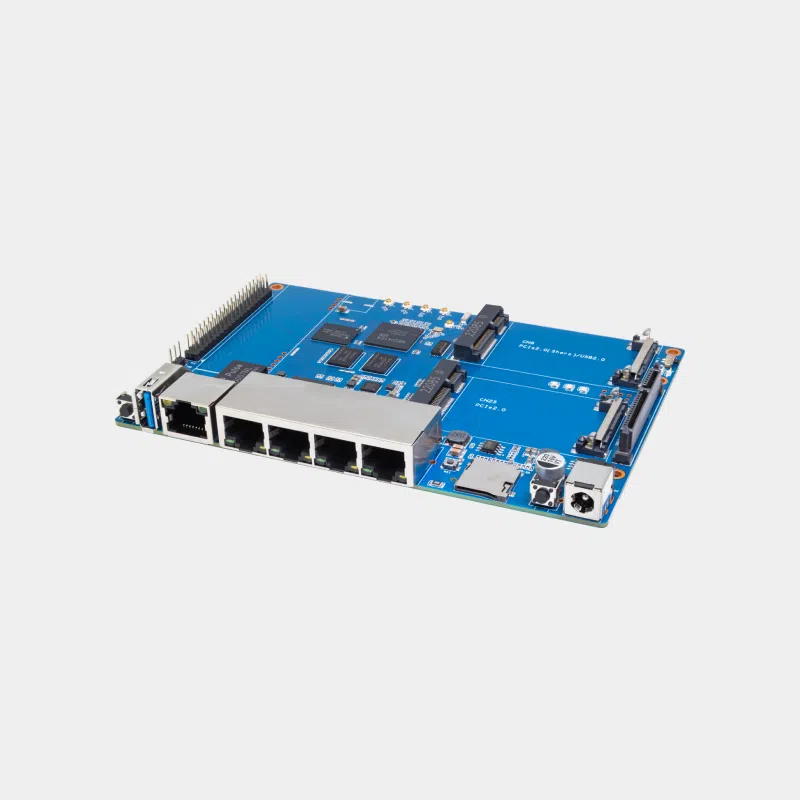
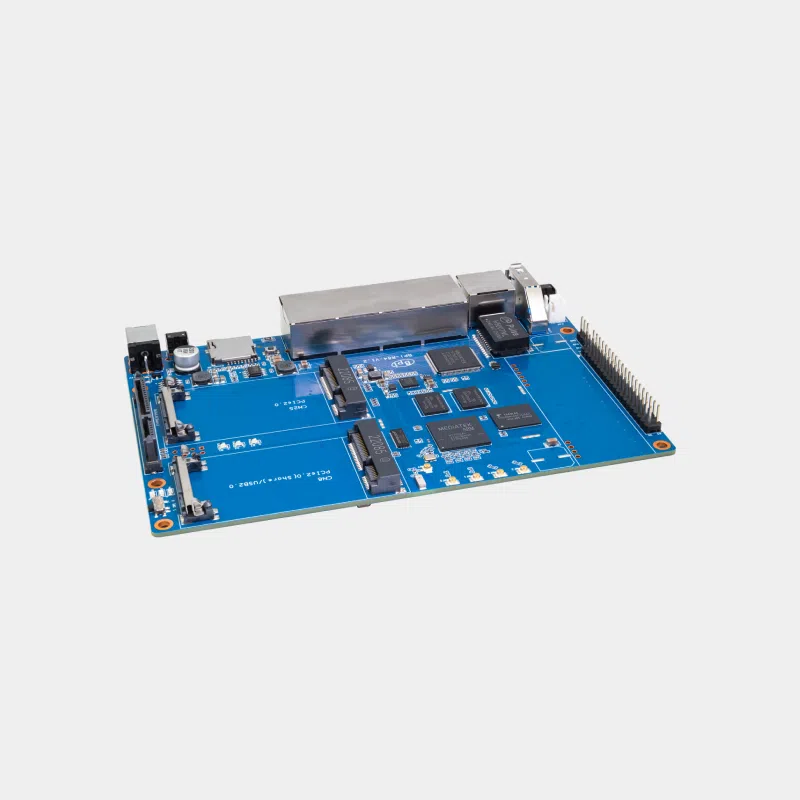
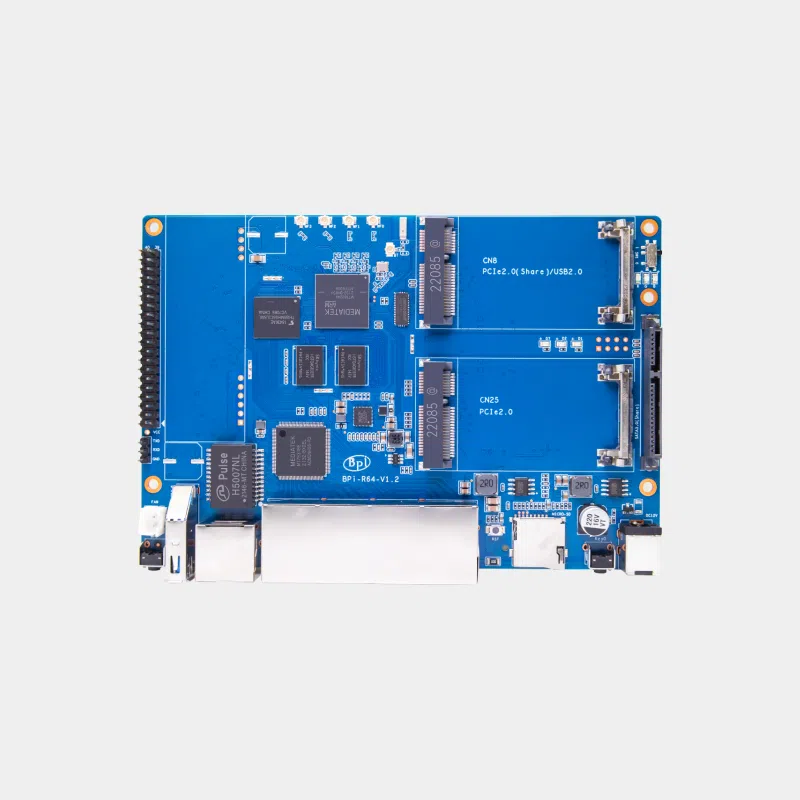
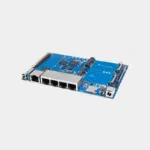
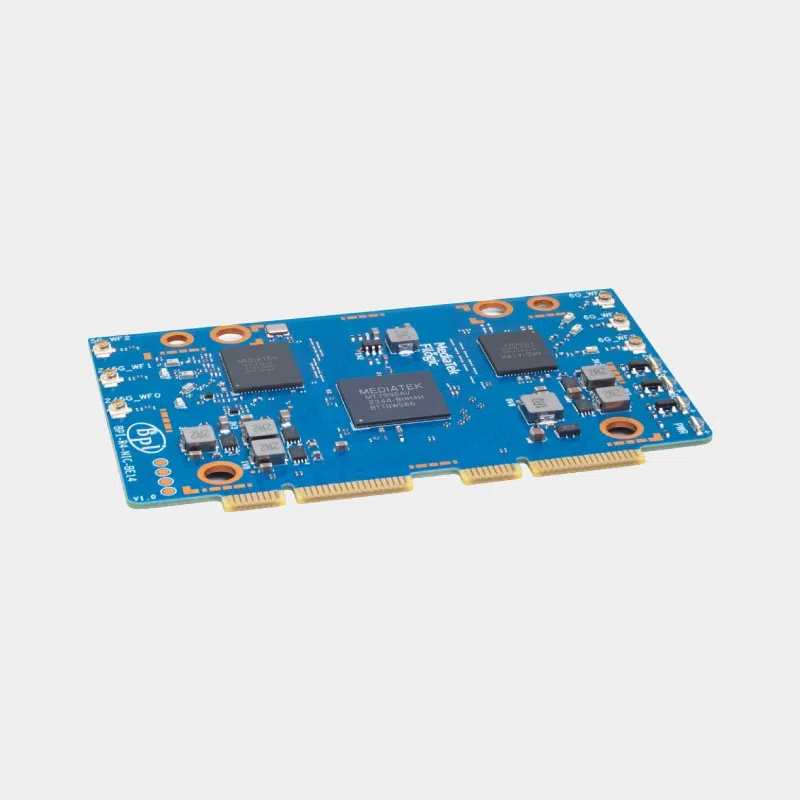
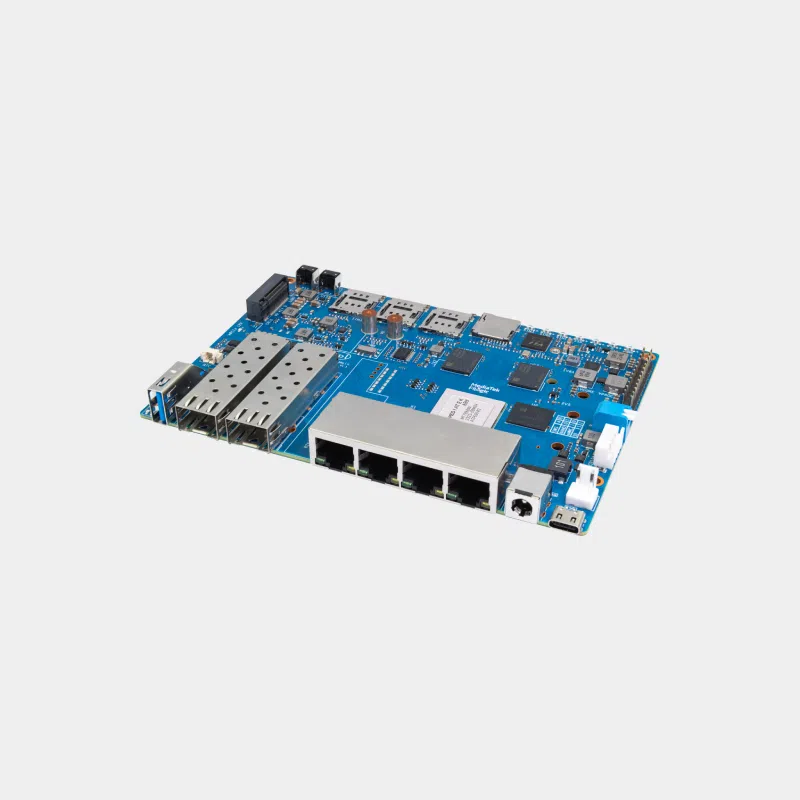
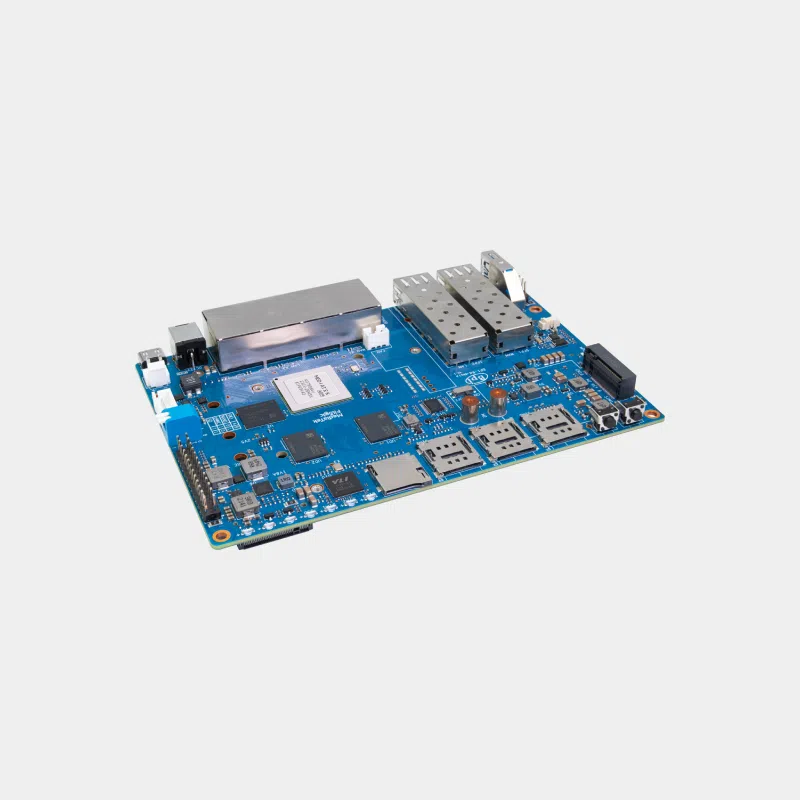
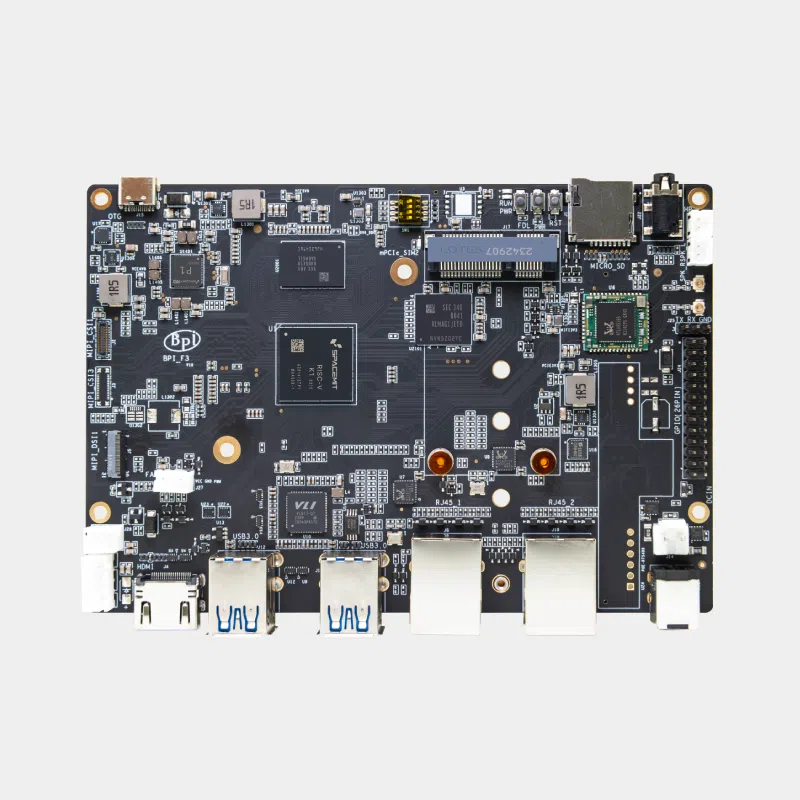
Visit Banana Pi BPI-R64 is a router development board built around the MediaTek MT7622 (2 x 64-bit Cortex-A53 cores at 1.35 GHz) with 1 GB of DDR3 and 8 GB of eMMC. It features 5 Gigabit Ethernet ports (1 WAN and 4 LAN), built-in 802.11n 4×4 Wi-Fi, Bluetooth 5.0, a SATA port, a USB 3.0 port and a mini PCIe slot for 4G. It runs OpenWrt, whose mainline project supports the MT7622, as well as Linux.
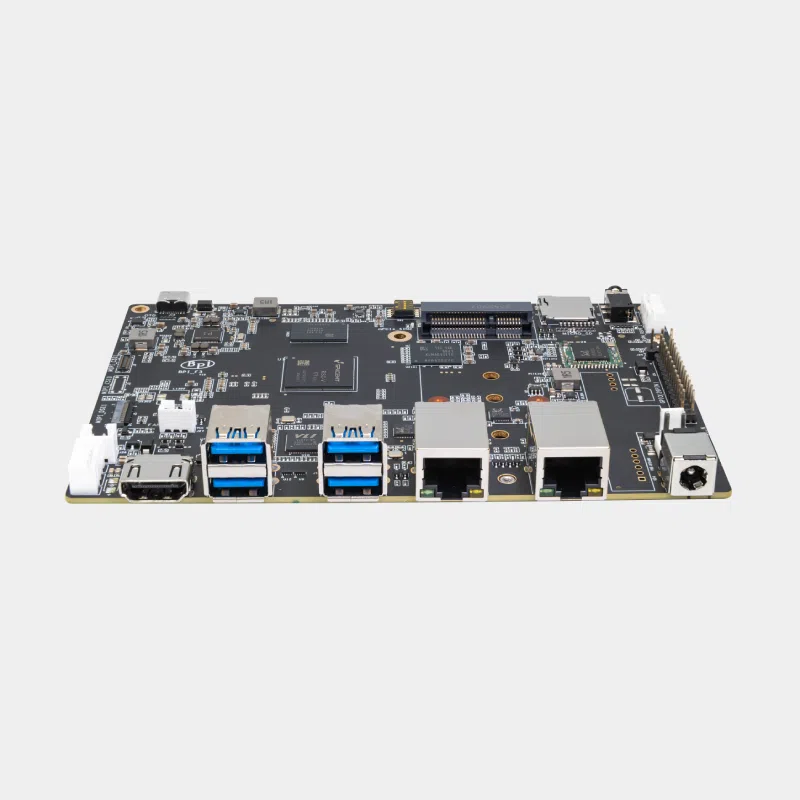
Please note: the R64 is a board with no video output. As Banana Pi points out, it has no HDMI interface. It is managed over the network or through a serial console, just like a real router.
Highlights
- Hardware network acceleration : Wi-Fi Warp engine, hardware NAT and HQoS offload the processor.
- Built-in 4×4 Wi-Fi on 2.4 GHz (up to 800 Mbit/s), upgradable to 802.11ac 4×4 with the optional MT7615 module.
- Network storage : SATA and USB 3.0 for a small NAS or backups.
- Native 4G : mini PCIe and SIM slot on the board.
- Optional PoE : interface designed for a PoE module, so you can do without the power adapter.
- 40-pin GPIO (28 GPIO with UART, I2C, SPI, PWM, I2S) and many low-speed I/Os (ADC, IR, RTC).
Technical specifications
Which one should you choose?
Visit R64 remains the simplest option for a 5-port router with 4G and PoE. For Wi-Fi 6 or 2.5 GbE, the OpenWrt One and the R3 Mini are more recent; for a display or local AI, choose the R2 Pro.
Compatibility and pitfalls to avoid
- No HDMI or GPU : the board does not display anything on a screen. Have a network cable ready and, in case of trouble, a USB serial adapter.
- 2.4 GHz Wi-Fi only natively: for 5 GHz and 802.11ac, you need Banana Pi's optional MT7615 module.
- Antennas : the built-in Wi-Fi requires external antennas.
- Operating systems : OpenWrt (Banana Pi 19.07 images and mainline project support), Ubuntu and Debian as Banana Pi or community images.
- Power supply : 12 V / 2 A, not 5 V as on many mini computers.
Recommended accessories
Uses and projects
- OpenWrt router and firewall for the home or a small office.
- Network-wide ad blocking : the Pi-hole principle also applies to OpenWrt.
- VPN gateway : see how to set up a VPN server.
- Backup 4G router or Lightweight NAS on a SATA drive.
Frequently asked questions
Does the Banana Pi R64 have an HDMI output?
No. The MT7622 has neither a GPU nor a video output: the R64 is managed over the network or through the serial console.
Does the BPI-R64 support Wi-Fi 5?
Not out of the box: the built-in Wi-Fi is 802.11n 4×4 on 2.4 GHz. 802.11ac (Wi-Fi 5) requires the optional MT7615 module.
Is the R64 compatible with OpenWrt?
Yes, the MT7622 is supported by the OpenWrt project and Banana Pi also publishes its own images.
Can it be powered via PoE?
Yes, with the BPI-7402 module connected to an 802.3af/at switch or injector.
How do I add 4G?
Insert a mini PCIe modem and a SIM card into the dedicated slot, then configure the mobile interface in OpenWrt.
How do I get started?
Follow our step-by-step installation guide for Banana Pi.
Explore the full Banana Pi range. Order your BPI-R64 on monraspberry.com: official, tested product, stock based in France, shipped within 24/48 h after payment is received, free pickup point delivery on orders of €200 or more, returns within 14 days with return authorization, and payment by Visa, Mastercard, PayPal, Apple Pay or Google Pay.