-40%

Banana Pi BPI-R4-NIC-BE14

Original price was: 147,46 €.Current price is: 88,80 €. INCL. VAT

  • Tri-band Wi-Fi 7 module, 2.4, 5 and 6 GHz, up to 13,700 Mbit/s PHY
  • MediaTek MT7995AV, 320 MHz channels, MU-MIMO and MU-OFDMA
  • Designed for Banana Pi BPI-R4 and BPI-R4 Pro routers running OpenWrt
Availability: Only 1 left in stock (can be backordered) Reference: BPI-BE14 Category:
In stock, ships within 24/48h - Available quantity: 1 unit(s)
Request a quoteBusinesses, schools: volume pricing on request, reply within 24/48 h
Secure paymentCard, PayPal, Apple Pay, Google Pay and public-sector payment order

Business, school or public body? business account Education offers
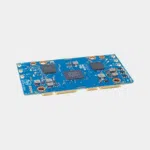
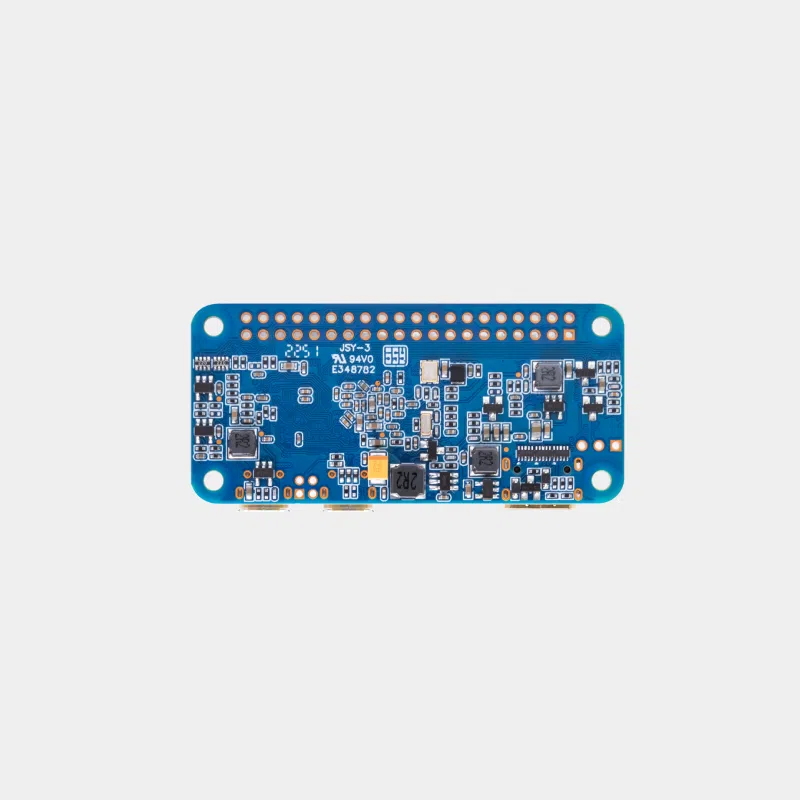
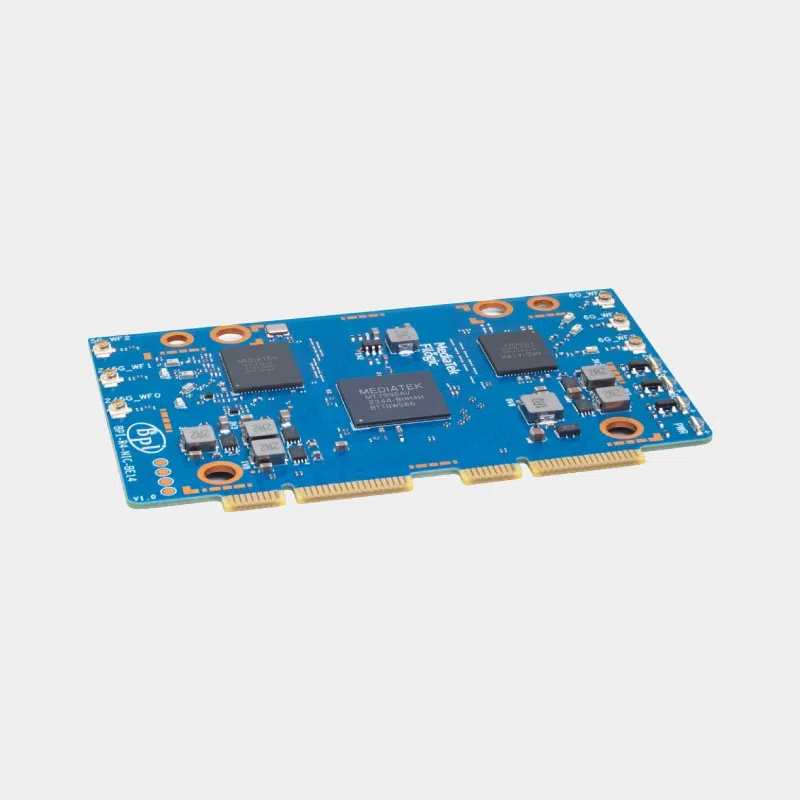
Blue Banana Pi BPI-R4-NIC-BE14 network card with gold PCIe connector, three-quarter view

Banana Pi BPI-R4-NIC-BE14

Original price was: 147,46 €.Current price is: 88,80 €. INCL. VAT

In stock
Delivery banner: lead times and rates for pickup point and home delivery
TrustScore

Loading...

Banner of accepted payment methods: Visa, Mastercard, PayPal, Apple Pay and Google Pay

Description

BPI-R4-NIC-BE14 by Banana Pi: the tri-band Wi-Fi 7 module for the BPI-R4 and R4 Pro

The BPI-R4-NIC-BE14 adds tri-band Wi-Fi 7 (802.11be) to Banana Pi routers based on the MediaTek MT7988A. It combines the MediaTek MT7995AV with the MT7976CN and MT7977IAN chips for a BE13500 subsystem: 2.4 GHz in 2×2, 5 GHz and 6 GHz in 3×3, with channels up to 320 MHz on 6 GHz and a combined PHY rate of up to 13,700 Mbit/s. It plugs into the board’s two mini PCIe slots.

Highlights

  • Three simultaneous bands (TBTC): 2.4, 5 and 6 GHz at the same time.
  • 320 MHz channels on 6 GHz for Wi-Fi 7 clients.
  • MU-MIMO and MU-OFDMA for transmit and receive, beamforming, STBC and LDPC.
  • Processor offloading : a 32-bit RISC-V microcontroller handles the Wi-Fi protocols.
  • Security WPA, WPA2, WPA3 Personal, WPS 2.0; WMM and WMM-PS QoS.

Technical specifications

Element BPI-R4-NIC-BE14
Chips MediaTek MT7995AV + MT7976CN + MT7977IAN
Standard IEEE 802.11a/b/g/n/ac/ax/be
2.4 GHz 2T2R, 20 and 40 MHz channels
5 GHz 3T3R 3 streams, channels up to 160 MHz
6 GHz 3T3R 3 streams, channels up to 320 MHz
PHY rate Up to 13,700 Mbit/s (BE13500 class)
Interface 2 x 2-lane PCIe 3.0 (dual mini PCIe), UART with flow control
Power supply 12 V supplied by the mainboard (SW4 switch)
Dimensions 82 x 51 x 4.2 mm

Which board should it be installed on?

Card Wi-Fi slots Fast ports Note
BPI-R4 2 x mini PCIe (CN12 and CN14) 2 x 10G SFP+ + 4 x 1 GbE Reference platform for the BE14
BPI-R4 Pro 8X / 4E 2 x mini PCIe PCIe 3.0 x2 10G RJ45 or SFP+, 4 x 2.5G Banana Pi “BE14 MT76” images on OpenWrt 24.10

The BE14 is designed for these two boards. For a Wi-Fi 6 router without an add-on module, theOpenWrt One already has its radio built in.

Installation and pitfalls to avoid

  • Both slots are used : the module plugs into the two mini PCIe slots under the board and is secured with two M2 screws.
  • 12 V essential : set the SW4 switch to ON before powering up (the 12 V LED lights up). Set it back to OFF if you install another module that does not support 12 V.
  • Heat : Banana Pi recommends a large heatsink. With the BE14, choose a fan-cooled heatsink and an image that manages the fan, otherwise the board may reboot due to overheating.
  • Thermal pads : two 13 x 10 x 2 mm pads and one 14 x 14 x 2 mm pad are placed on the three chips.
  • Antennas : six U.FL cables connect to the module, then to the ANT2, 3, 4, 6, 7 and 8 outlets of the case. Use antennas compatible with 2.4, 5 and 6 GHz.
  • Software : MediaTek SDKs (MP4.x) and Banana Pi OpenWrt images support the module; some features such as MLO are configured over SSH.

Recommended accessories

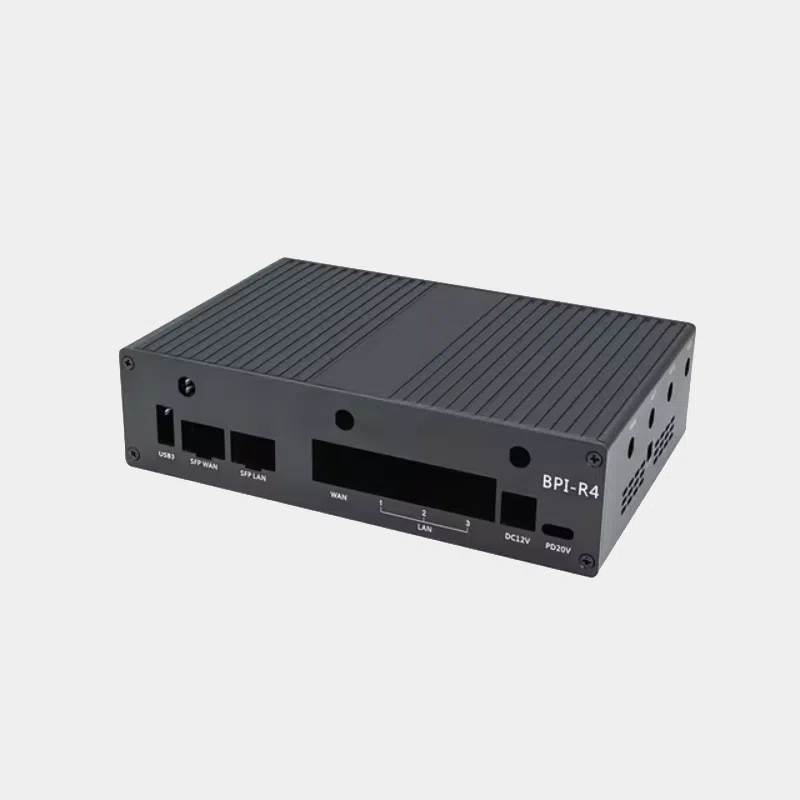
  • Metal case for BPI-R4 : aluminum with 14 antenna openings, designed to accommodate the BE14.
  • Pair of 10G BX20 SFP+ modules: to connect the BPI-R4 to your fiber network at 10 Gbit/s.
  • RJ45 CAT6 Ethernet cable: for the wired network.

Uses and projects

Frequently asked questions

Is the BE14 compatible with the BPI-R4 and BPI-R4 Pro?

Yes, Banana Pi presents it for these two MediaTek MT7988A boards.

What throughput can I expect?

The combined PHY rate theoretically reaches 13,700 Mbit/s; real-world throughput depends on the clients, the distance and the band used.

Why doesn’t my module power on?

Check the SW4 switch: without it, the module does not receive 12 V.

Do I need a fan?

Strongly recommended. The module runs very hot and Banana Pi recommends a large heatsink, ideally fan-cooled.

Does it work on a Raspberry Pi?

No, it is designed for the dual mini PCIe slots of the BPI-R4 and R4 Pro.

Is it recognized under OpenWrt?

Yes, with Banana Pi images for the BPI-R4 and R4 Pro, based on the MediaTek and MT76 drivers.

See the Banana Pi range. Order your BPI-R4-NIC-BE14 at monraspberry.com: official, tested product, stock based in France, shipped within 24/48 h after payment is received, free pickup point delivery on orders from €200, returns within 14 days with return authorization and payment by Visa, Mastercard, PayPal, Apple Pay or Google Pay.
In the same category...