Description
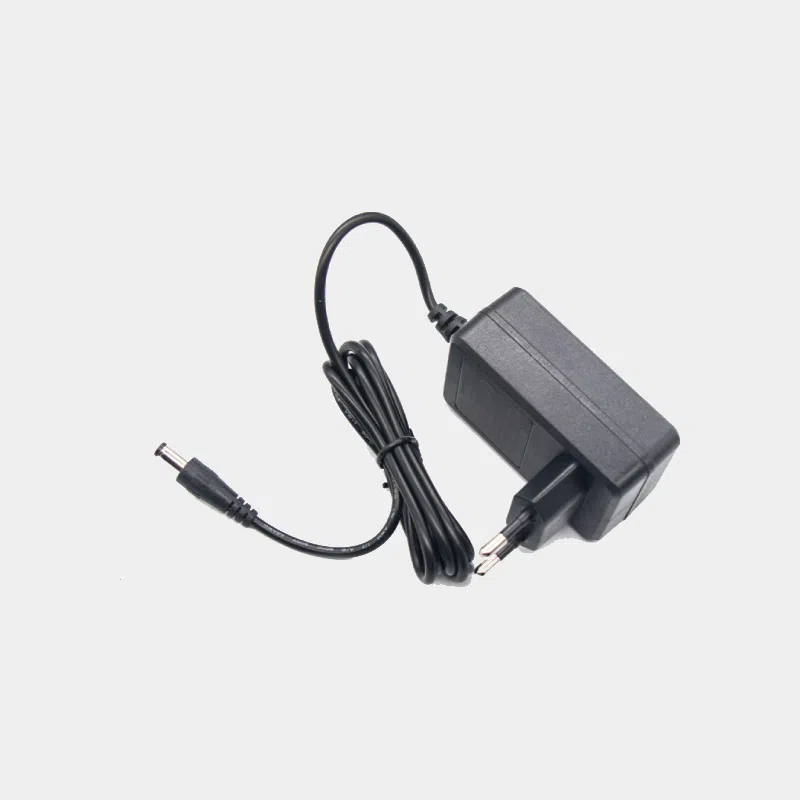
12V power supply for BPI-R2, BPI-W2 and BPI-R64 for Banana Pi (2 A)
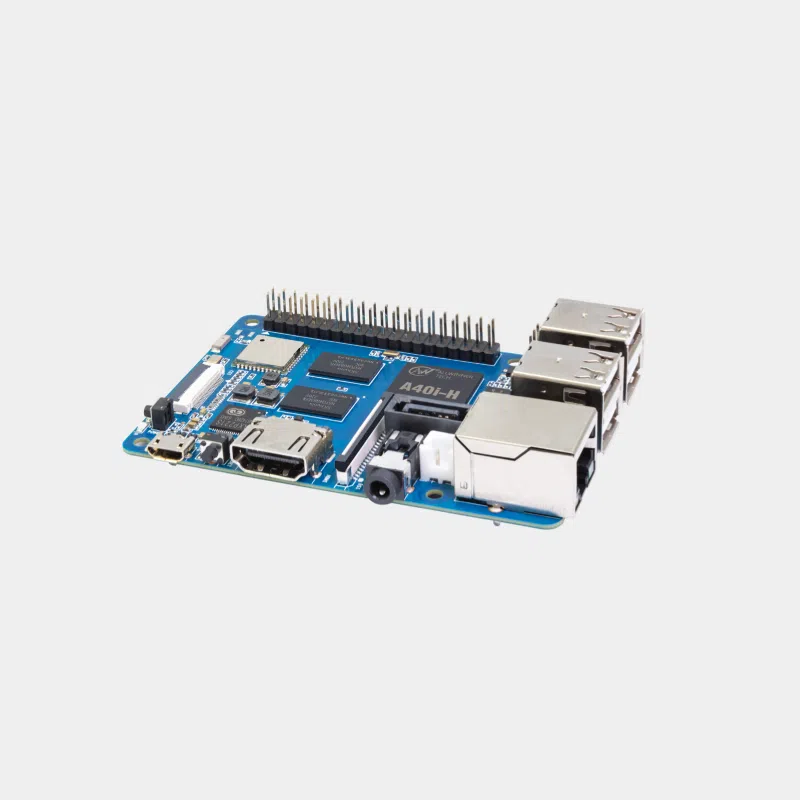
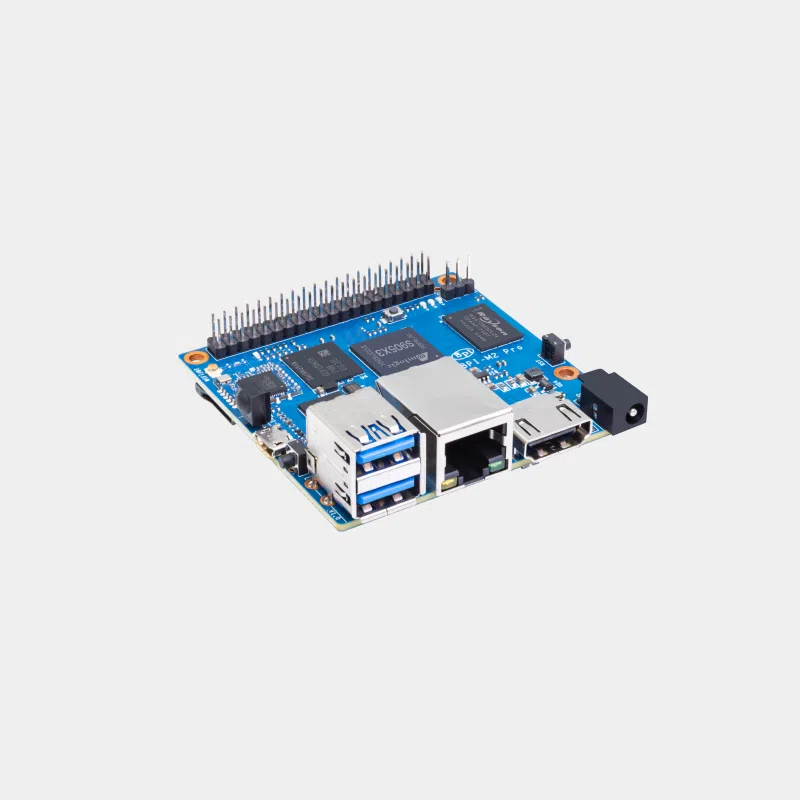
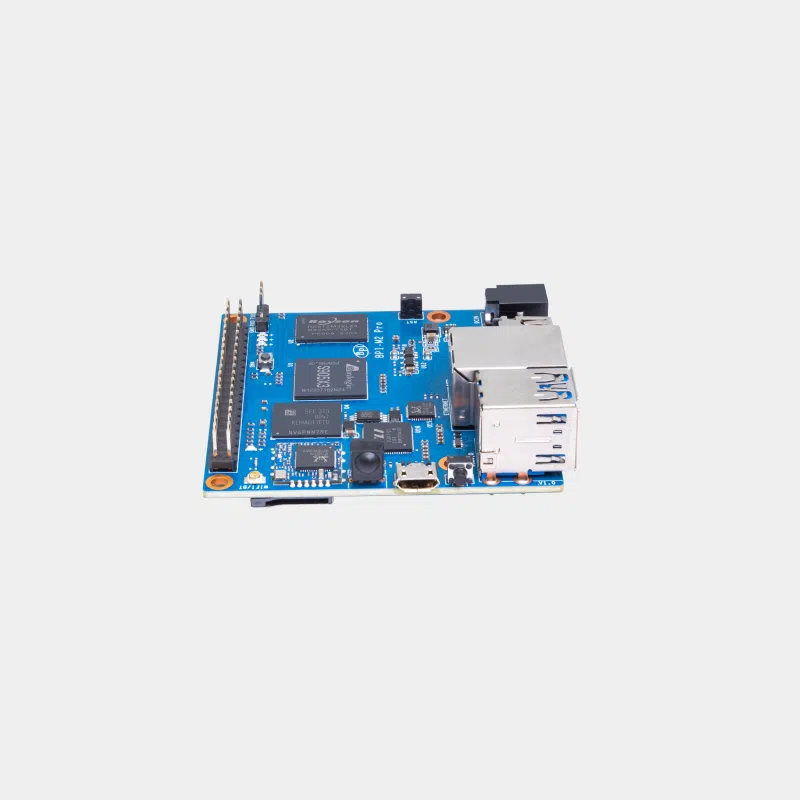
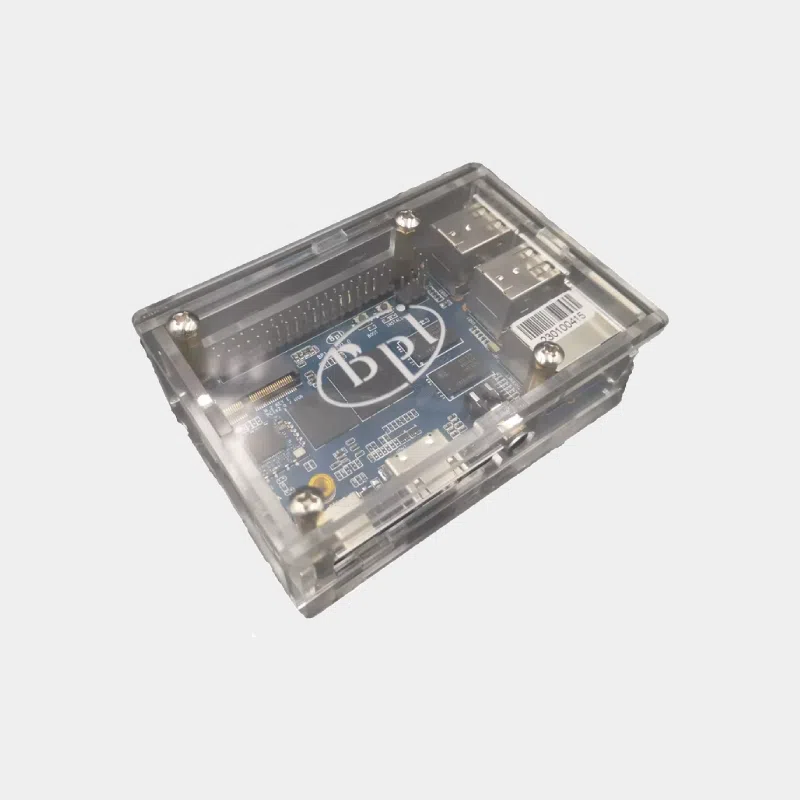
Banana Pi network and server boards are not powered at 5 V like a Raspberry Pi: the BPI-R2, BPI-W2 and BPI-R64 expect a 12V supply on their DC jack socket. This 12 V / 2 A power supply is designed for them. It saves you from hunting for a generic adapter with the right polarity and plug diameter, and ensures a clean voltage for a router that runs day and night.
Highlights
- 12 V at 2 A : the value given in the official specifications of the BPI-W2 and BPI-R64, and the one used by the Banana Pi community for the BPI-R2.
- DC jack plug intended for Banana Pi boards in the R2 / W2 / R64 family.
- Suited to 24/7 operation : a router or gateway must stay powered continuously, without voltage drops.
Features
Which board with this power supply?
Compatibility and pitfalls
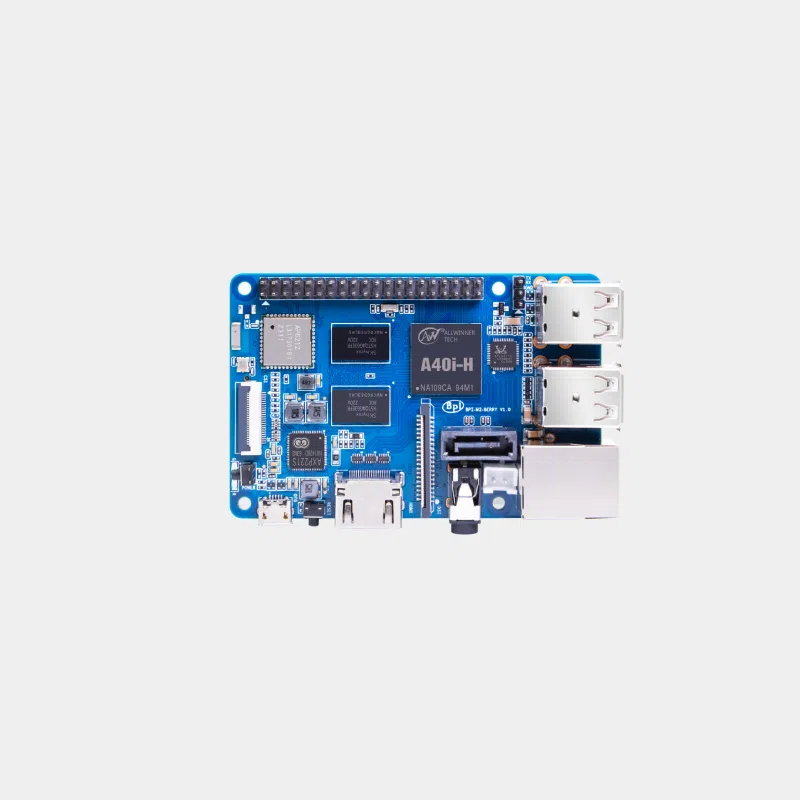
- Never connect this power supply to a 5 V board (BPI-M5, BPI-M2 Zero, Raspberry Pi): 12 V would destroy the board.
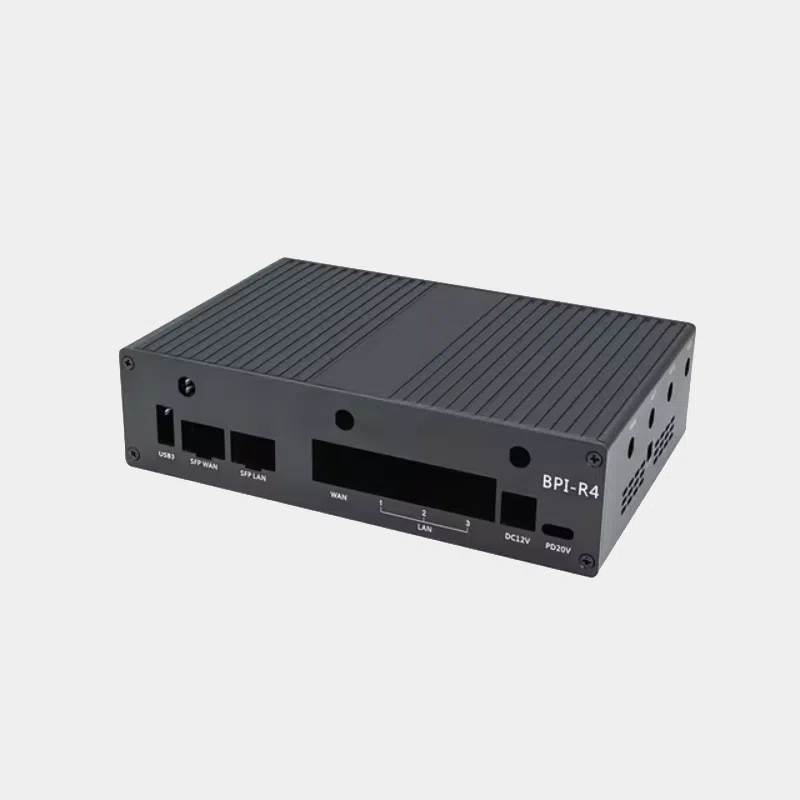
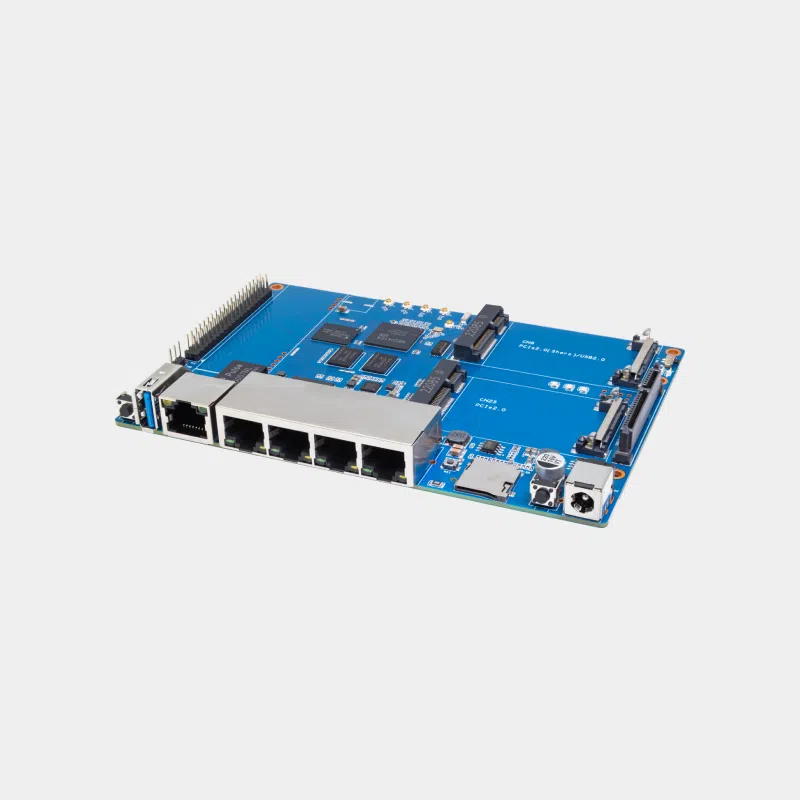
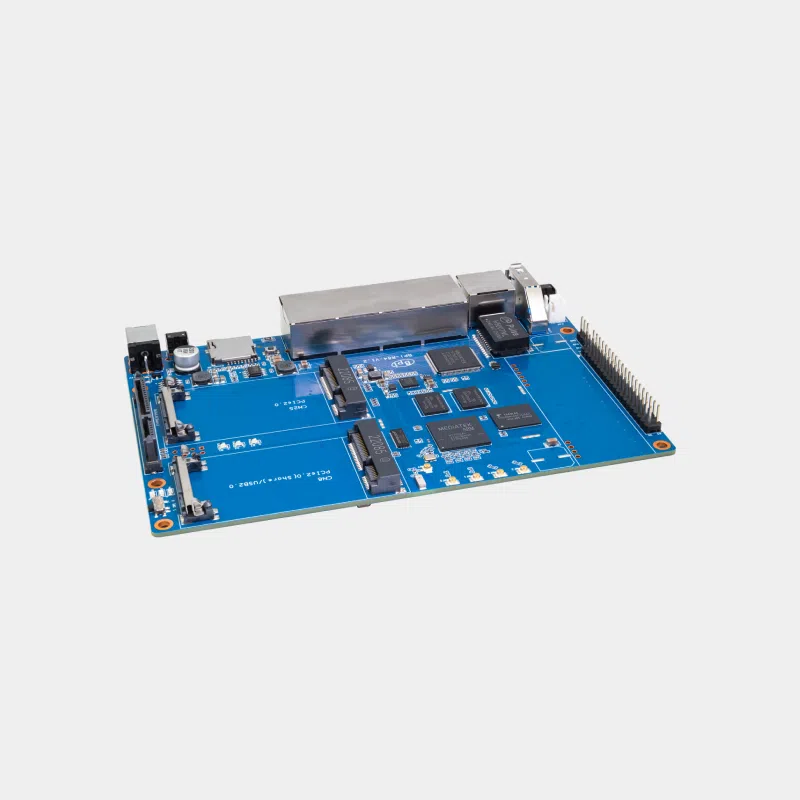
- A BPI-R4 fitted with SFP+ modules, a Wi-Fi 7 card and an NVMe SSD exceeds what a 2 A adapter can deliver: Banana Pi then recommends 12 V / 5.2 A or 19 V / 3.2 A.
- A 3.5-inch hard drive connected via SATA to the BPI-R64 or BPI-R2 needs its own 12 V power supply: plan for it separately.
- The BPI-7402 PoE expansion module for BPI-R64 lets you power the board over the network cable; in that case, the mains power supply is no longer needed.
Recommended accessories
- An RJ45 CAT6 Ethernet cable to connect your Banana Pi router to your ISP box and switch.
- A SanDisk High Endurance microSD card to flash OpenWrt or test a system before installing it on the eMMC.
Uses
OpenWrt router, firewall, VPN gateway or small NAS: these boards run continuously and deserve a reliable power supply. To discover the ecosystem, read our overview of the Banana Pi range, then our guide to turning a board into a router. All the boards are gathered on the Banana Pi page.
Frequently asked questions
Which power supply for the BPI-R2?
The BPI-R2 is powered at 12 V / 2 A through its DC jack, which is what this adapter provides.
Which power supply for the BPI-W2?
Banana Pi specifies 12 V / 2 A via a 5.0 x 2.0 mm DC jack for the BPI-W2.
Is it enough for the BPI-R4?
Only for a BPI-R4 without peripherals, according to Banana Pi. With SFP+ modules, Wi-Fi 7 and an SSD, you need 12 V / 5.2 A or 19 V / 3.2 A.
Can I use it on a Raspberry Pi?
No. Raspberry Pi boards run on 5 V: 12 V would damage them.
Does it also power a SATA hard drive?
Plan a separate power supply for a 3.5-inch drive, which draws more power than a 2.5-inch SSD.
Give your Banana Pi router the right power supply from the very first boot. At MonRaspberry, you buy official, tested products, shipped from our stock based in France within 24/48 h after payment is received, with free pickup point delivery on orders of €200 or more, returns within 14 days (with return authorization) and payment by Visa, Mastercard, PayPal, Apple Pay or Google Pay.