
In the same category...
-38%
Banana Pi SFP-10G-BX20-D&U (for BPI-R4)
Original price was: 65,38 €.40,80 €Current price is: 40,80 €. INCL. VATIn stock
52,80 € Original price was: 52,80 €.38,40 €Current price is: 38,40 €. INCL. VAT
Business, school or public body? business account Education offers
52,80 € Original price was: 52,80 €.38,40 €Current price is: 38,40 €. INCL. VAT

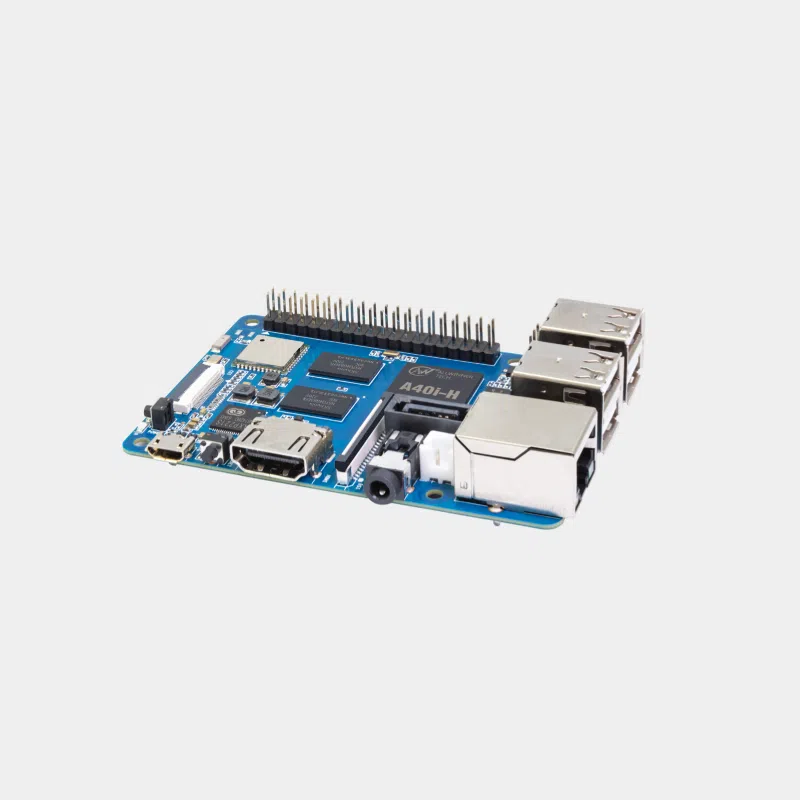
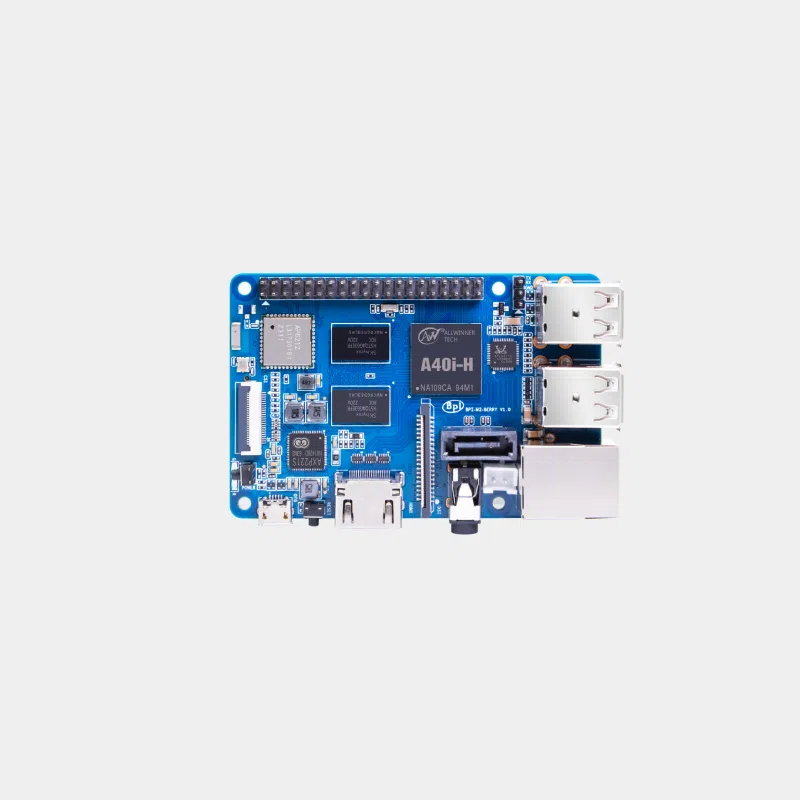
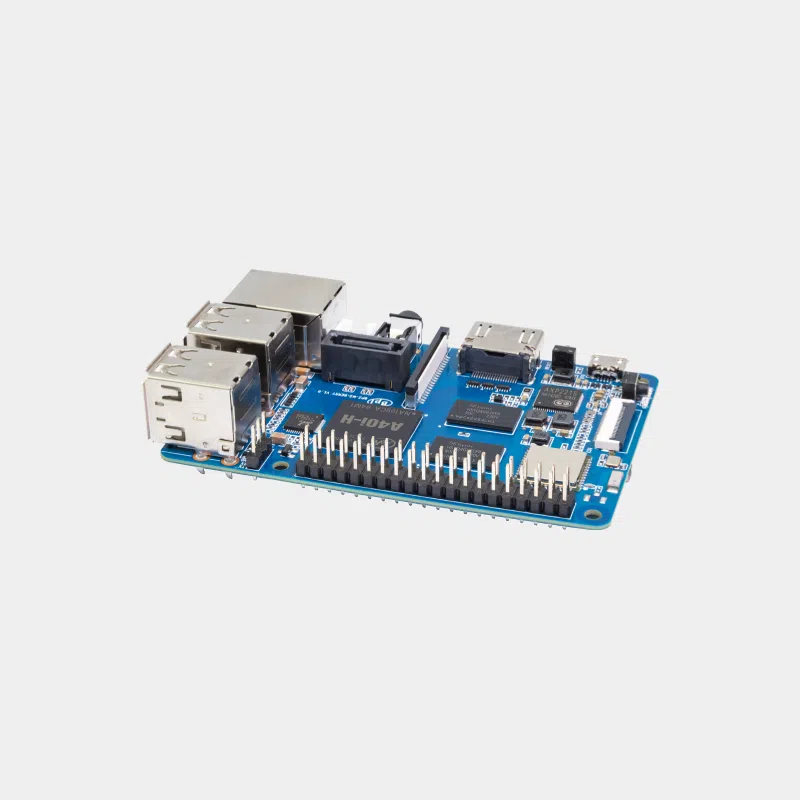
The Banana Pi BPI-M2 Berry combines, in an 85 x 56 mm form factor identical to the Raspberry Pi 3, a quad-core Allwinner processor, 1 GB of memory, Wi-Fi, Bluetooth, Gigabit Ethernet and above all a native SATA port. It is a board designed to connect a drive directly and build a small file server, a gateway or a media player without a USB adapter.
| Element | Specification |
|---|---|
| SoC | Allwinner A40i / R40 / V40, 4 ARM Cortex-A7 cores (32-bit) |
| GPU | Mali-400 MP2 at 500 MHz, OpenGL ES 2.0 |
| Memory | 1 GB DDR3 at 733 MHz (shared with the GPU) |
| Storage | microSD reader, SATA port; no eMMC |
| Network | Ethernet 10/100/1000 Mbit/s, Wi-Fi 802.11 b/g/n, Bluetooth 4.0 |
| Video | HDMI 1.4, 4-lane MIPI DSI; H.264 decoding up to 1080p60 |
| Camera | CSI connector |
| Audio | HDMI, 3.5 mm jack, I2S |
| USB | 4 x USB 2.0 host, 1 x micro-USB OTG |
| GPIO | 40 pins (28 GPIO) |
| Buttons | Reset, Power, U-boot |
| Power supply | 5 V / 2 A via micro-USB |
| Dimensions / weight | 85 x 56 mm, 40 g |
| Model | Processor | Memory / storage | Main advantage |
|---|---|---|---|
| BPI-M2 Berry | 4 x Cortex-A7 | 1 GB DDR3, microSD | Native SATA, Raspberry Pi 3 form factor |
| BPI-M4 Berry | Allwinner H618, 4 x Cortex-A53 64-bit | 2 GB LPDDR4, 8 GB eMMC | HDMI 2.0a 4K60, Wi-Fi 5 |
| BPI-M5 | Amlogic S905X3, 4 x Cortex-A55 | 4 GB LPDDR4, 16 GB eMMC | 4 USB 3.0 ports, HDMI 2.1 4K60 |
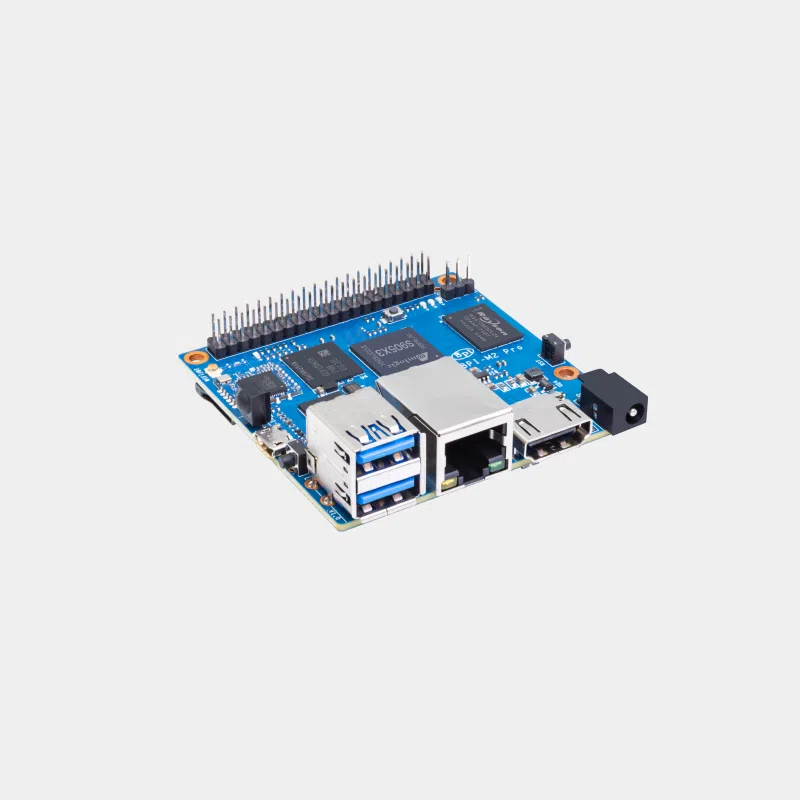
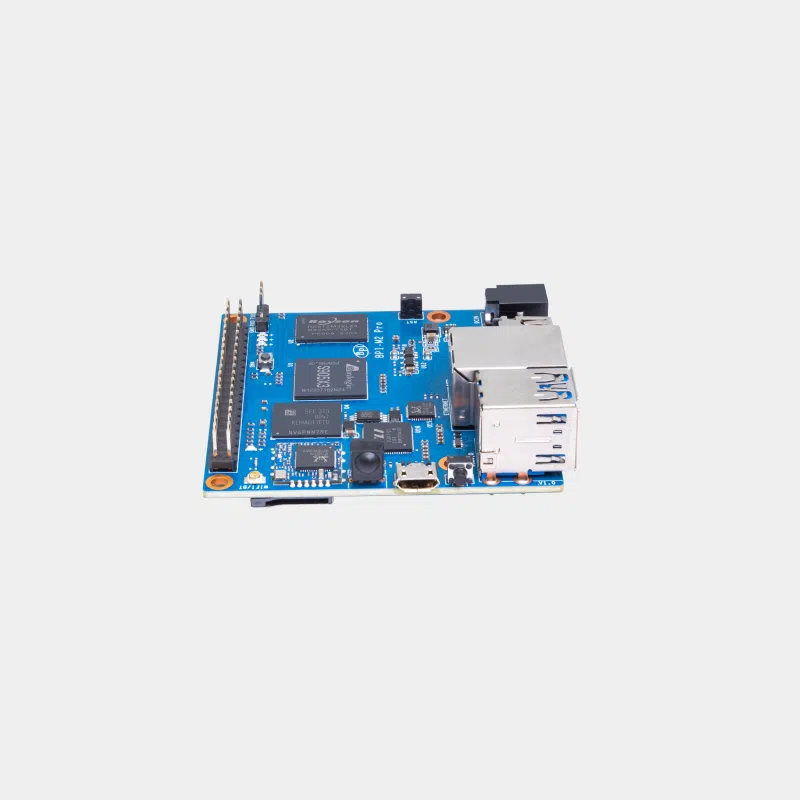
| BPI-M2 Pro | Amlogic S905X3, 4 x Cortex-A55 | 2 GB LPDDR4, 16 GB eMMC | Square 65 x 65 mm form factor, 2 USB 3.0 |
Choose the M2 Berry if native SATA is your priority and a lightweight 32-bit system is enough for you. For 4K multimedia use or a more comfortable Linux desktop, the BPI-M4 Berry or the BPI-M5 are better suited.
For installation, follow our guide to getting started with a Banana Pi, then discover the other boards on the Banana Pi page.
“M2” refers to a family. The M2 Berry is the version in the Raspberry Pi 3 form factor with an Allwinner A40i/R40/V40 SoC, native SATA and built-in Wi-Fi/Bluetooth.
No, it boots from a microSD card. The SATA port lets you add a drive for data.
Banana Pi specifies 5 V / 2 A via micro-USB. A 5.1 V / 2.5 A power supply is suitable.
Yes, Banana Pi states that the M2 Berry is the same size as the Raspberry Pi 3 and can use its cases.
Banana Pi publishes Android 6.0, Ubuntu, Debian, adapted Raspbian, Armbian and Tina Linux images.
No, its Cortex-A7 cores are 32-bit. For 64-bit, look at the BPI-M4 Berry or the BPI-M5.
The Banana Pi M2 Berry is the affordable SATA board for your storage and IoT projects. At MonRaspberry, you buy official, tested products, shipped from our stock based in France within 24/48 h after payment is received, with free pickup point delivery on orders from €200, returns within 14 days (with return authorization) and payment by Visa, Mastercard, PayPal, Apple Pay or Google Pay.