
-
-
-
 Raspberry Pi 5 accessories, Raspberry Pi 3 & Pi 2 accessories, Raspberry Pi 4 accessories, Raspberry Pi Zero accessories
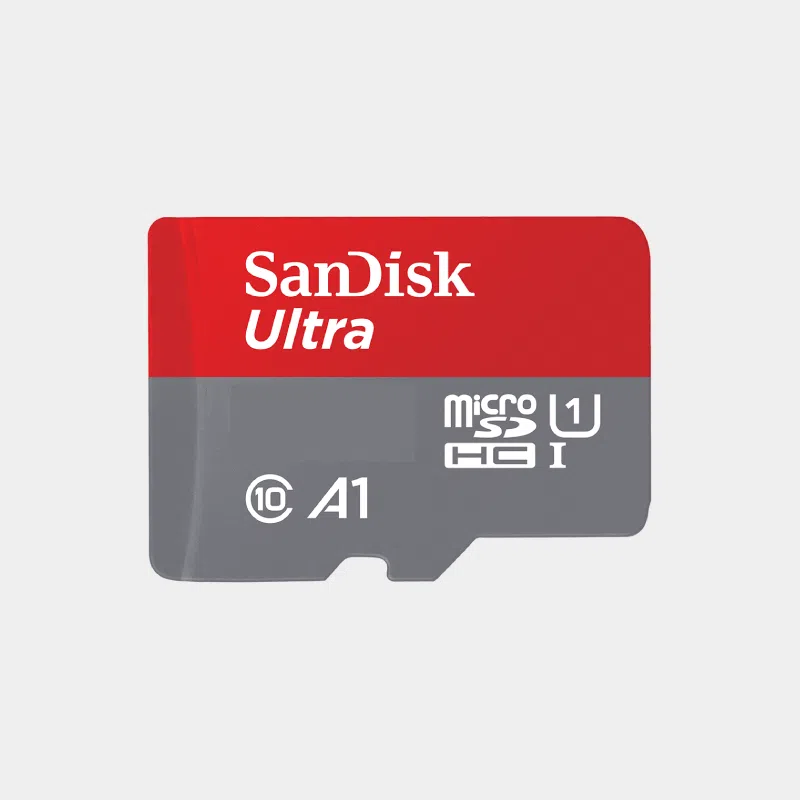
SanDisk Ultra microSD card
from 19,20 € INCL. VATIn stockSelect options This product has multiple variants. The options may be chosen on the product pageQuick view -
Raspberry Pi Zero accessories
GPIO Hammer Header (solderless)
from Original price was: 2,66 €.2,16 €Current price is: 2,16 €. INCL. VATIn stockSelect options This product has multiple variants. The options may be chosen on the product pageQuick view -
 Raspberry Pi 5 accessories, Raspberry Pi 3 & Pi 2 accessories, Raspberry Pi 4 accessories, Raspberry Pi Zero accessories
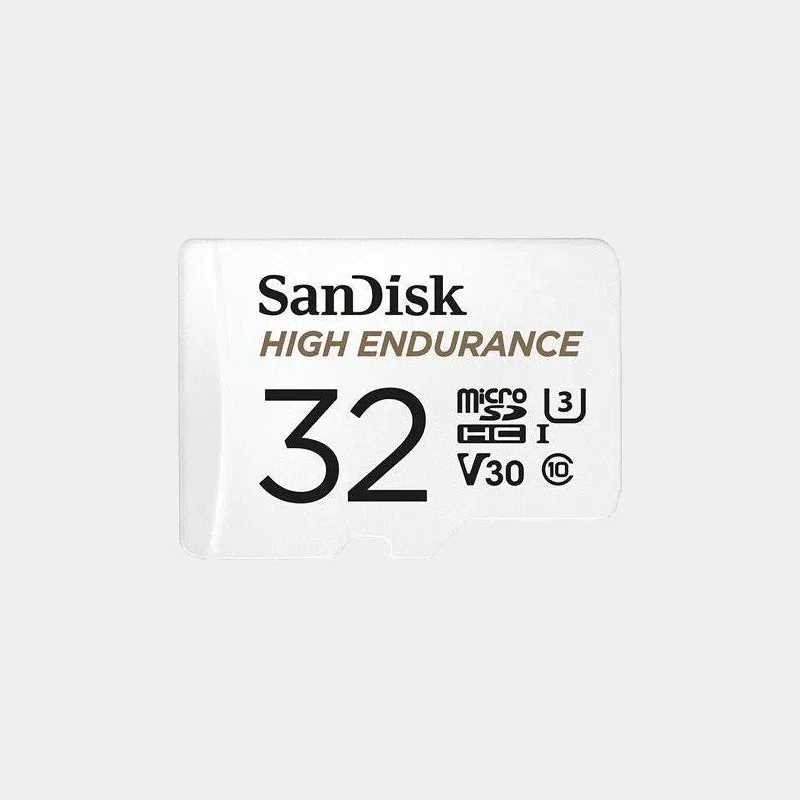
SanDisk High Endurance microSD card
from 30,80 € INCL. VATIn stockSelect options This product has multiple variants. The options may be chosen on the product pageQuick view -
 Raspberry Pi 5 accessories, Raspberry Pi 3 & Pi 2 accessories, Raspberry Pi 4 accessories, Raspberry Pi Zero accessories
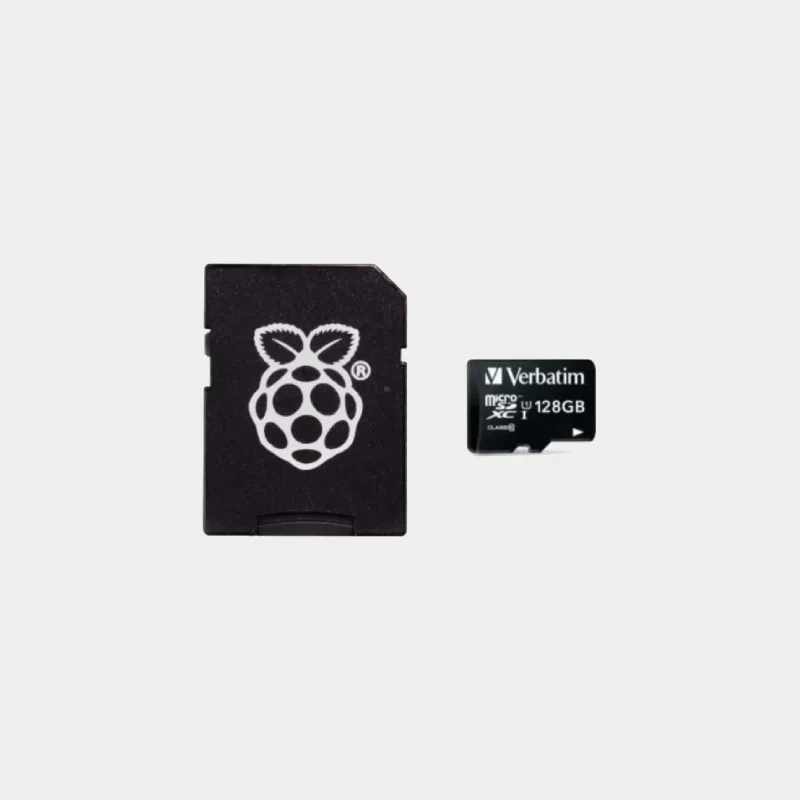
Official NOOBS microSD card
from 9,36 € INCL. VATIn stockSelect options This product has multiple variants. The options may be chosen on the product pageQuick view -
-
 Raspberry Pi Zero accessories
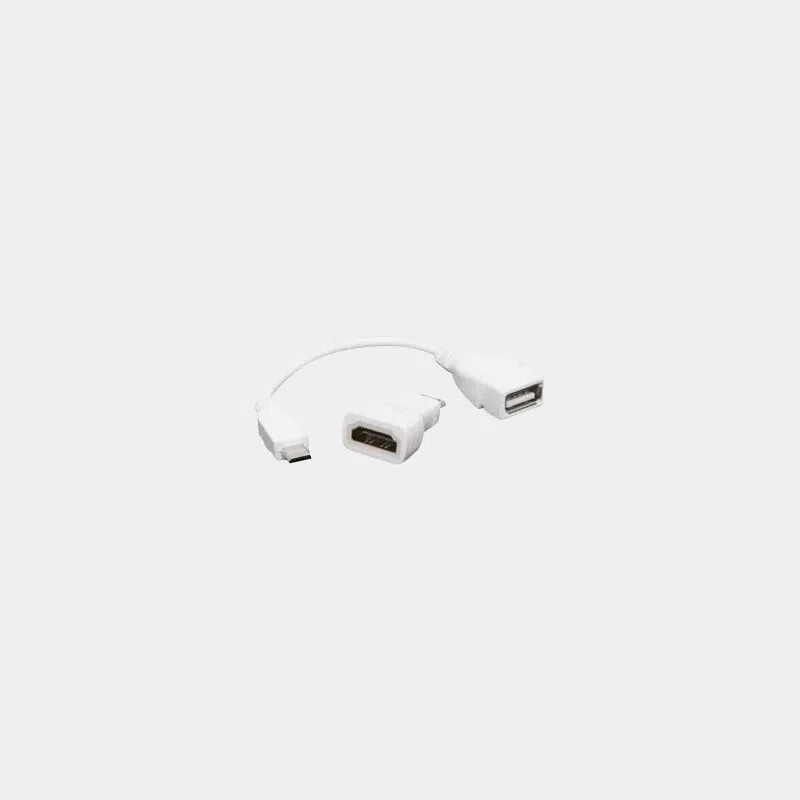
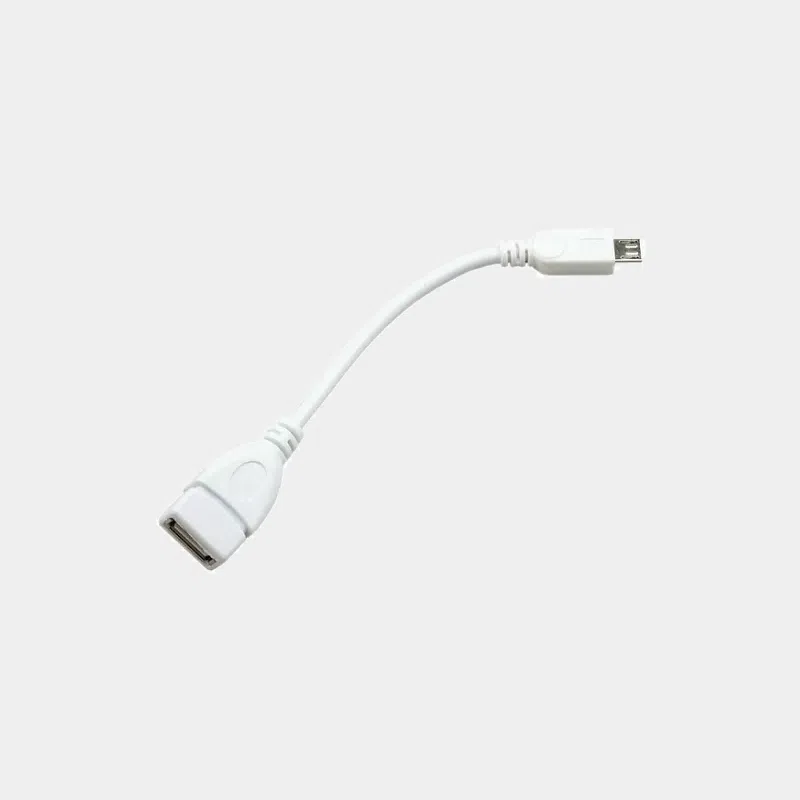
HDMI and USB adapter kit for Raspberry Pi Zero
4,70 € INCL. VATIn stock -
 Raspberry Pi 3 & Pi 2 accessories, Raspberry Pi 4 accessories, Raspberry Pi 5 accessories, Raspberry Pi Zero accessories
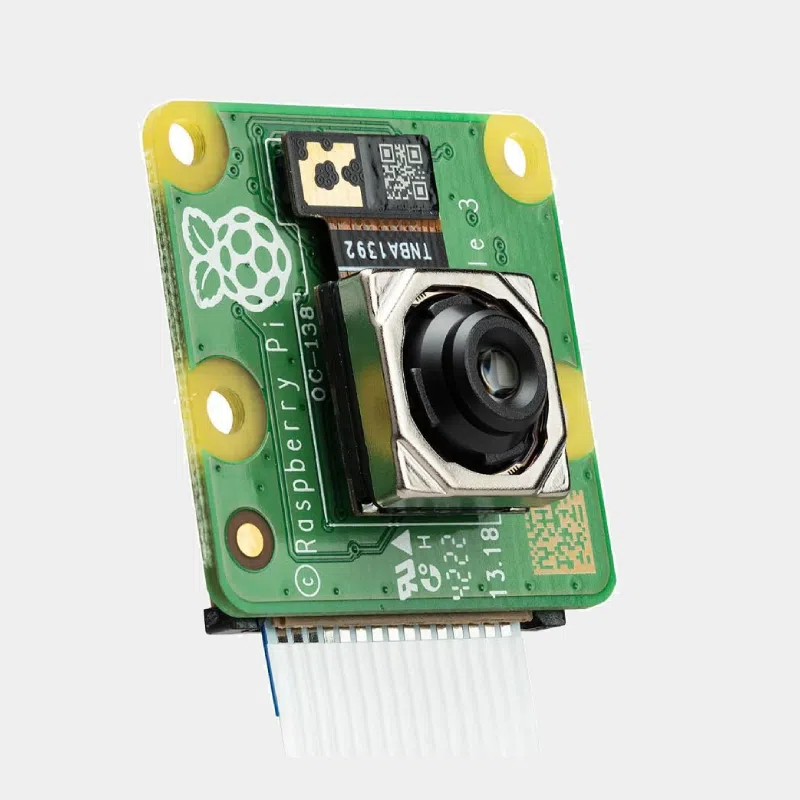
Camera module v3
from 33,60 € INCL. VATIn stockSelect options This product has multiple variants. The options may be chosen on the product pageQuick view -
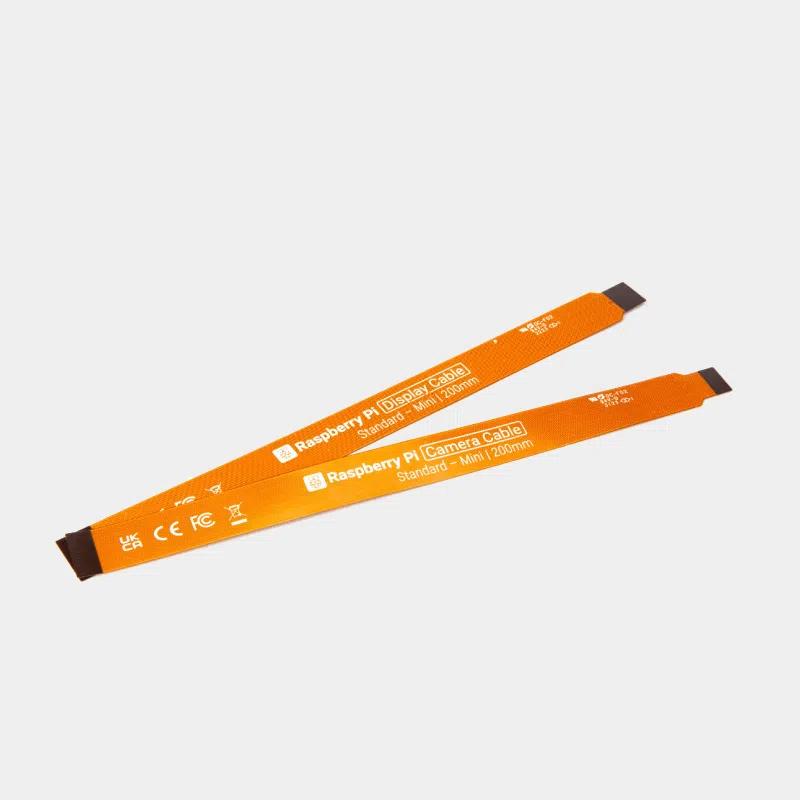 Raspberry Pi 5 accessories, Raspberry Pi Zero accessories
Raspberry Pi Camera Cable: standard to mini
from 1,44 € INCL. VATIn stockSelect options This product has multiple variants. The options may be chosen on the product pageQuick view -
-
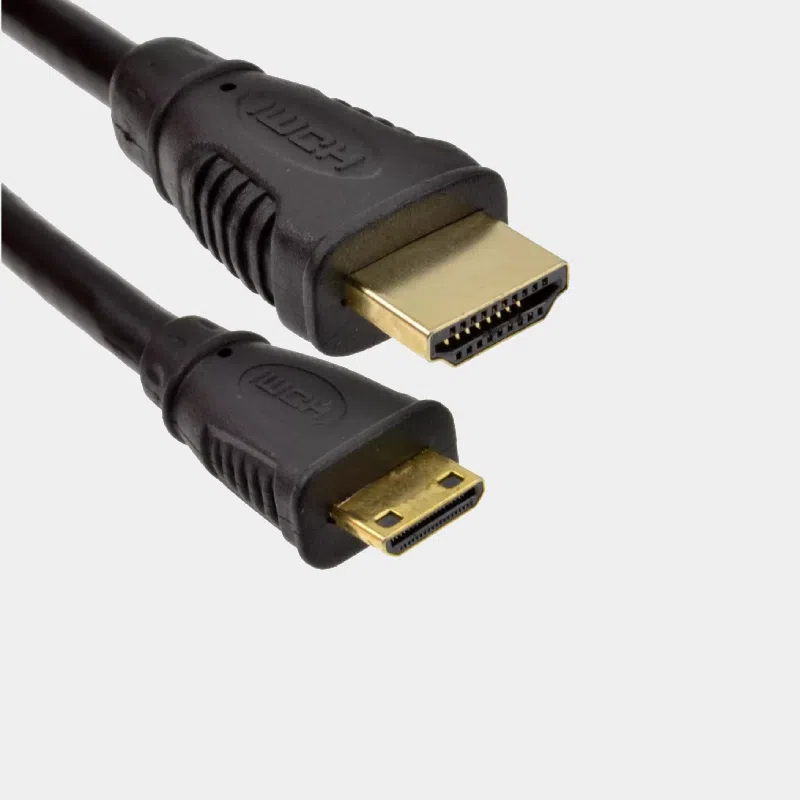 Raspberry Pi 3 & Pi 2 accessories, Raspberry Pi Zero accessories
mini-HDMI to HDMI cable
from 4,92 € INCL. VATIn stockSelect options This product has multiple variants. The options may be chosen on the product pageQuick view -
Raspberry Pi Zero: choosing the right board and accessories
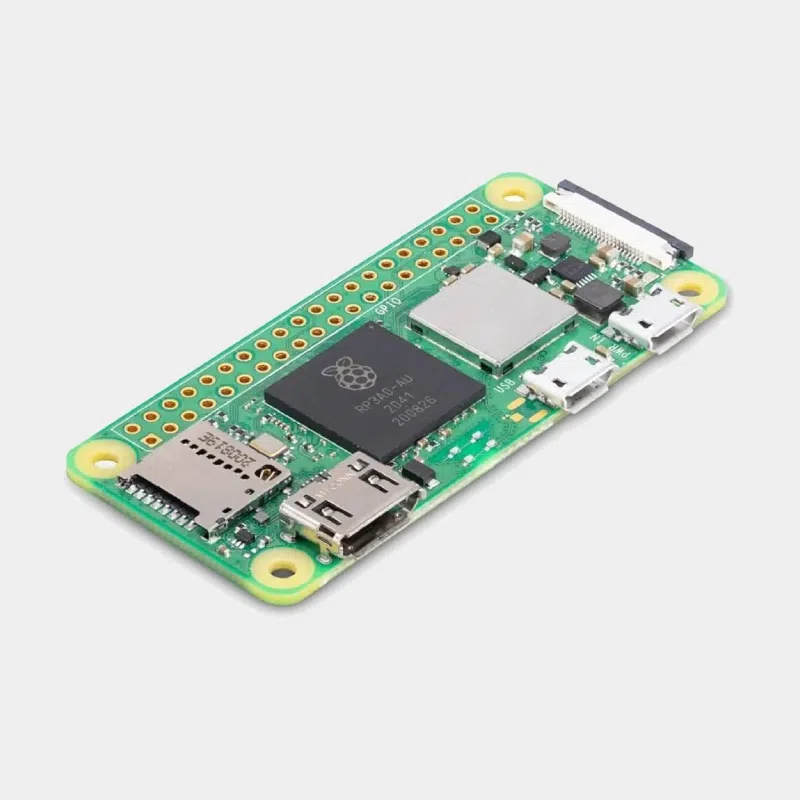
Are you looking for a Raspberry Pi Zero 2 W for a compact project, a handheld console or a small server that fits in your pocket? This guide helps you choose the right model in the Zero range, understand what to add so that everything works from the first boot, and avoid the most common compatibility mistakes (GPIO header, camera cable, case).
 Raspberry Pi Zero W |  Official Raspberry Pi power supply Micro-USB 12.5W | 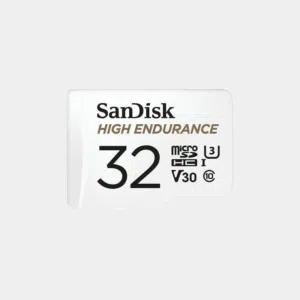 SanDisk High Endurance microSD card | 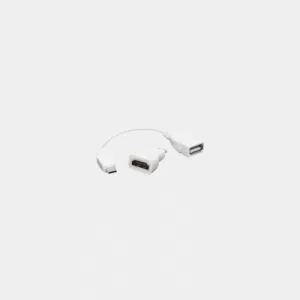 HDMI and USB adapter kit for Raspberry Pi Zero |
Which projects suit a Raspberry Pi Zero?
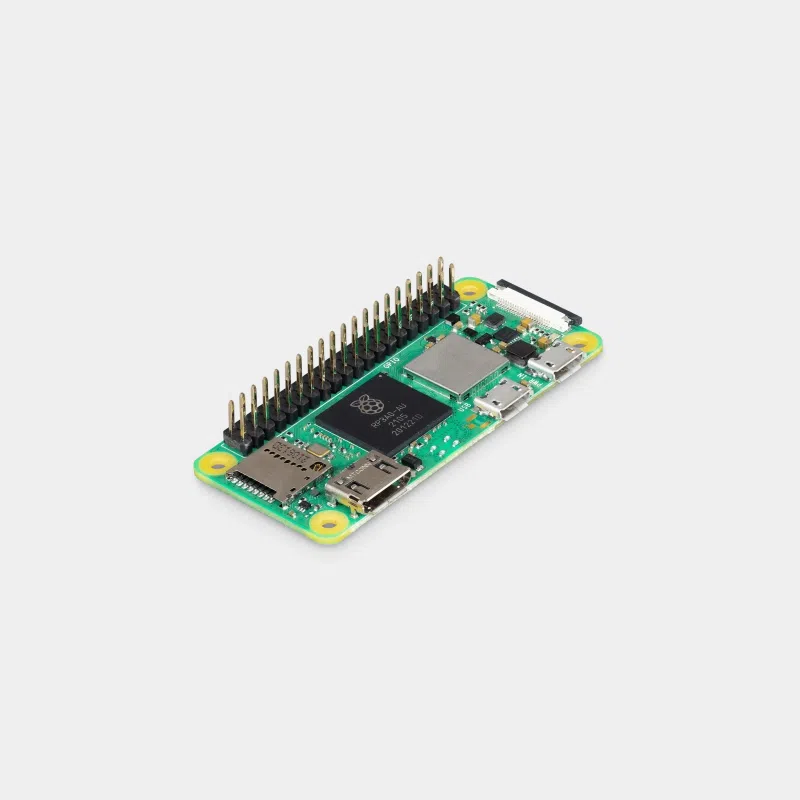
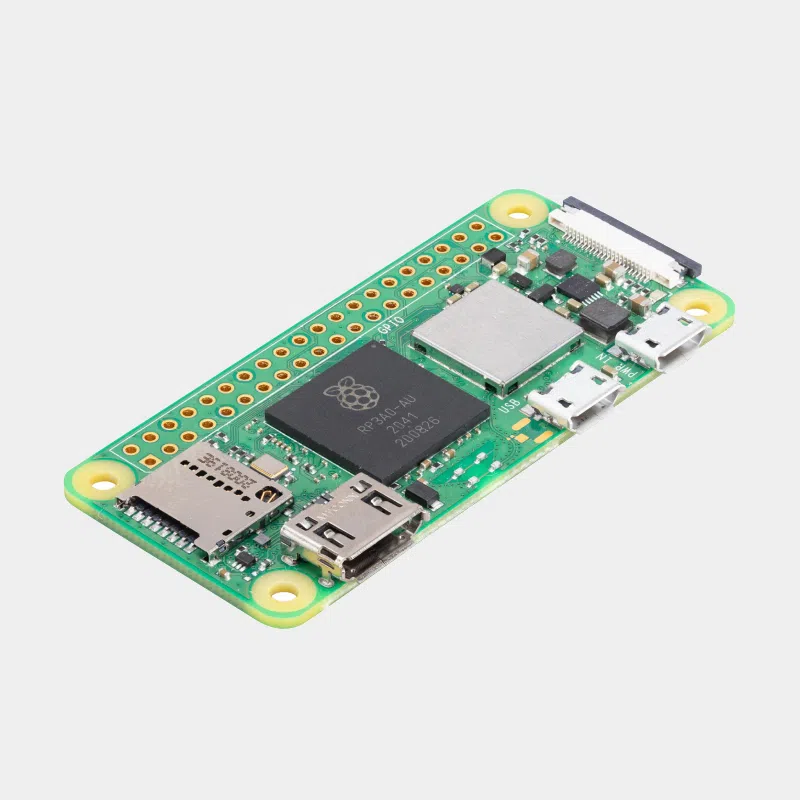
The Zero range shares a 65 x 30 mm format, a mini-HDMI port, a micro-USB OTG port for peripherals, a second micro-USB for power and a microSD slot. It is the ideal choice when space, weight or power consumption matter more than raw performance:
- Portable retro gaming : slipped into a pocket-console style case, the Zero becomes a handheld console running Recalbox.
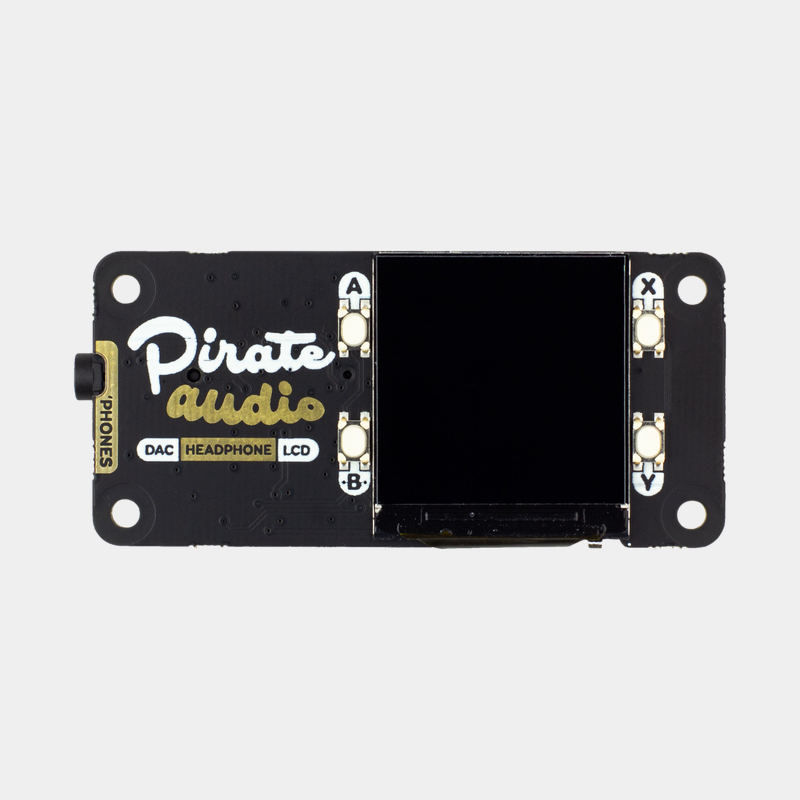
- Connected objects and sensors : the built-in Wi-Fi and the 40-pin HAT-format connector let you drive sensors, a display or an audio board.
- Camera and light video surveillance : the CSI camera connector accepts the official modules with the right cable.
- Small network services : ad blocker, VPN, network probe or data gateway, from the command line.
For a workstation, 4K multimedia or a demanding server, look to the Raspberry Pi 5 instead.
Zero 2 W, Zero 2 WH or Zero W: which one to buy?
The Zero 2 W, the default choice
Visit Raspberry Pi Zero 2 W board features the RP3A0, a 64-bit quad-core Cortex-A53 processor at 1 GHz, with 512 MB of SDRAM. Raspberry Pi claims it is five times faster than the original Zero, in the same format. It offers 802.11 b/g/n Wi-Fi at 2.4 GHz (no 5 GHz), Bluetooth 4.2 with BLE, and it is compatible with 64-bit Raspberry Pi OS. Its production is guaranteed until at least January 2030.
The Zero 2 WH, to plug in a HAT without soldering
The Raspberry Pi Zero 2 WH is the same board, supplied with the 40-pin GPIO connector already soldered on. It is the right option if you want to plug in an expansion board straight away. Be careful, however, with very thin cases or cases using pogo pin connections, which require a board without a header.
The Zero W, for very simple projects
The Raspberry Pi Zero W remains a single-core 1 GHz board with 512 MB of RAM, 802.11 b/g/n Wi-Fi and Bluetooth 4.1. It only supports the 32-bit versions of Raspberry Pi OS. Keep it for very light setups or for replacing an existing board.
| Criteria | Zero 2 W / Zero 2 WH | Zero W |
|---|---|---|
| Processor | 4 cores, 64-bit Cortex-A53, 1 GHz | 1 core, 1 GHz |
| Memory | 512 MB | 512 MB |
| Wireless | 2.4 GHz Wi-Fi, Bluetooth 4.2 and BLE | 802.11 b/g/n Wi-Fi, Bluetooth 4.1 and BLE |
| Raspberry Pi OS | 32 and 64-bit | 32-bit only |
| GPIO header | To solder (2 W) or soldered (2 WH) | Depending on the version chosen |
| Power supply | micro-USB 5 V, official 12.5 W power supply recommended for the Zero 2 W | |
What you need in addition to get started
The board is sold on its own. For a first boot with no nasty surprises, plan on:
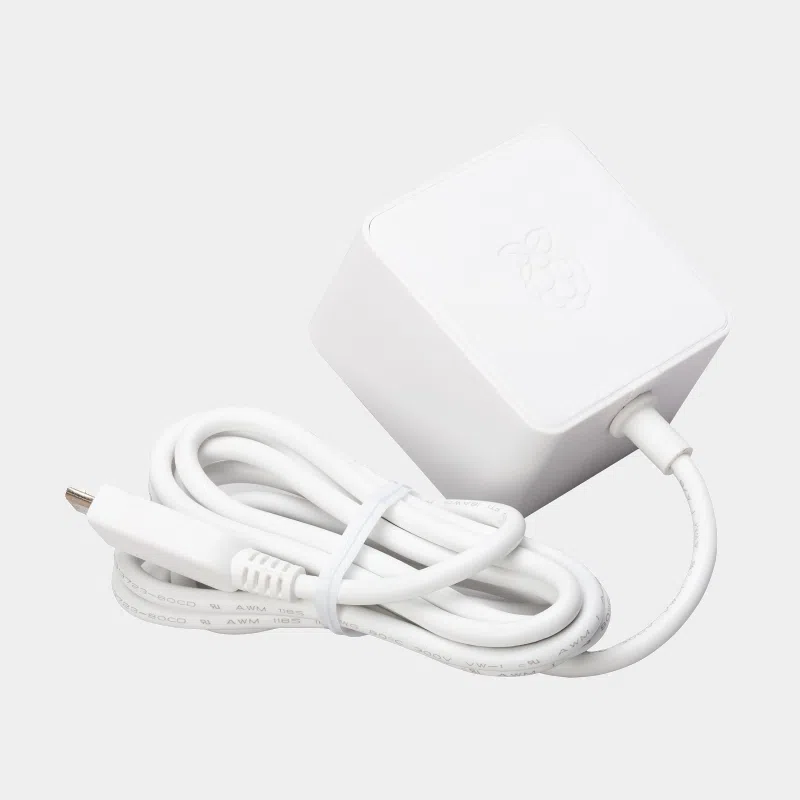
- A suitable power supply : the official Raspberry Pi micro-USB 12.5 W power supply delivers 5.1 V and 2.5 A, with short-circuit protection. It is the unit recommended by Raspberry Pi for the Zero 2 W.
- A microSD card : for a device that stays on permanently (camera, sensor), a SanDisk High Endurance microSD card is designed for repeated writes.
- The right adapters : the HDMI and USB adapter kit for Raspberry Pi Zero converts the mini-HDMI to HDMI and the micro-USB OTG to USB-A so you can connect a display, keyboard or USB stick.
- A GPIO header if needed : without a soldering iron, the Solderless GPIO Hammer Header is fitted with a hammer, with an installation jig supplied that the manufacturer strongly recommends using.
Find all the add-ons in the Raspberry Pi Zero accessories.
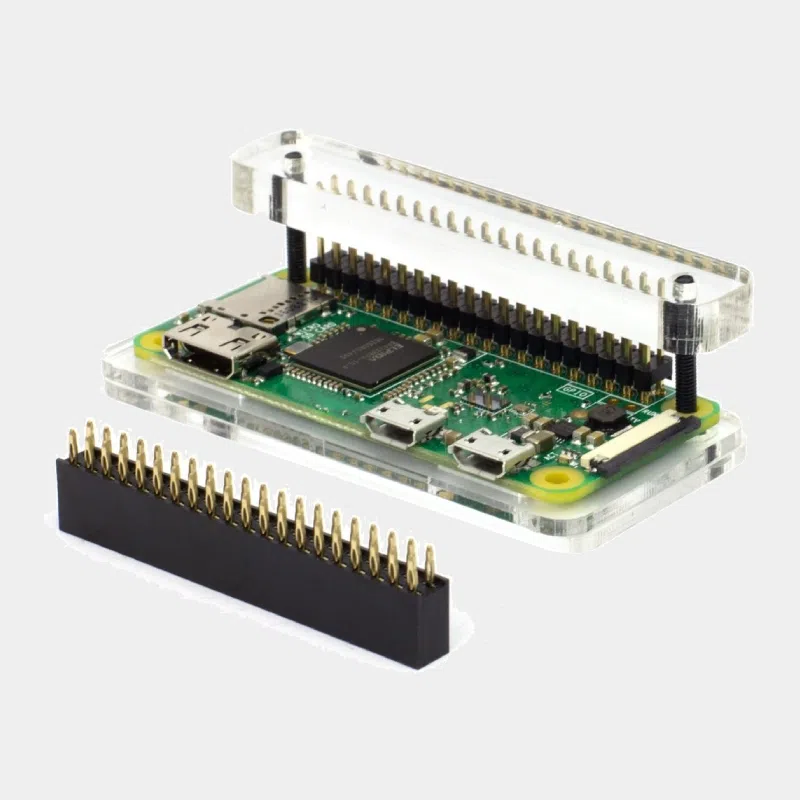 GPIO Hammer Header (solderless)from Original price was: 2,66 €.2,16 €Current price is: 2,16 €. INCL. VATIn stockIn stockView the product
Which case for a Raspberry Pi Zero?
The case depends mainly on two questions: does your board have a soldered header, and do you need access to the GPIO or the camera?
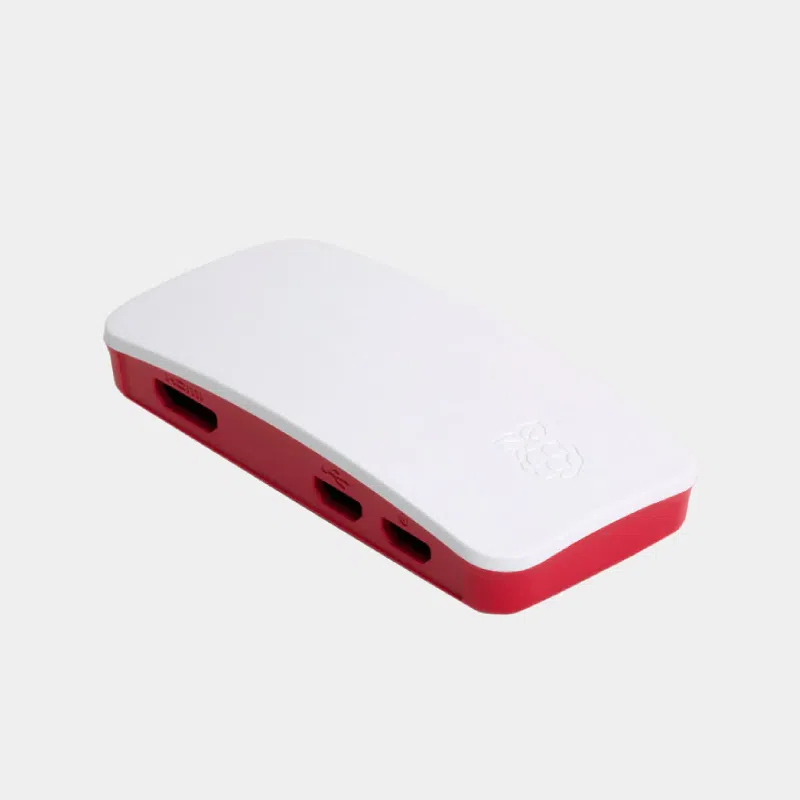
- The official case for Raspberry Pi Zero fits the Zero, Zero W and Zero 2 W. It comes with three lids (solid, GPIO, camera), a short camera cable and four rubber feet. The camera lid accepts Camera Module 1 and 2, but not Camera Module 3.
- The Pibow case for Raspberry Pi Zero 2W is reserved for the Zero 2 W. It leaves the ports and the GPIO accessible, accepts HATs and pHATs and provides a slot for the camera cable, but the microSD is enclosed.
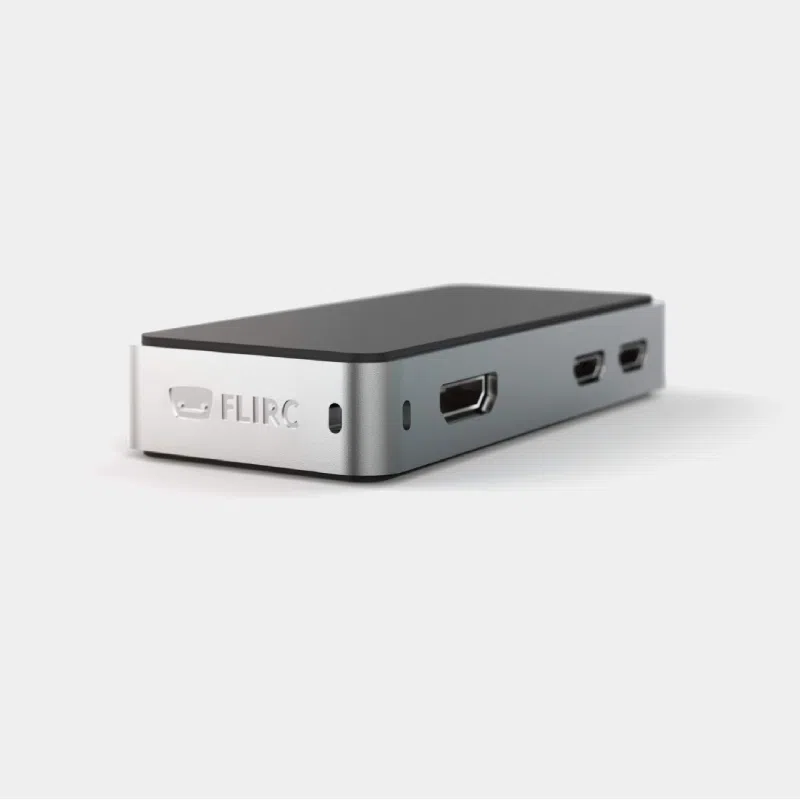
- The Flirc Raspberry Pi Zero case in aluminium acts as a passive heatsink. It comes with two lids (closed or GPIO access); it must be opened to remove the microSD.
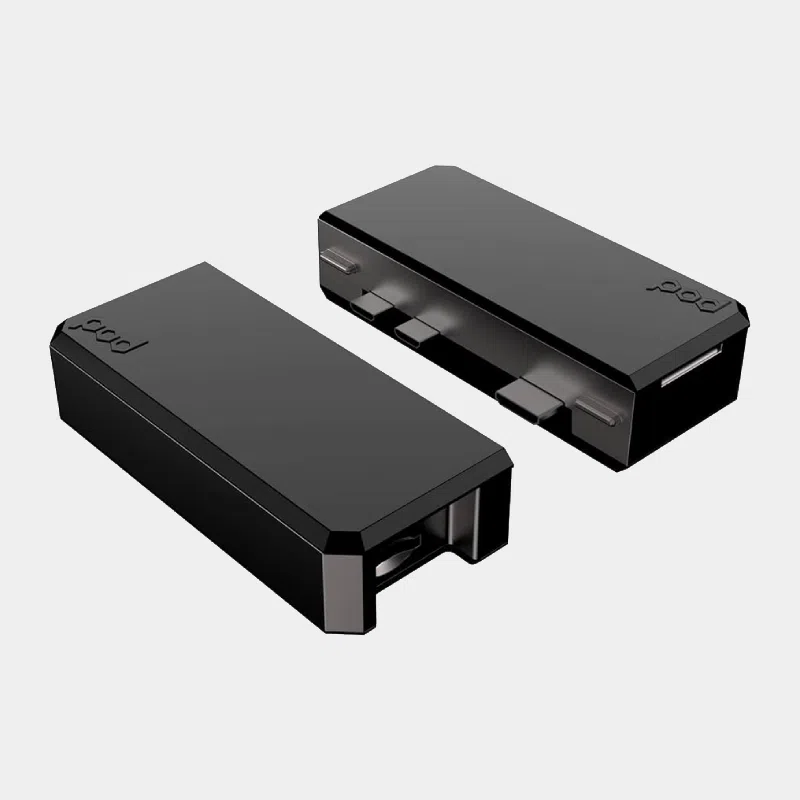
- TheArgon POD for Raspberry Pi Zero is designed for the Zero 2 W. Its included module converts the mini-HDMI to standard HDMI and adds three USB 2.0 ports. Display and USB-LAN modules are available as options.
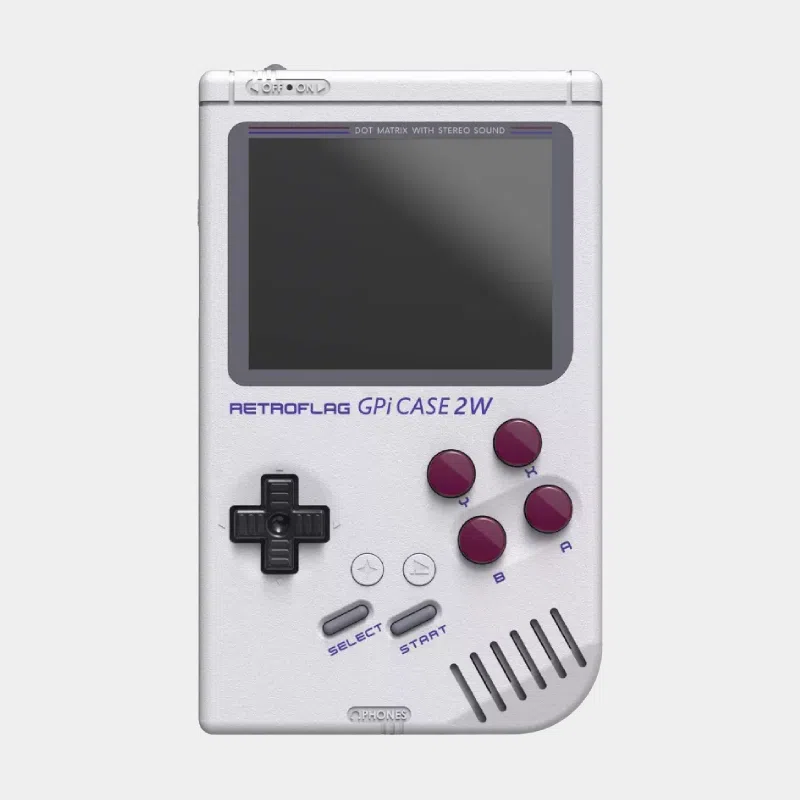
- For retro gaming, the GPi Case 2W turns the Zero into a handheld console with a 3 inch IPS 640 x 480 screen and a 2800 mAh battery. It accepts the Zero, Zero W and Zero 2 W, but not a board with a soldered header. Our tutorial oninstalling the GPi Case 2W with Recalbox on Raspberry Pi Zero 2W explains the assembly in detail.
The full selection can be found in the Raspberry Pi Zero cases.
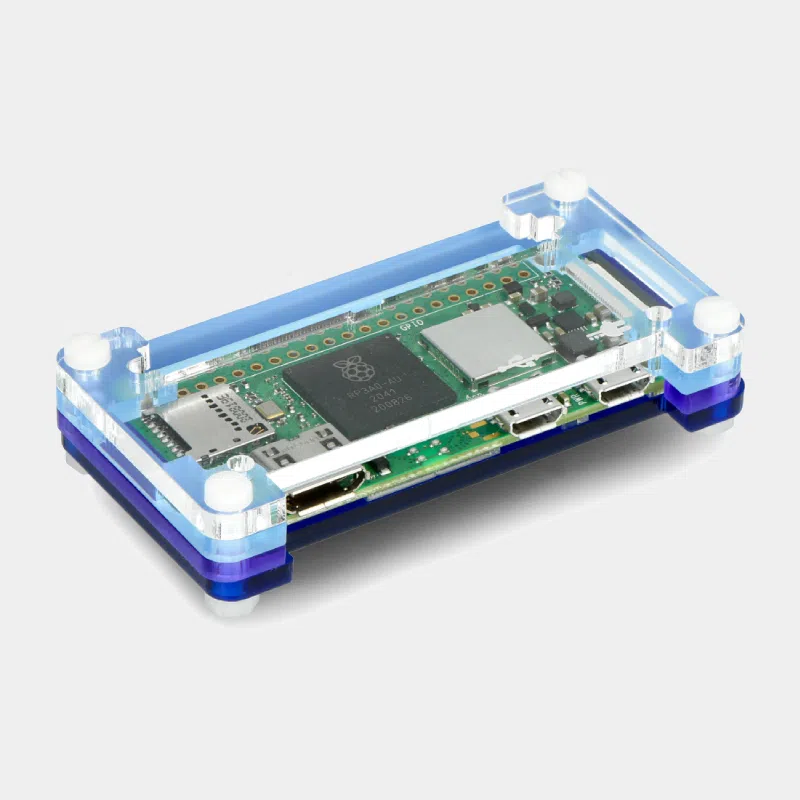 Pibow case for Raspberry Pi Zero 2 W Original price was: 7,74 €.5,10 €Current price is: 5,10 €. INCL. VATOut of stockOut of stockView the product
Compatibility and pitfalls to avoid
- Camera : the Zeros have a 22-pin camera connector, smaller than that of the Pi 3 and Pi 4. The official camera modules are supplied with a 15-pin cable, so you need the Standard-Mini cable, which Raspberry Pi lists for all the Zeros and the Pi 5.
- Soldered header or not : a console case with pogo pins rejects a WH board, whereas a HAT requires a header. Choose the board according to the end use.
- No DSI display : the Zero 2 W has no DSI display connector; use the mini-HDMI output or a GPIO display.
- 2.4 GHz Wi-Fi only on the Zero 2 W : check that your router does broadcast a 2.4 GHz network.
Frequently asked questions
What is the difference between the Raspberry Pi Zero W and the Zero 2 W?
Same format and same memory (512 MB), but the Zero 2 W moves to four 64-bit cores, supports 64-bit Raspberry Pi OS and Bluetooth 4.2. For a new project, it is the model to favour.
What does the "H" in Zero 2 WH stand for?
It indicates that the 40-pin GPIO connector is already soldered on. The Zero 2 W without the "H" is supplied with an empty footprint, to be fitted yourself if needed.
Which power supply for a Raspberry Pi Zero?
A good-quality 5 V micro-USB power supply. For the Zero 2 W, Raspberry Pi recommends its official 12.5 W unit (5.1 V, 2.5 A).
Which operating system should I install?
Raspberry Pi OS, in the Lite version without a desktop for server or sensor uses, is installed with Raspberry Pi Imager. For retro gaming, Retroflag recommends Recalbox with its GPi Case 2W.
Can the Zero 2 W replace a Raspberry Pi 5?
Not for heavy uses, yes for embedded setups. Our comparison Raspberry Pi 5 vs Zero 2 W helps you decide, and our full review of the Raspberry Pi Zero 2 W details its performance.
Order your Raspberry Pi Zero with confidence
Our products are official and tested, shipped within 24/48 h after payment is received from our stock based in France, with free pickup point delivery from €200 of purchases. Need a ready-to-use board? Take advantage of our micro SD card duplication and flashing service. Choose your Raspberry Pi Zero 2 W above, add a power supply, microSD and case, and your project is ready to start.