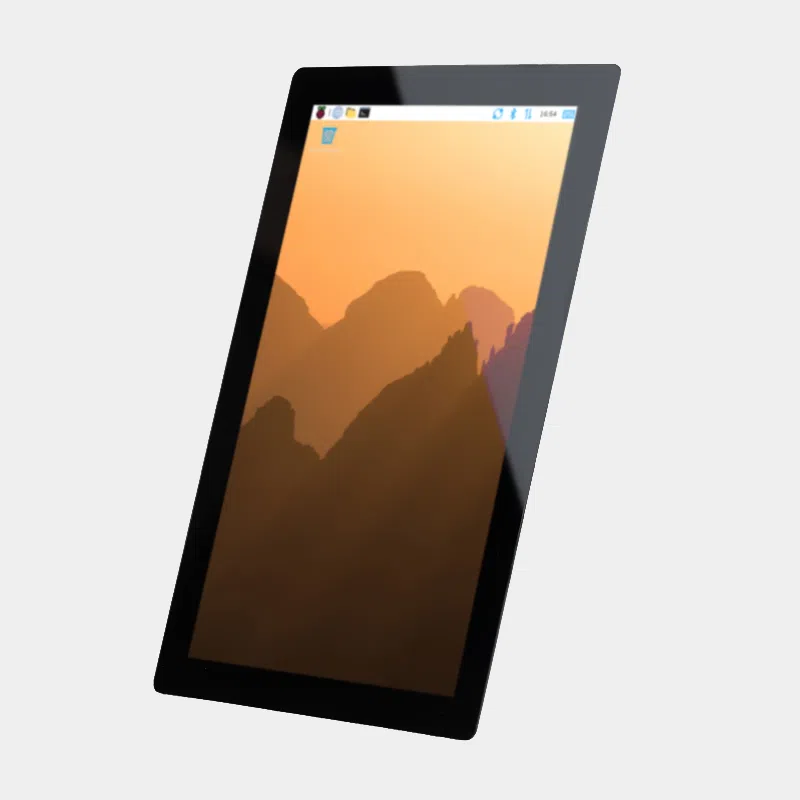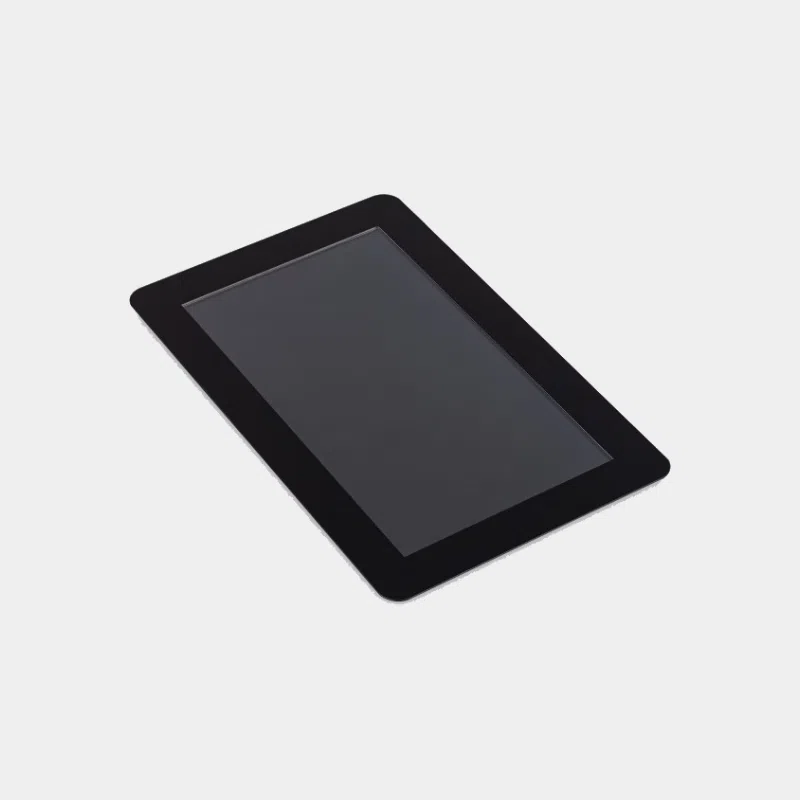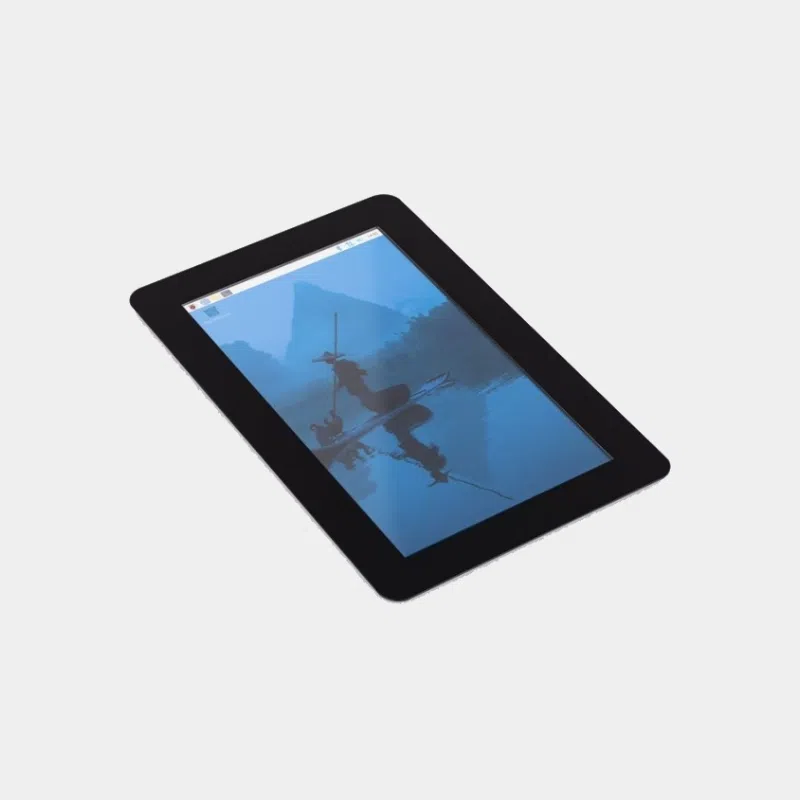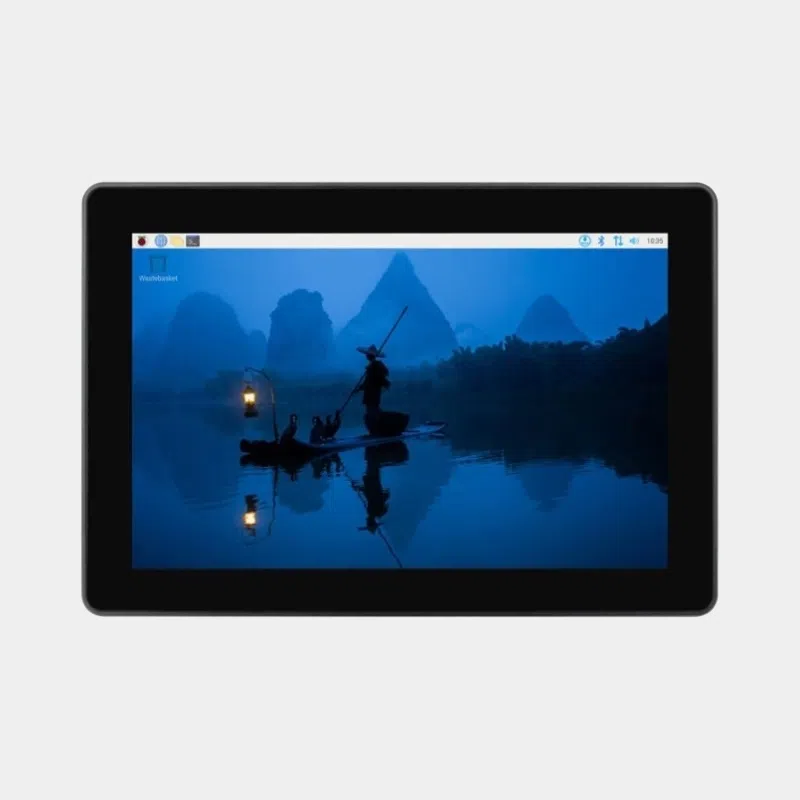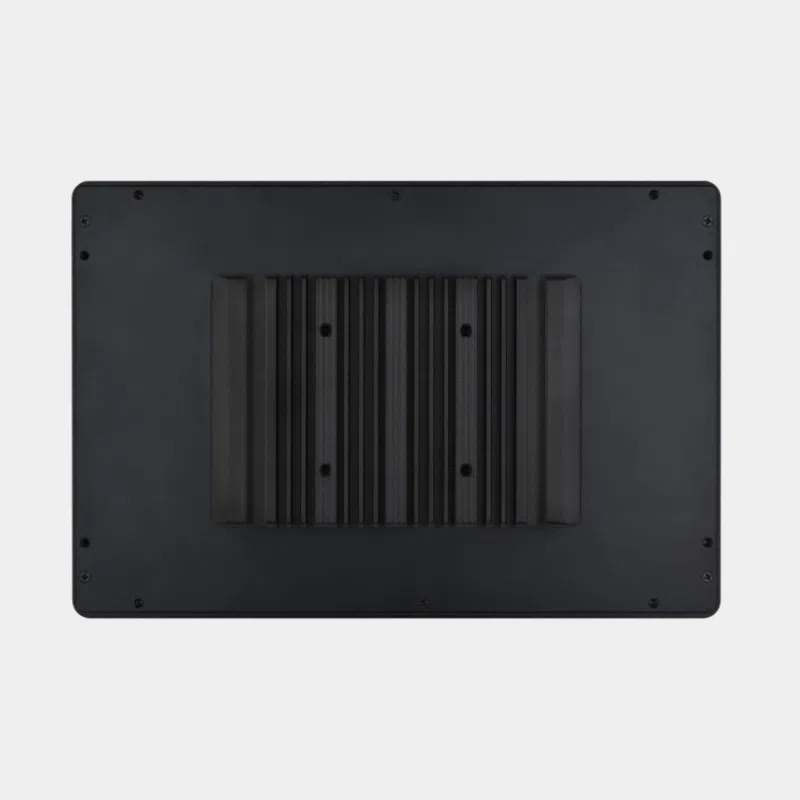


Official Raspberry Pi 7-inch 800×480 touchscreen
74,40 € INCL. VAT
7″ touchscreen for Raspberry Pi: 800×480 resolution, compact and interactive, ideal for embedded projects.
Business, school or public body? business account Education offers
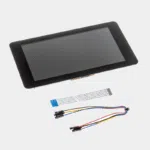
Official Raspberry Pi 7-inch 800×480 touchscreen
74,40 € INCL. VAT
- Description
- Additional information
Description
Raspberry Pi 7-inch touchscreen: the official 800 x 480 display
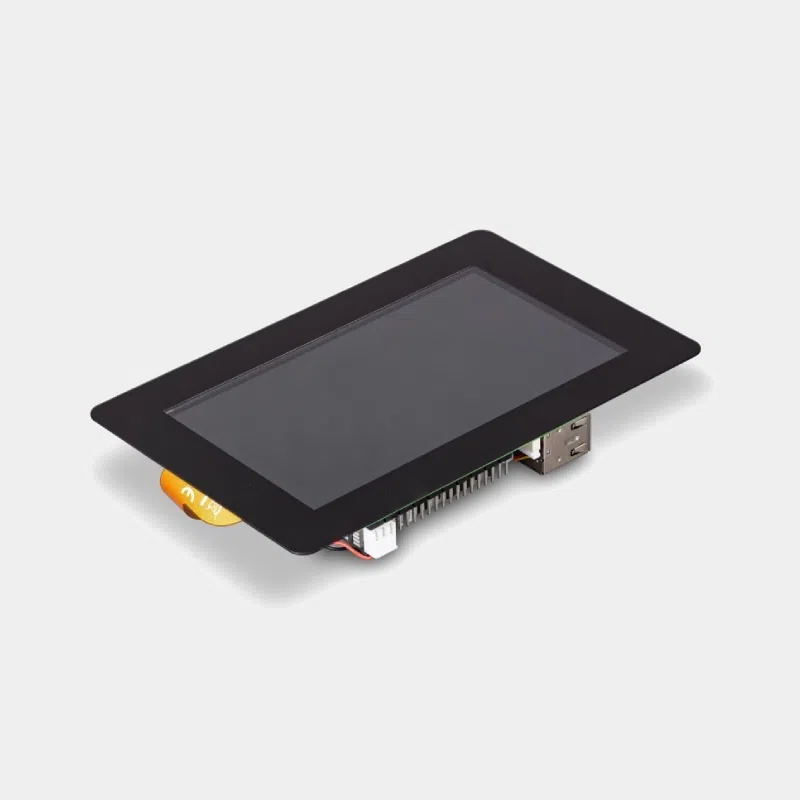
The official 7-inch Raspberry Pi touchscreen is the go-to solution for turning a Raspberry Pi board into a tablet, an interactive kiosk or a dashboard. It connects to the DSI port, is powered directly from the GPIO and recognizes up to 10 fingers. Raspberry Pi OS detects it automatically and provides an on-screen keyboard: a keyboard and mouse become optional.
Highlights
- Official Raspberry Pi display, automatically detected by Raspberry Pi OS on B+ and later models.
- Multi-touch capacitive up to 10 simultaneous points, with on-screen keyboard support.
- Video link via DSI ribbon cable : the board's HDMI ports remain free.
- No separate power supply : the display draws about 200 mA at 5 V at maximum brightness, supplied by the GPIO.
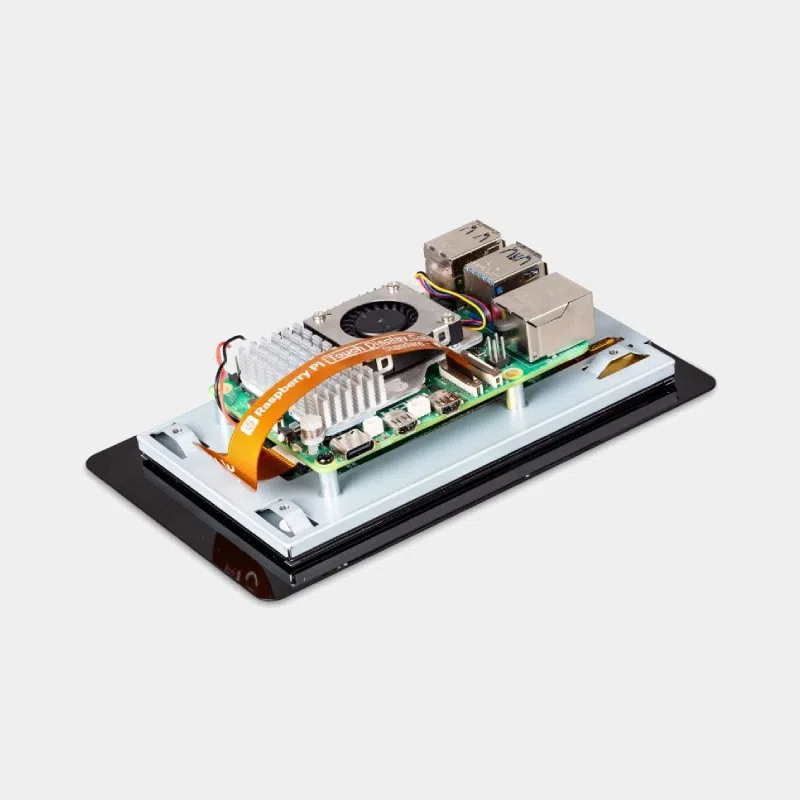
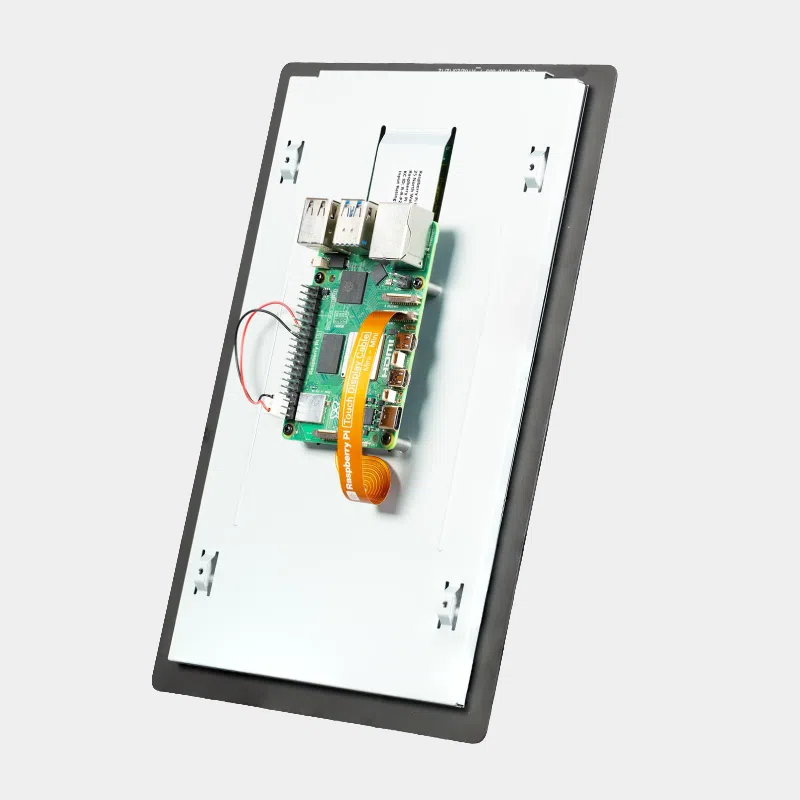
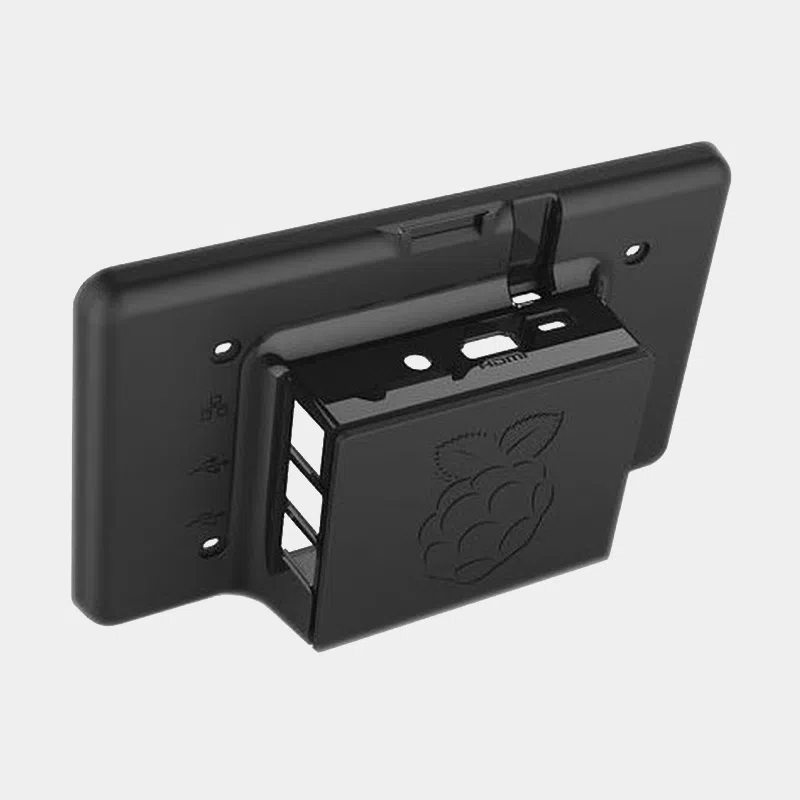
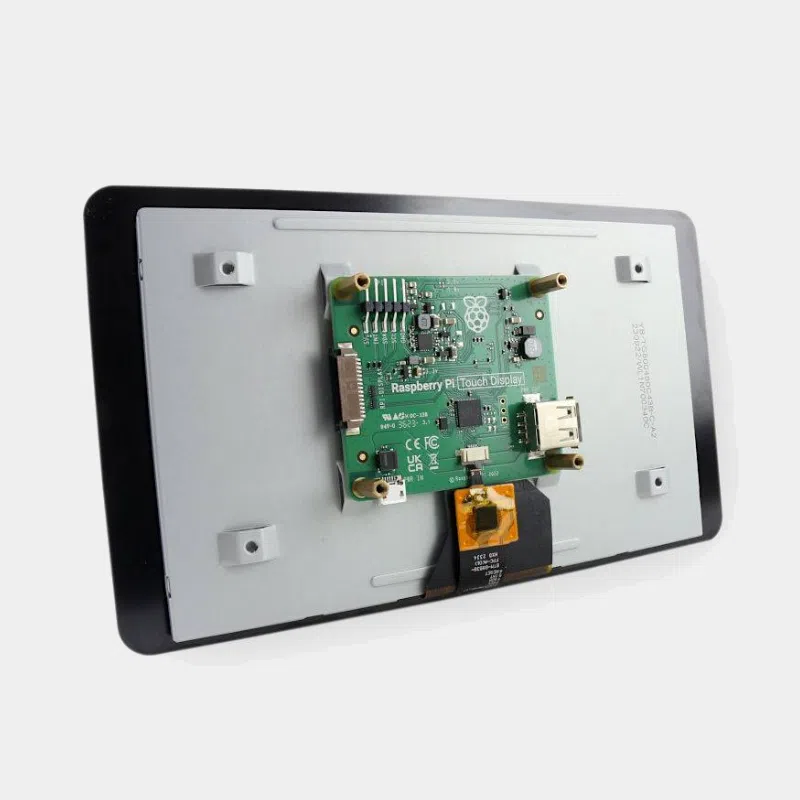
- Compact mounting : the Raspberry Pi board screws onto the back of the display using the supplied standoffs.
- Guaranteed longevity : Raspberry Pi states production until at least January 2030, an asset for professional projects.
Technical specifications
| Features | Value |
|---|---|
| Diagonal | 7 inches |
| Resolution | 800 x 480 pixels, 24-bit color (more than 16 million colors) |
| Panel | TFT, anti-glare treatment, LED backlight (20,000 hour lifespan) |
| Touch | multi-touch capacitive, up to 10 points |
| Active area | 154.08 x 85.92 mm |
| Module dimensions | 192.96 x 110.76 mm |
| Viewing angles | 140° horizontal, 120° vertical |
| Brightness and contrast | 250 cd/m² on average, 500:1 contrast |
| Connection | DSI port via the adapter board, 15-pin ribbon cable included |
| Power supply | via the Raspberry Pi GPIO, about 200 mA at 5 V |
Box contents
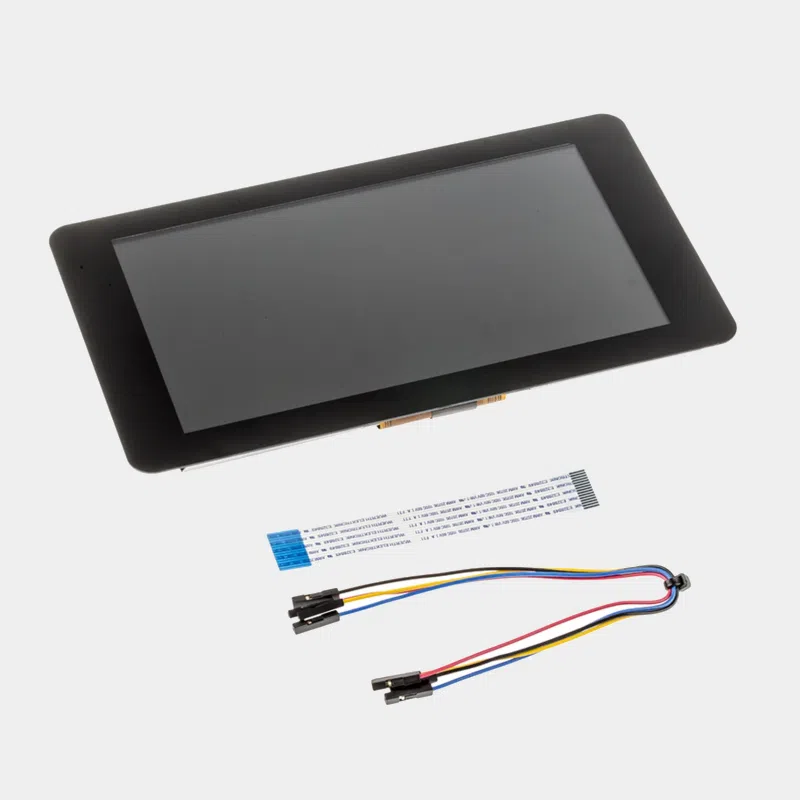
- 7-inch touchscreen with its adapter board
- 4 standoffs and 4 M2.5 screws to attach the Raspberry Pi board to the back of the display
- 1 DSI ribbon cable, 15-pin to 15-pin
- 4 jumper wires to power the display from the GPIO
Compatibility: which Raspberry Pi to use it with?
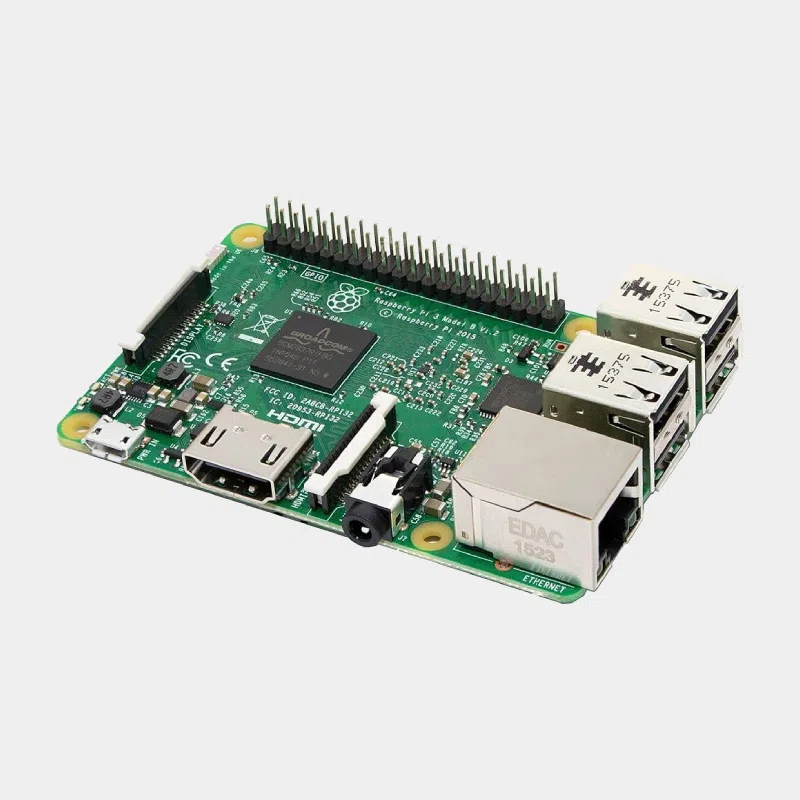
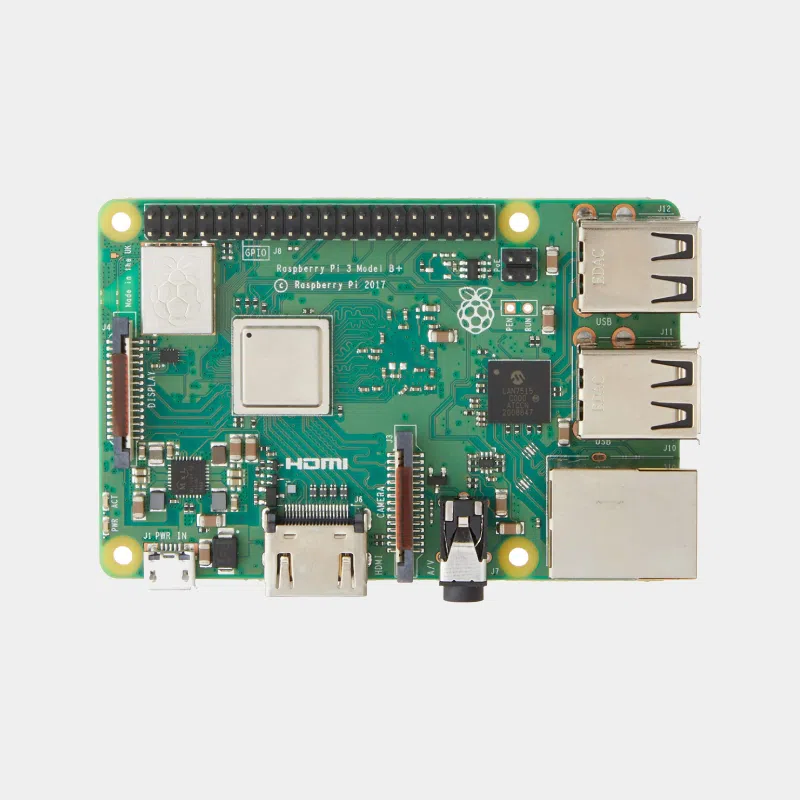
The display works with the Raspberry Pi 5, the Raspberry Pi 4, the Raspberry Pi 3 and 3 A+ and, more broadly, all models since the B+, as well as with Compute Module 4 and 5 mounted on an I/O board fitted with a DSI connector.
- Raspberry Pi 5 : its DSI connector is smaller (22-pin). The supplied ribbon cable is not suitable, you need a 22-pin to 15-pin DSI ribbon cable for Raspberry Pi 5, sold separately. The Pi 5 can drive up to two touchscreens.
- Raspberry Pi 400, Raspberry Pi 500 and Zero range : not compatible, as they have no DSI connector.
- Compute Module : the display is not detected automatically, it must be enabled in the system configuration.
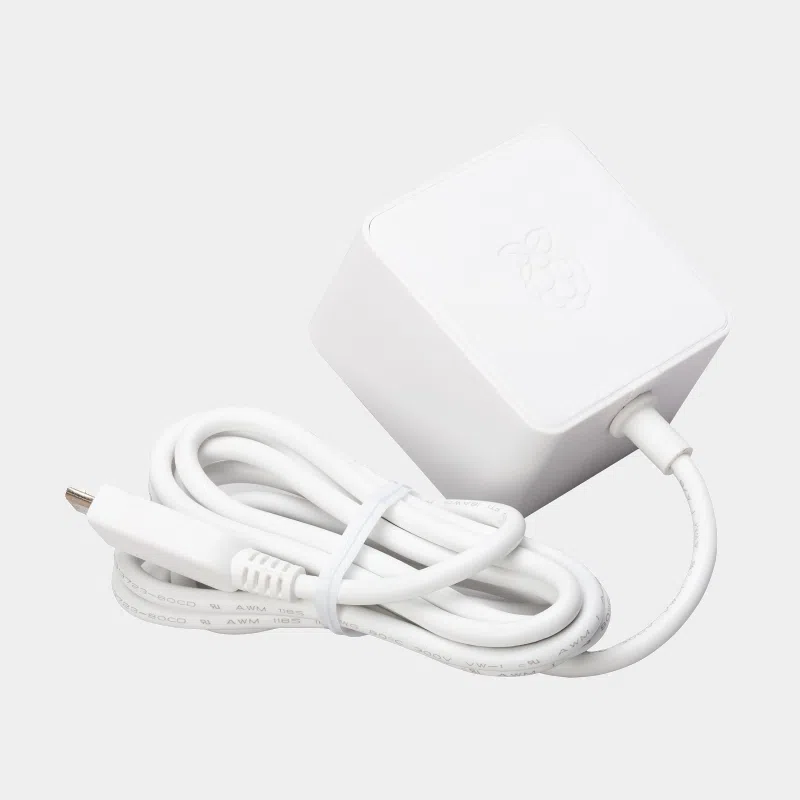
- Power supply : the display draws its current from the board, so use the official power supply suited to your model.
What else you need
- With a Raspberry Pi 5: theOfficial 27 W USB-C power supply (5.1 V, 5 A) and the 22-pin to 15-pin ribbon cable.
- With a Raspberry Pi 4: theofficial USB-C 15.3 W power supply, sufficient for the board and the display.
- To stand the display on a desk: the official stand for 7-inch display, designed for this model.
- A microSD card with Raspberry Pi OS, which includes the display drivers.
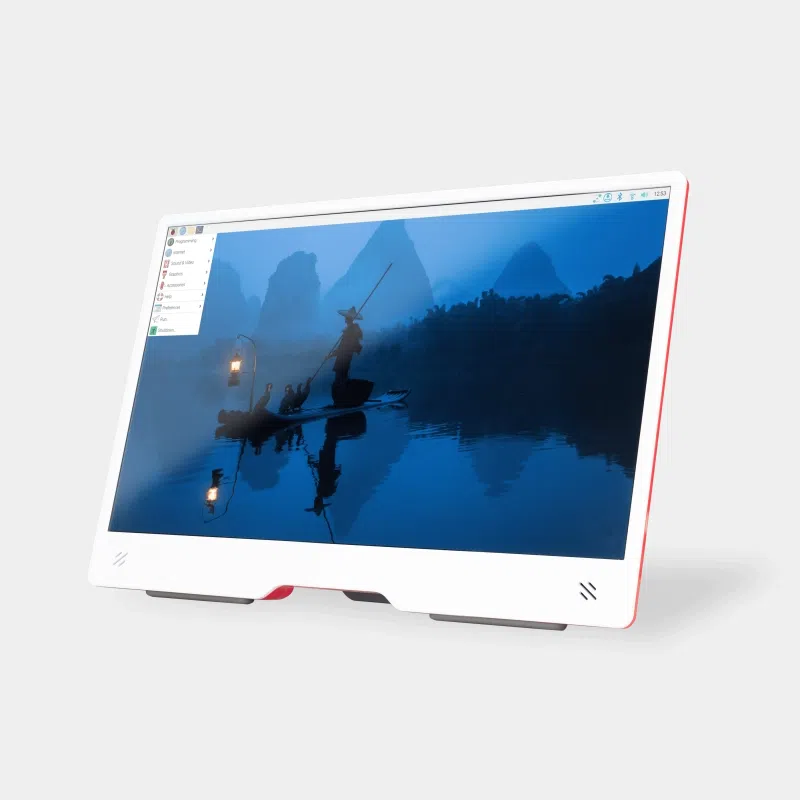
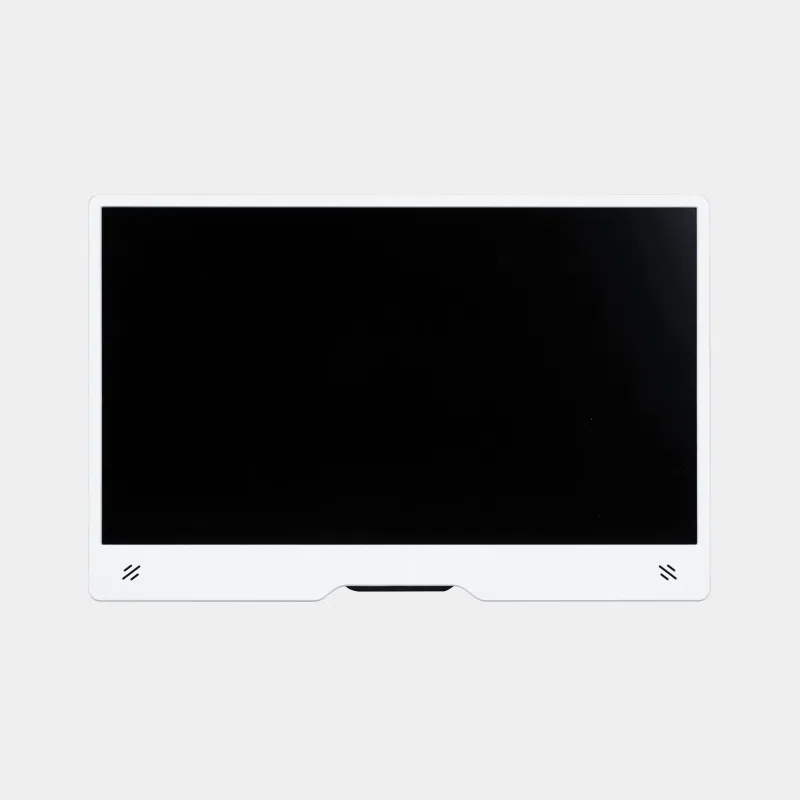
Looking for a more recent panel? The new generation Raspberry Pi Touch Display 2 is the official alternative to this display.
Uses and project ideas
- Interactive kiosk for a museum, a trade show or a reception area: follow our guide to build an interactive kiosk with Raspberry Pi.
- Digital signage in a shop or waiting room, detailed in our article on in-store digital signage.
- Smart home dashboard mounted on the wall to control your Home Assistant setup in kiosk mode.
- Home tablet or weather station with a viewing screen.
Frequently asked questions
Does this 7-inch display work with a Raspberry Pi 4?
Yes, directly: the supplied ribbon cable plugs into the DSI port marked DISPLAY on the Raspberry Pi 4 and the display is detected automatically.
And with a Raspberry Pi 5?
Yes, provided you use a 22-pin to 15-pin ribbon cable, sold separately, as the Raspberry Pi 5 uses a smaller DSI connector.
Does the display need a separate power supply?
No. The supplied jumper wires connect the 5 V and GND pins of the GPIO to the adapter board. Simply plan for the official power supply for your Raspberry Pi.
What are the dimensions of the display?
The module measures 192.96 x 110.76 mm with an active area of 154.08 x 85.92 mm.
Can it be used without a keyboard or mouse?
Yes. The 10-point touch and the Raspberry Pi OS on-screen keyboard are enough to navigate and enter text.
Order with confidence on MONRASPBERRY : official, tested products, free delivery to a pickup point on orders from €200, returns within 14 days (with return authorization) and payment by Visa, Mastercard, PayPal, Apple Pay or Google Pay.
Additional information
| Connections | GPIO, HDMI, Nappe, USB 2.0 |
|---|---|
| Accessory type | Peripherals |