
Raspberry Pi Touch Display 2: 10.1″ version
92,40 € INCL. VAT
- Large official 10.1-inch touch screen, 1200 x 1920 anti-glare IPS panel
- Ten-finger capacitive touch, powered from the GPIO, only two cables
- Compatible with Raspberry Pi 5 and Compute Modules, ideal for kiosks and dashboards
Business, school or public body? business account Education offers
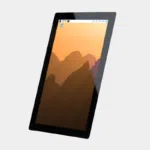
Raspberry Pi Touch Display 2: 10.1″ version
92,40 € INCL. VAT


- Description
Description
Raspberry Pi 10-inch touch screen: the official Touch Display 2 10.1″
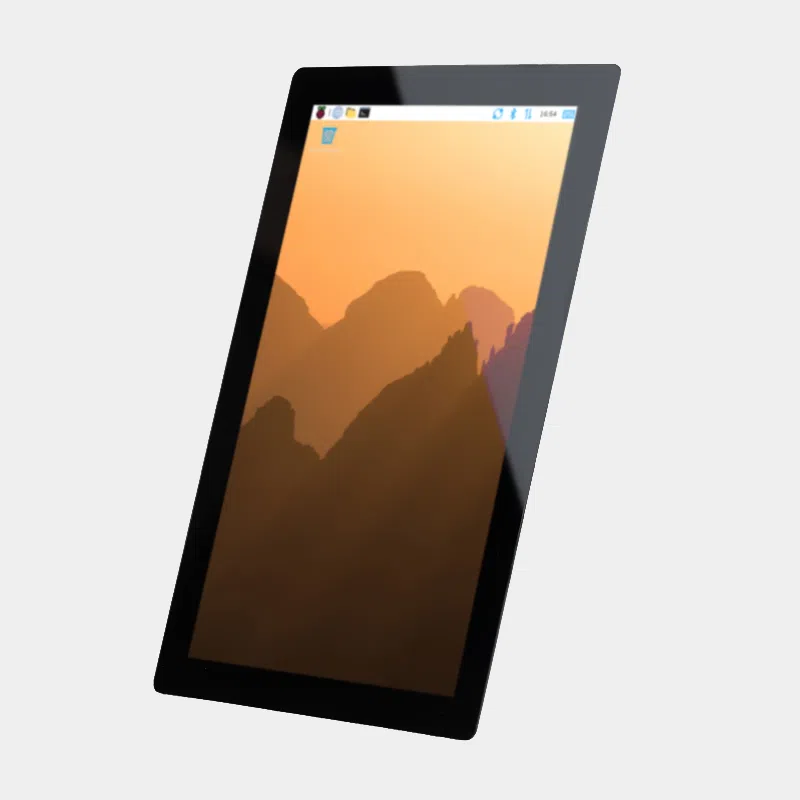
The Raspberry Pi Touch Display 2 in 10.1 inches is Raspberry Pi's largest official touch screen. Its 1200 x 1920 pixel IPS panel, ten-finger capacitive touch and connection with just two cables make it the ideal basis for a kiosk, a wall-mounted dashboard or a home-made tablet built around a Raspberry Pi 5. It is powered directly from the GPIO connector: no mains adapter or HDMI cable needed.
Highlights
- Large 10.1-inch IPS panel at 1200 x 1920 pixels, 24-bit colour, anti-glare treatment.
- Ten-finger capacitive touch, natively recognised by Raspberry Pi OS, with on-screen keyboard.
- Native portrait, rotate to landscape in a few clicks from the Control Centre.
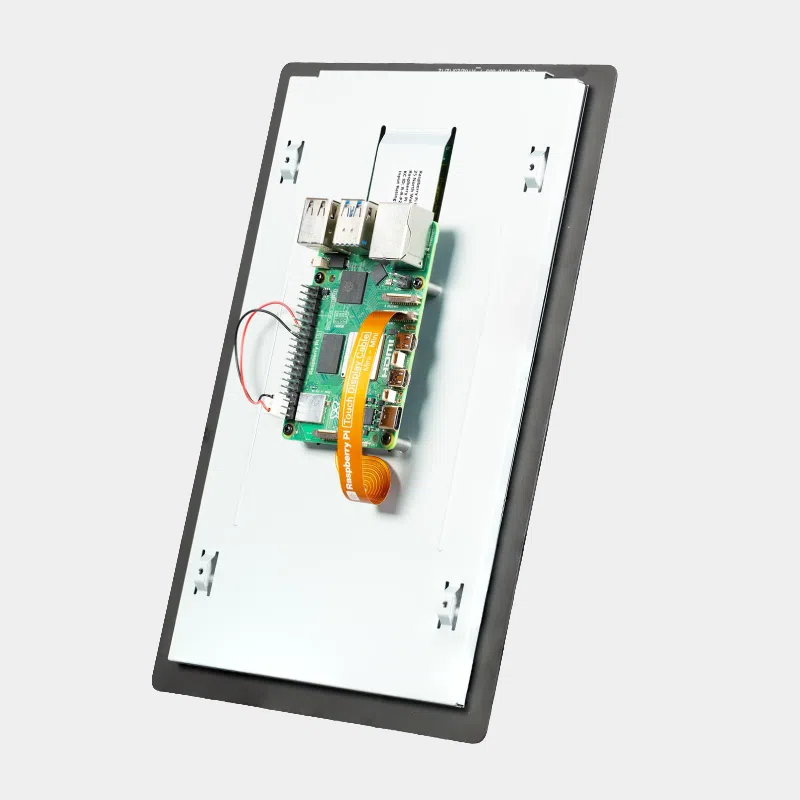
- Two connections : a Mini to Mini DSI ribbon cable and a power cable on the GPIO.
- Raspberry Pi mounted on the back using the four corner standoffs and the M2.5 screws supplied.
- Production guaranteed until at least January 2030, a key point for integrators.
Technical specifications
| Features | Value |
|---|---|
| Diagonal | 10.1 inches |
| Resolution | 1200 x 1920 pixels, 24-bit RGB, native portrait |
| Panel | IPS TFT LCD, transmissive, normally black, RGB stripe sub-pixels |
| Touch | multi-point capacitive, ten fingers, 35 ms maximum |
| Brightness | 400 cd/m² |
| Viewing angle | 85 degrees |
| Surface | anti-glare |
| Dimensions | 166.9 x 248.1 mm, 15.5 mm thick |
| Active area | 135.4 x 216.6 mm |
| Video link | four-lane MIPI DSI, 22-pin Mini to Mini ribbon cable |
| Power supply | via the Raspberry Pi GPIO (5 V and ground) |
| Operating temperature | -20 °C to +70 °C |
Which one should you choose?
The range of official displays covers several needs. The deciding factor is the board you use: the 10.1-inch version requires the four DSI lanes of the Raspberry Pi 5 or Compute Module boards.
| Model | Size and resolution | Touch | Compatible boards |
|---|---|---|---|
| Touch Display 2 10.1″ (this product) | 10.1″, 1200 x 1920 IPS | 10 fingers | Raspberry Pi 5, CM5 IO Board (DISP0 or DISP1), CM4 IO Board (DISP1) |
| 7-inch Touch Display 2 | 7″, 720 x 1280 | 5 fingers | Raspberry Pi B+ and later, Compute Module IO boards |
| Official 7″ touchscreen 800 x 480 | 7″, 800 x 480, landscape format | 10 fingers | models with a DSI port, 22 to 15-pin ribbon cable for the Pi 5 |
Our advice: for a kiosk or a dashboard readable from a distance, the 10.1″ version is the obvious choice. If your project runs on a Raspberry Pi 4 or older, go for the 7-inch Touch Display 2, which is compatible with these boards.
Compatibility and pitfalls to avoid
- Raspberry Pi 5 or Compute Module only. Not compatible with the Raspberry Pi 4 and earlier models, the Zero range or the keyboard computers (Raspberry Pi 400, 500 and 500+), which lack a suitable DSI port.
- Compute Modules: you need a carrier board with four-lane DSI. On the CM5 IO Board, both DISP ports are suitable; on the CM4 IO Board, only DISP1. The display is not detected automatically there: add the line dtoverlay=vc4-kms-dsi-ili79600-10-1inch to config.txt.
- Update before connecting for the first time: Raspberry Pi OS and the Raspberry Pi 5 EEPROM bootloader.
- Power cable: red 5 V wire on pin 2, black wire on pin 6. Incorrect wiring can damage the display.
- Multiple displays: the Raspberry Pi 5 can drive two Touch Display 2 units, one on each DISP port.
Box contents
- 1 Raspberry Pi Touch Display 2, 10.1-inch
- 1 Mini to Mini 22-pin DSI ribbon cable
- 1 GPIO power cable
- 8 M2.5 screws
Recommended accessories
- Raspberry Pi 5 8GB : the reference board for this display, with enough memory for a full-screen browser or Home Assistant.
- Raspberry Pi USB-C 27 W power supply : the display draws its power from the Raspberry Pi, so a 5 V 5 A power supply guarantees a comfortable margin.
- SanDisk Ultra microSD card: to install Raspberry Pi OS with Raspberry Pi Imager.
- Raspberry Pi Compute Module 5 : for an embedded product on a carrier board with four-lane DSI.
Uses and projects
- Wall-mounted home automation dashboard : a Home Assistant server and its sensors controlled at your fingertips, in portrait next to a door.
- Information kiosk : reception, museum, room booking; our guide create an interactive kiosk for a museum or exhibition explains the approach.
- Interactive digital signage in store: see in-store digital signage with Raspberry Pi.
- Human-machine interface for a test bench or a machine, thanks to the compact board and display assembly.
Frequently asked questions
Does the Touch Display 2 10.1″ work with a Raspberry Pi 4?
No. It requires a four-lane DSI link, which the Raspberry Pi 4 does not offer. For a Raspberry Pi 4, choose the 7-inch Touch Display 2.
Does the display need a separate power supply?
No. It is powered from the Raspberry Pi GPIO via the supplied cable. Only the board's power supply is needed.
Can it be used in landscape mode?
Yes. In Preferences, Control Centre, Screens, choose the orientation you want. Under Raspberry Pi OS Lite, rotation is set in cmdline.txt (0, 90, 180 or 270 degrees).
Does the touch work without installing a driver?
Yes on Raspberry Pi 5 with an up-to-date Raspberry Pi OS: ten-point touch and the on-screen keyboard work straight away. To enlarge the interface, use the "For Large Screens" setting in the Control Centre.
Can I mount the Raspberry Pi behind the display?
Yes. The four corner standoffs hold the board, secured by the supplied M2.5 screws, to form a compact unit.
Is it compatible with a Compute Module 5?
Yes, on the CM5 IO Board (DISP0 or DISP1 port, with two jumpers on J6 for DISP1) by declaring the display in config.txt.
Discover the full official Raspberry Pi range in our shop. At MONRASPBERRY, you receive official, tested products, shipped from our stock based in France within 24/48 h of payment, with returns possible within 14 days (with return authorization), payment by Visa, Mastercard, PayPal, Apple Pay or Google Pay, and free pickup point delivery on orders from €200.
In the same category...
official Raspberry Pi USB-C 45 W power supply
Official NOOBS microSD card
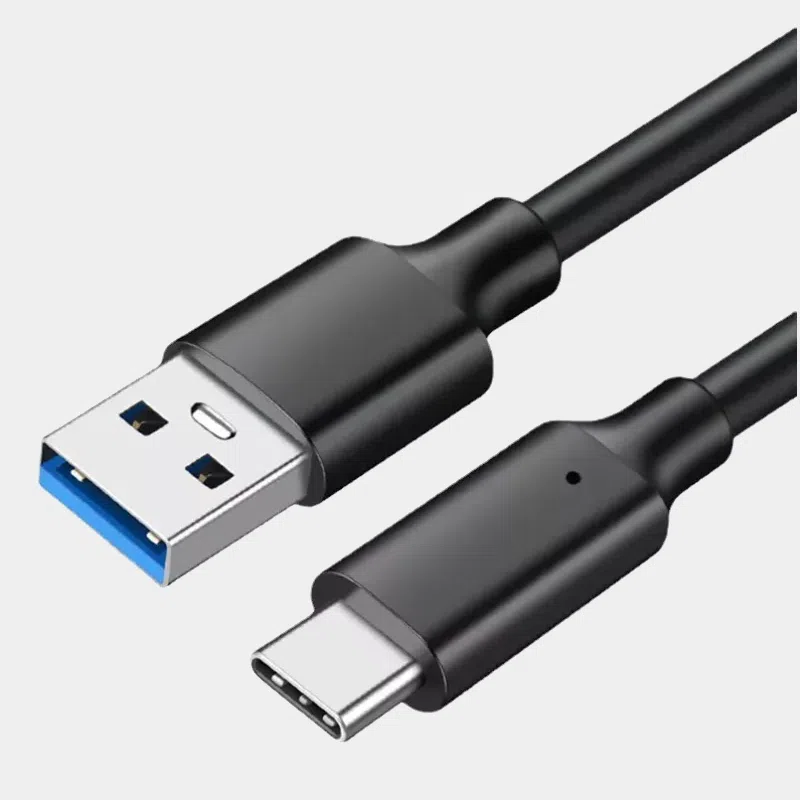
USB 3 cable USB-C to USB-A