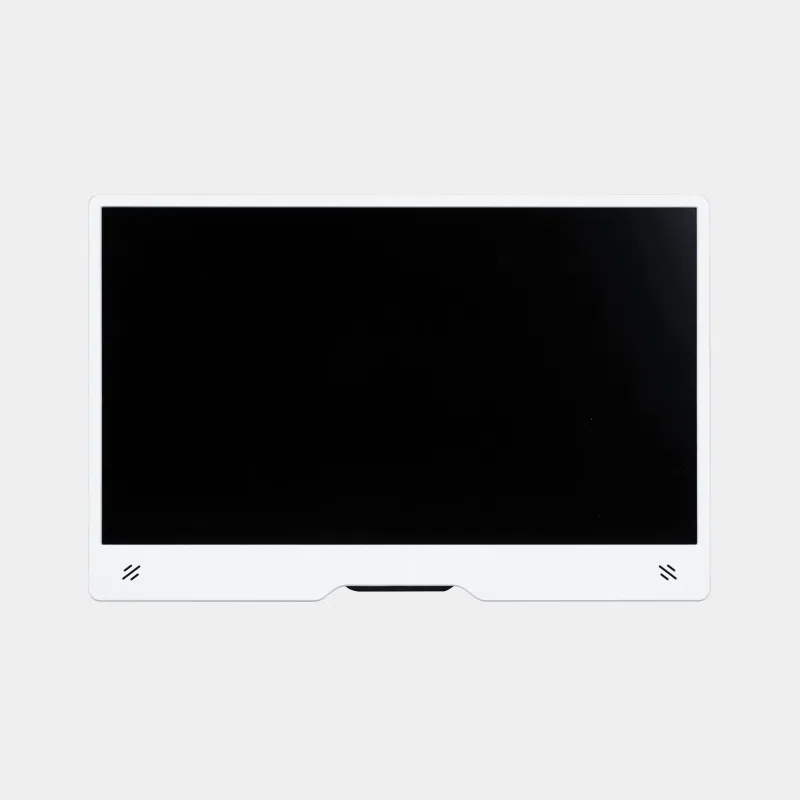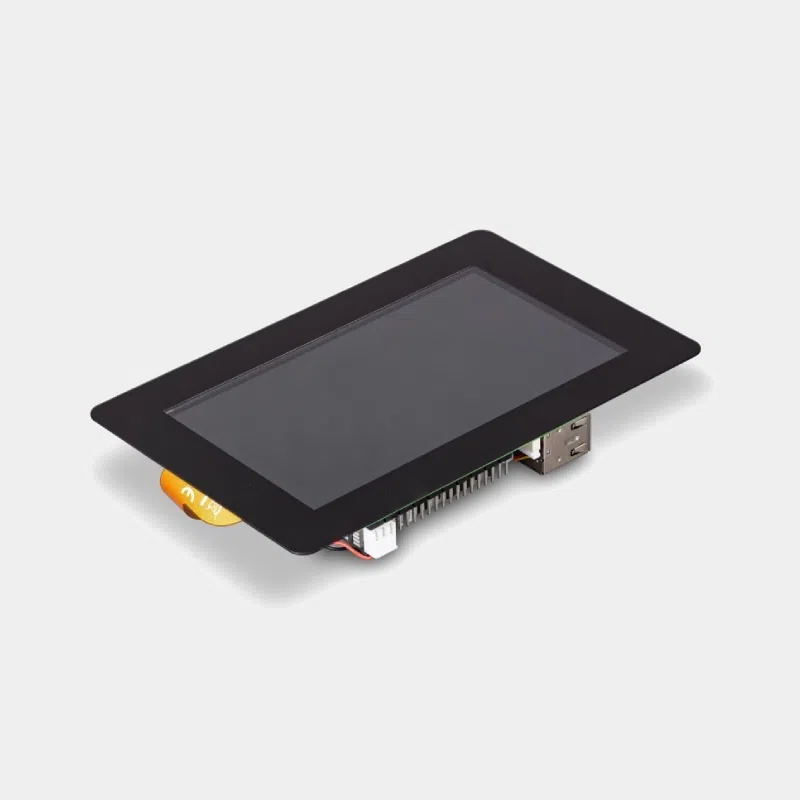
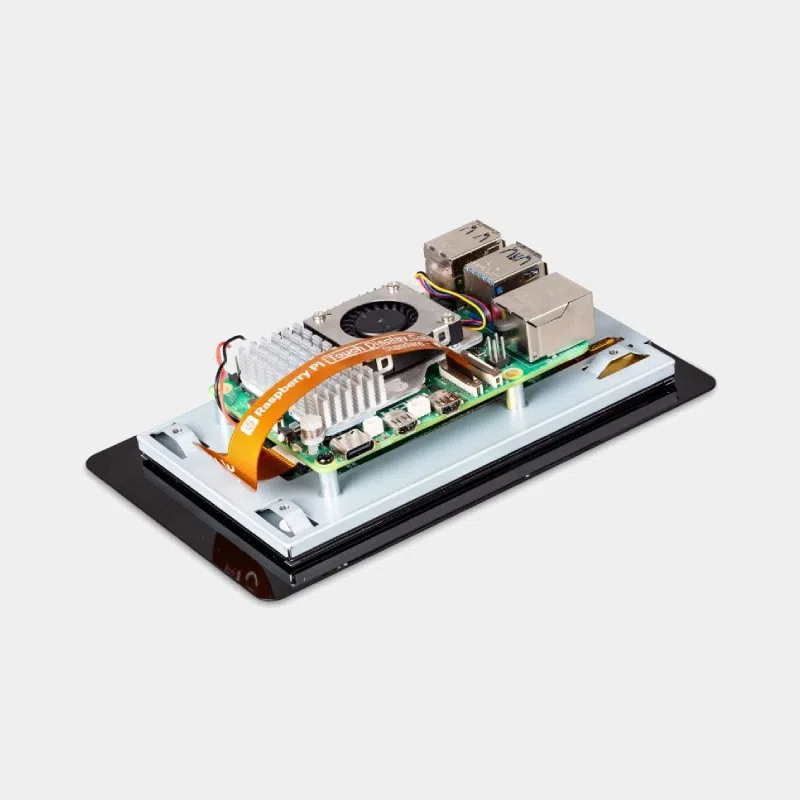
Raspberry Pi Touch Display 2: 5″ version

44,40 € INCL. VAT

  • Official 5-inch touchscreen, 720 x 1280 in portrait, 500 cd/m²
  • Five-finger capacitive touch, powered via the GPIO, two ribbon cables included
  • Compatible with Raspberry Pi B+ to Raspberry Pi 5 and Compute Module IO boards
Availability: In stock Reference: SC1975 Category:
In stock, ships within 24/48h - Available quantity: 222 unit(s)
Request a quoteBusinesses, schools: volume pricing on request, reply within 24/48 h
Secure paymentCard, PayPal, Apple Pay, Google Pay and public-sector payment order

Business, school or public body? business account Education offers
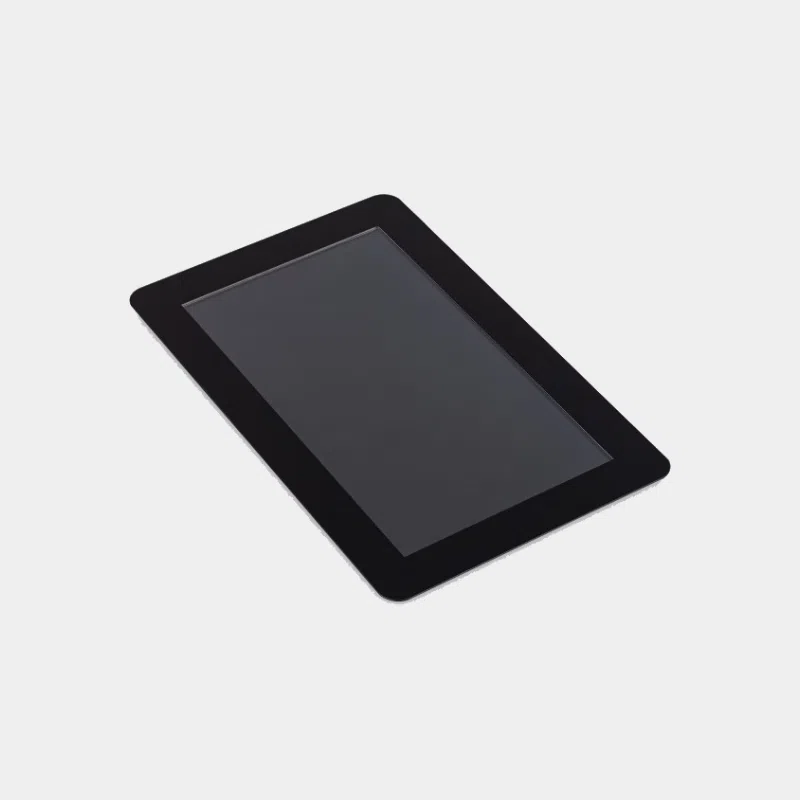
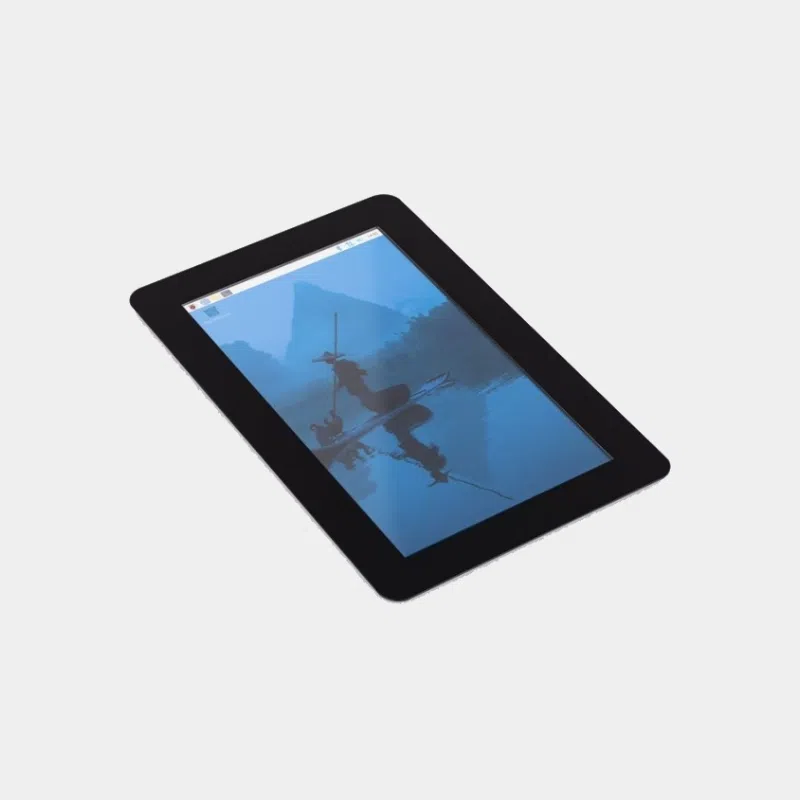
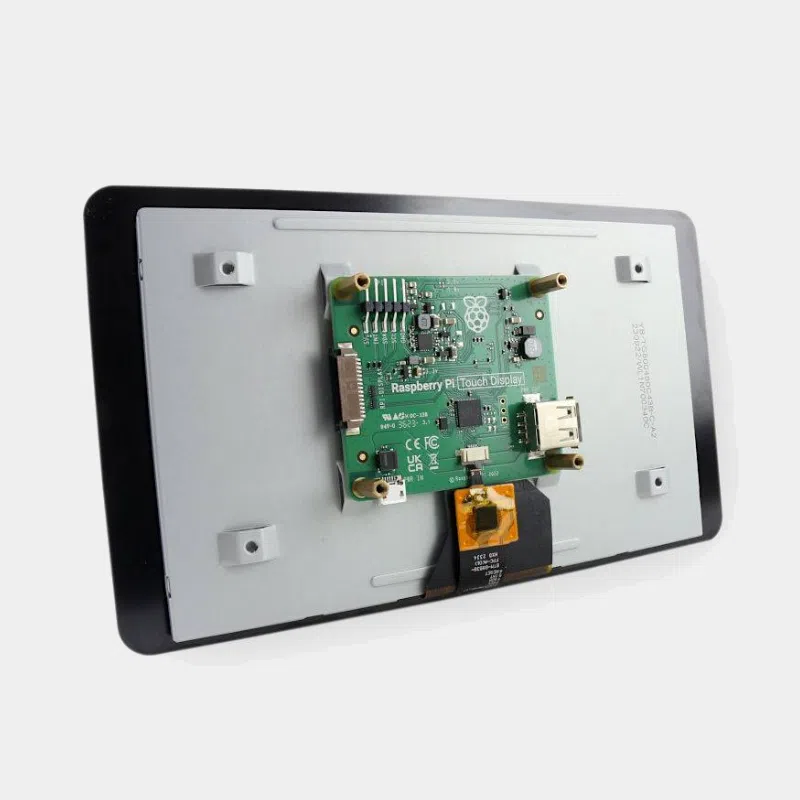
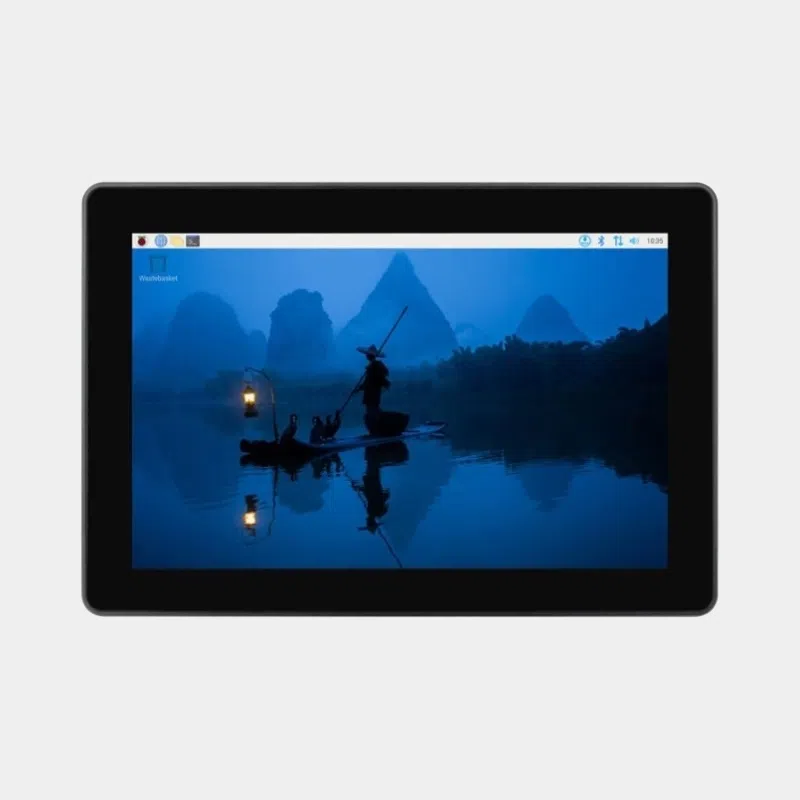
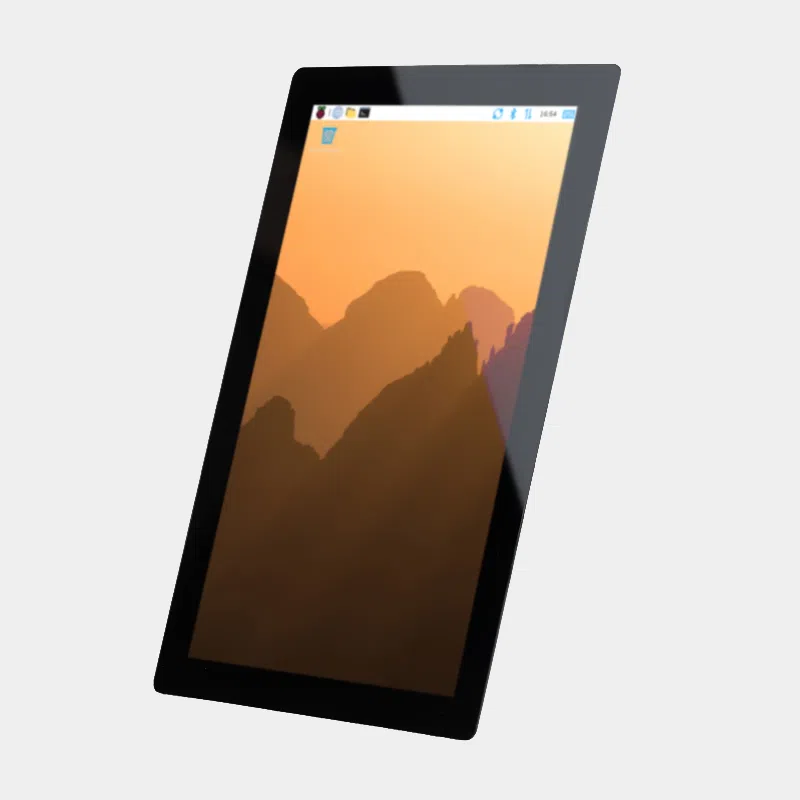
Raspberry Pi Touch Display 2 touchscreen alone, front view at an angle with visible connector

Raspberry Pi Touch Display 2: 5″ version

44,40 € INCL. VAT

In stock
Delivery banner: lead times and rates for pickup point and home delivery
TrustScore

Loading...

Banner of accepted payment methods: Visa, Mastercard, PayPal, Apple Pay and Google Pay

Description

Raspberry Pi Touch Display 2 5-inch: the compact official touchscreen

The 5-inch Raspberry Pi Touch Display 2 is Raspberry Pi's most compact official touchscreen. Its 720 x 1280 pixel panel in native portrait, five-finger capacitive touch and GPIO power make it a straightforward choice for a control panel, a wall-mounted remote or a small terminal. It works with most Raspberry Pi models, from the B+ to the Raspberry Pi 5.

Highlights

  • 720 x 1280 pixels on 5 inches, 24-bit colour, native portrait.
  • Five-finger touch and on-screen keyboard supported by Raspberry Pi OS.
  • 500 cd/m² brightness and anti-glare treatment.
  • Only two cables : DSI ribbon cable and GPIO power.
  • Two ribbon cables included : 15-to-15-pin and 22-to-15-pin for the Raspberry Pi 5.
  • In production until at least January 2030.

Technical specifications

Features Value
Diagonal 5 inches
Resolution 720 x 1280 pixels, 24-bit RGB, native portrait
Panel TFT LCD, transmissive, normally black
Touch multi-point capacitive, five fingers, 35 ms typical, 40 ms maximum
Brightness 500 cd/m²
Viewing angle 80 degrees
Dimensions 91.5 x 143.4 mm, 16 mm thick
Active area 62.1 x 110.4 mm
Power supply via the Raspberry Pi GPIO
Operating temperature -20 °C to +70 °C

Which one should you choose?

Model Resolution Touch Compatibility
Touch Display 2 5″ (this product) 720 x 1280 5 fingers Raspberry Pi B+ to Raspberry Pi 5, Compute Module IO boards
Touch Display 2 7-inch 720 x 1280 5 fingers same boards, larger panel
Touch Display 2 10.1-inch 1200 x 1920 IPS 10 fingers Raspberry Pi 5 and Compute Modules only
Official 7″ touchscreen 800 x 480 800 x 480 10 fingers models with DSI port

Our advice: the 5-inch for a wall-mounted enclosure or a project where space matters; the 7-inch for more comfortable reading; the 10.1-inch for a real kiosk on Raspberry Pi 5.

Compatibility and pitfalls to avoid

  • Not compatible with the Raspberry Pi Zero range and the 400, 500 and 500+ keyboard computers.
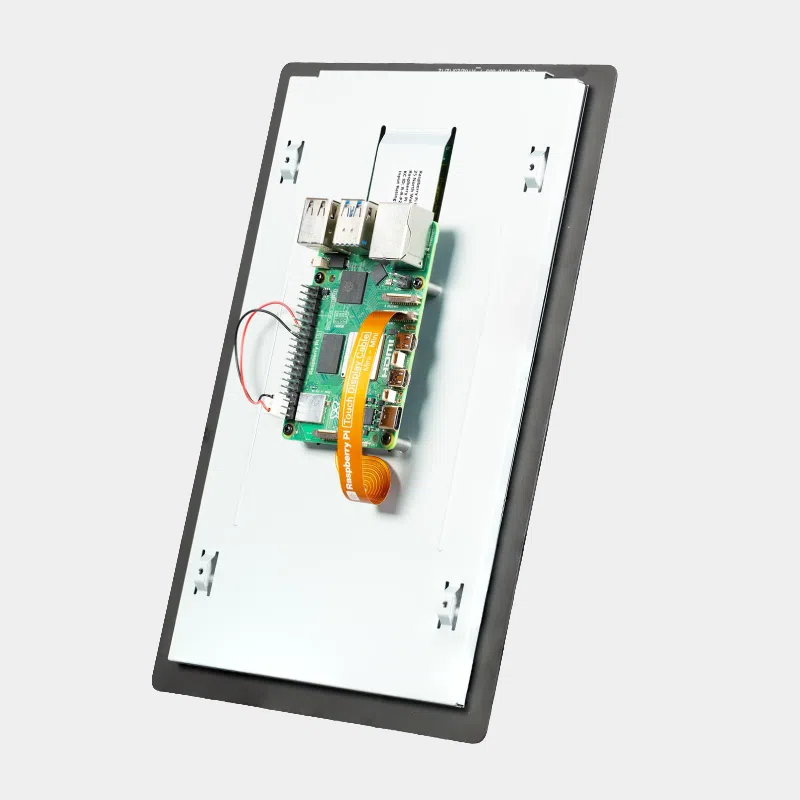
  • Correct ribbon cable : 22-to-15-pin for the Raspberry Pi 5 (small end on the board side), 15-to-15-pin for earlier models.
  • Power cable : red wire on pin 2 (5 V), black wire on pin 6; a mistake can damage the display.
  • Compute Modules : no automatic detection, add dtoverlay=vc4-kms-dsi-ili9881-5inch to config.txt.
  • Ribbon cable contacts facing the Ethernet and USB ports on the Raspberry Pi side.

Installation in four steps

  • Unplug the Raspberry Pi, then insert the large end of the ribbon cable into the display, contacts facing up.
  • Connect the ribbon cable to the board's DSI port, contacts facing the Ethernet and USB ports.
  • Plug in the power cable to the display's J1 port and to GPIO pins 2 and 6.
  • Boot up : the display appears in less than a minute; attach the board to the back with the screws provided.

Box contents

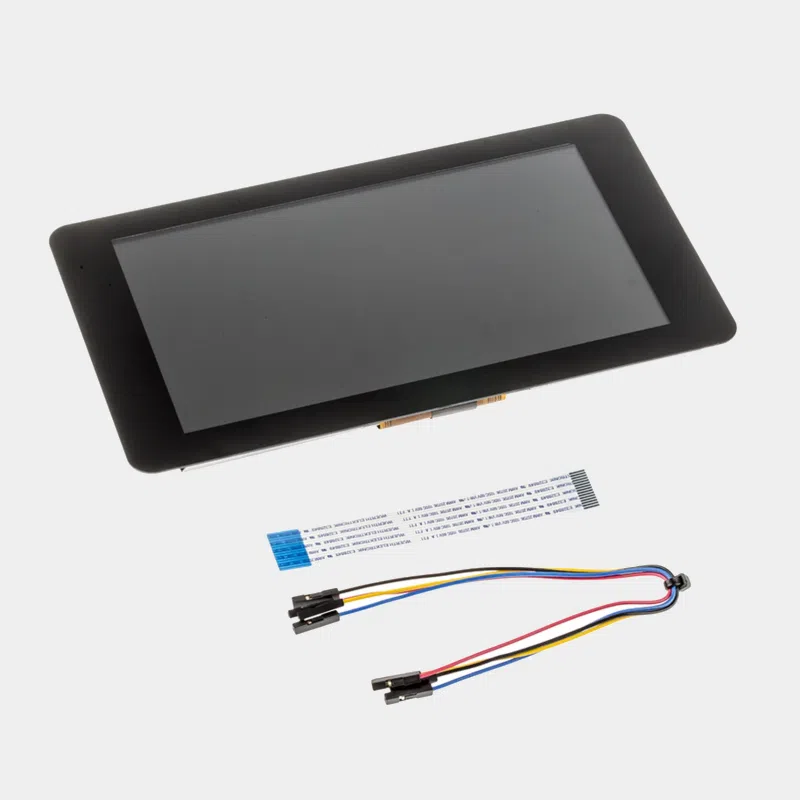
  • 1 Touch Display 2 5-inch screen
  • 1 15-to-15-pin ribbon cable
  • 1 22-to-15-pin ribbon cable (Standard to Mini)
  • 1 GPIO power cable
  • 8 M2.5 screws

Recommended accessories

Uses and projects

  • Home automation panel for Home Assistant and your connected devices.
  • Compact kiosk : create an interactive kiosk with Raspberry Pi.
  • Control terminal for a machine or a test bench.

Frequently asked questions

Does the 5-inch Raspberry Pi Touch Display 2 work with the Raspberry Pi 5?

Yes, with the 22-to-15-pin ribbon cable provided. The Raspberry Pi 5 can even drive two Touch Display 2 screens.

And with a Raspberry Pi 4 or 3?

Yes, with the 15-to-15-pin ribbon cable provided; the display is detected automatically.

Does the display need a power supply?

No, it is powered by the board's GPIO.

Can it be used in landscape mode?

Yes, rotation is set in the control centre, or in cmdline.txt under Raspberry Pi OS Lite.

Does it work with a Raspberry Pi Zero?

No, the Zero range is not compatible.

See all our displays for Raspberry Pi. At MONRASPBERRY, you receive official, tested products, shipped from our stock based in France within 24/48 h of payment being received, with returns possible within 14 days (subject to return authorization), payment by Visa, Mastercard, PayPal, Apple Pay or Google Pay and free pickup point delivery on orders of €200 or more.
In the same category...