Description
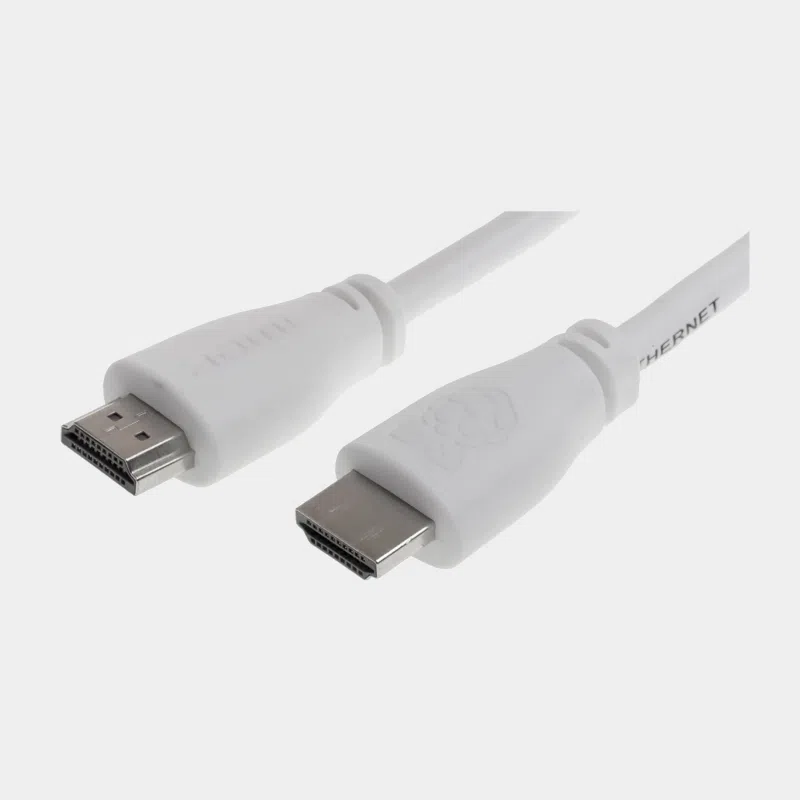
Official Raspberry Pi HDMI cable: the HDMI connection for Raspberry Pi 3 and earlier
This officially licensed Raspberry Pi HDMI cable connects your board to a monitor or TV via standard HDMI, over 1 m. It is designed for models with a full-size HDMI output, in particular the Raspberry Pi 3 Model B+: its triple shielding limits interference with the built-in Wi-Fi and Bluetooth, a real plus when the cable runs close to the board.
Highlights
- Officially licensed by Raspberry Pi, matching the brand's other accessories.
- Triple shielding to preserve the Wi-Fi and Bluetooth performance of the Raspberry Pi 3 B+.
- HDMI 2.0 with Ethernet channel and Audio Return Channel (ARC).
- Nickel-plated OFC copper connectors.
- 1 m length, ideal on a desk.
Technical specifications
Which HDMI cable for which Raspberry Pi?
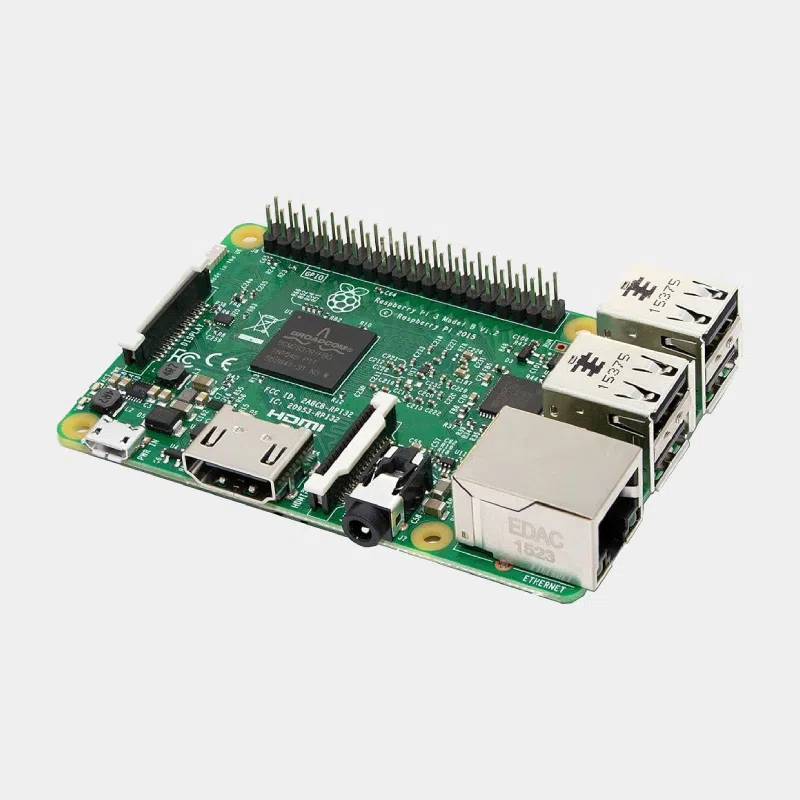
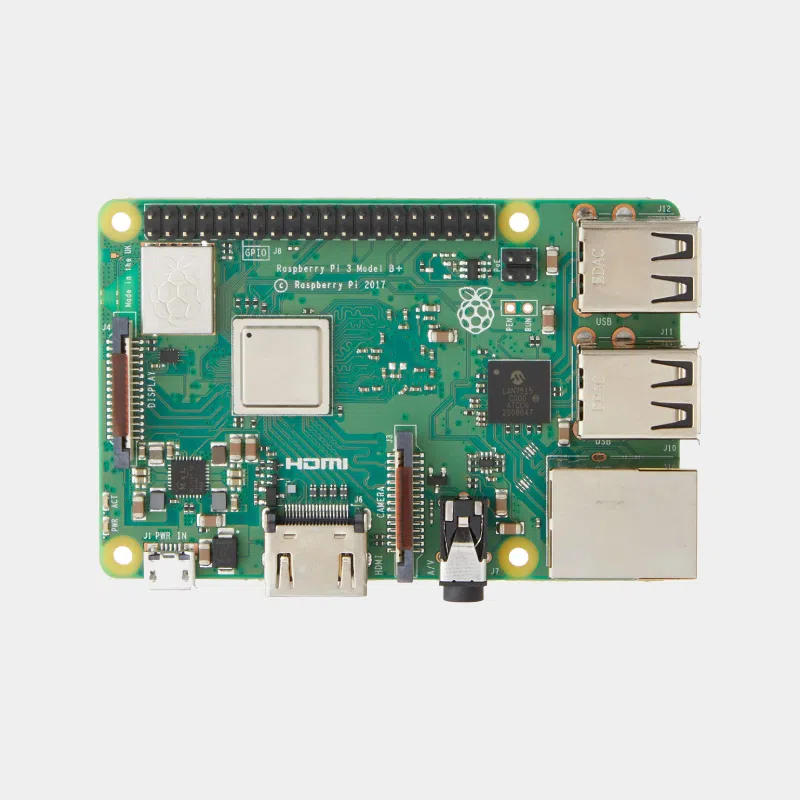
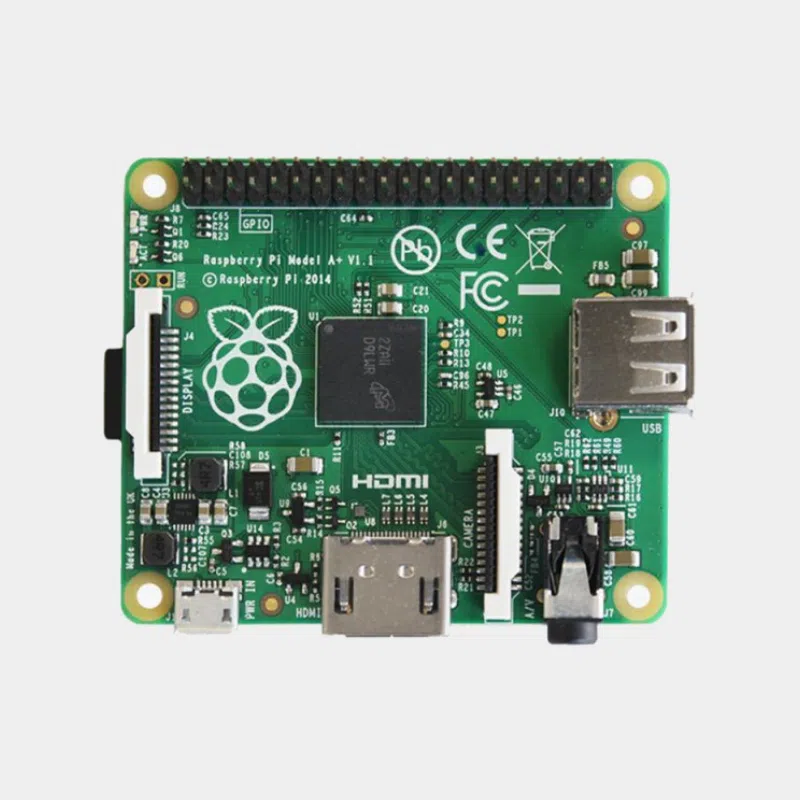
Check your board's socket: full-size HDMI on Raspberry Pi 3 and earlier, micro-HDMI from Raspberry Pi 4 onwards, mini-HDMI on the Zero family.
Compatibility and pitfalls
- Raspberry Pi 4 and 5 : this cable does not plug into them without an adapter, as their outputs are micro-HDMI.
- Raspberry Pi Zero : mini-HDMI output, a mini-HDMI cable or adapter is required.
- No HDMI input on a Raspberry Pi : Raspberry Pi HDMI ports are outputs, so you cannot connect a console or PC to them to display its picture.
- Display with no picture : on Raspberry Pi 3, connect the display before powering on.
- Sound : audio goes through the HDMI cable if the display has speakers.
Connecting correctly and adjusting the display
Connect the cable to the display and then to the Raspberry Pi before plugging in the power supply: the board then reads the display information at startup and automatically selects a suitable resolution. If the picture overflows or leaves black bars on a TV, adjust the overscan in the display options of raspi-config or disable the equivalent TV option, often called “original format” or “just scan”. Sound is sent over HDMI when the display has speakers; you can switch to the jack socket from the volume icon on the desktop. Finally, on a TV, check that the selected HDMI source matches the socket used.
Recommended accessories
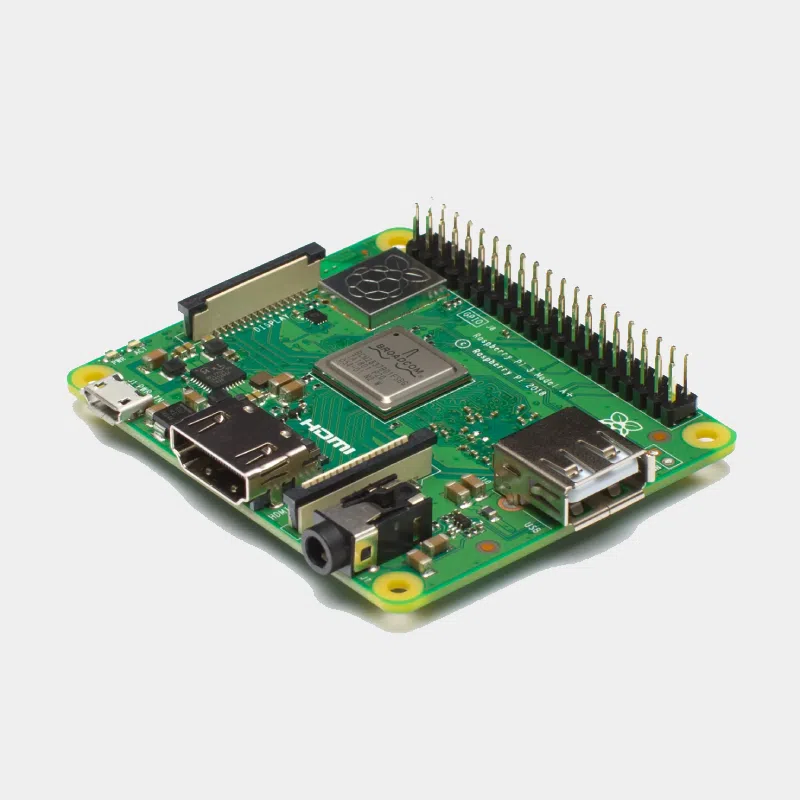
- Raspberry Pi 3 Model B+ : the board this cable was designed for.
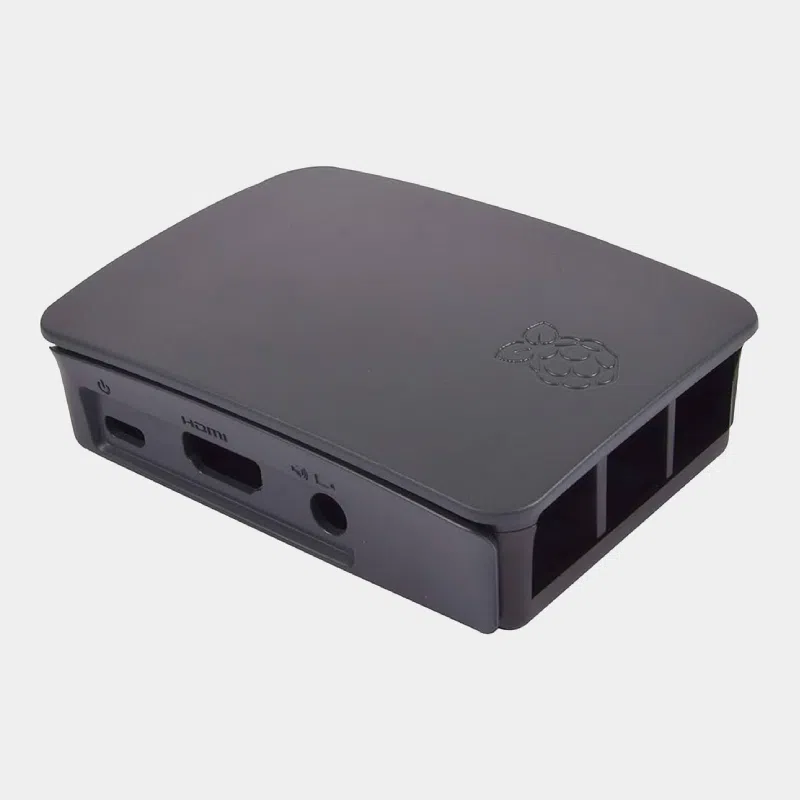
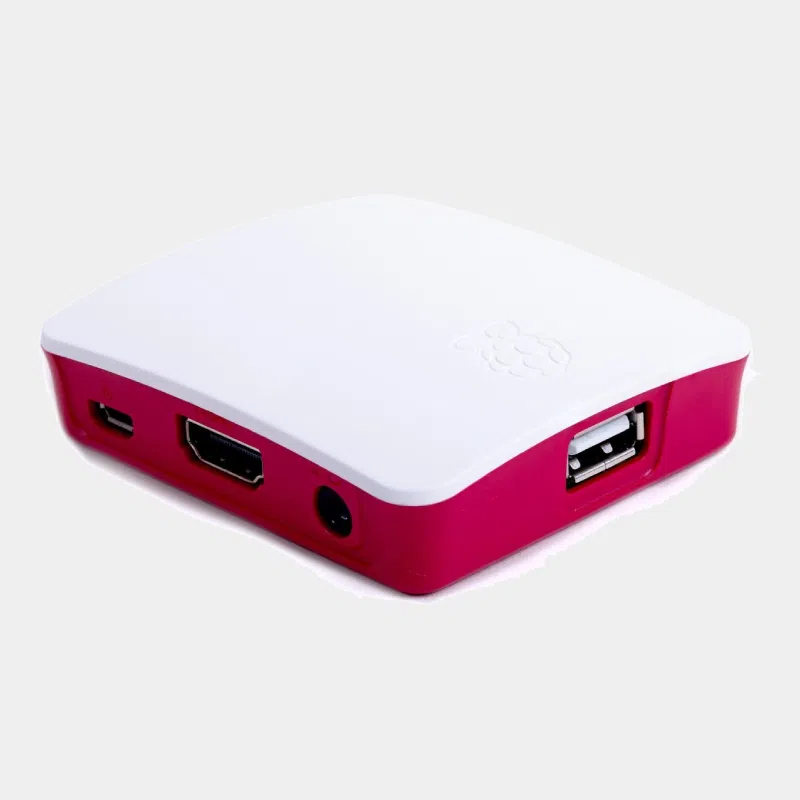
- Official case for Raspberry Pi 3B+, 3 and 2: same colour range.
- Official 12.5 W micro-USB power supply: to complete the setup.
Uses and projects
- Desktop workstation Raspberry Pi 3 connected to a monitor.
- Multimedia center on the living room TV, with sound over HDMI.
- Rétrogaming on the big screen; see our retrogaming kits.
- Digital signage : information display in a shop window or at reception.
Read more: digital signage in stores with Raspberry Pi and a multimedia streaming system on Raspberry Pi.
Frequently asked questions
Does this HDMI cable work with a Raspberry Pi 4?
Not directly: the Raspberry Pi 4 has micro-HDMI outputs. Use a micro-HDMI to HDMI cable or an adapter.
Can the Raspberry Pi's HDMI be used as an input?
No, the HDMI ports on a Raspberry Pi are video outputs only.
How long is the cable?
1 metre, with a standard HDMI plug at each end.
Does sound go through this cable?
Yes, HDMI carries picture and sound to the display or TV.
Why a shielded cable?
The triple shielding reduces interference with the Wi-Fi and Bluetooth of the Raspberry Pi 3 B+.
Does it work with a PC or a console?
Yes, it is a standard type A HDMI cable at both ends.
Order your official Raspberry Pi HDMI cable on monraspberry.com : official, tested product, stock based in France, shipping within 24/48 h after receipt of payment, free pickup point delivery on orders from €200, returns possible within 14 days with return authorization, and payment by Visa, Mastercard, PayPal, Apple Pay or Google Pay.