Description
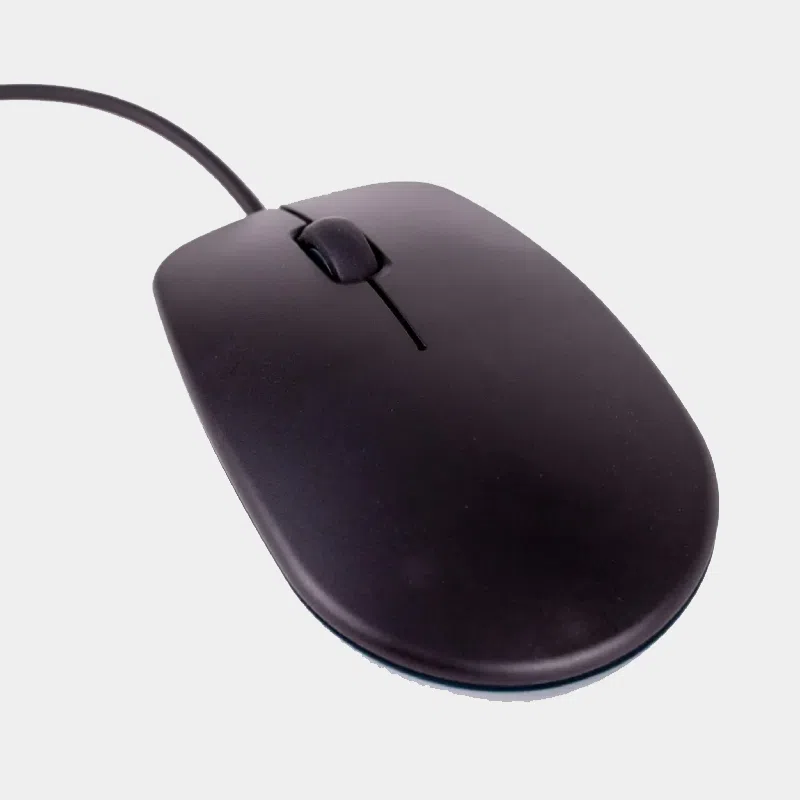
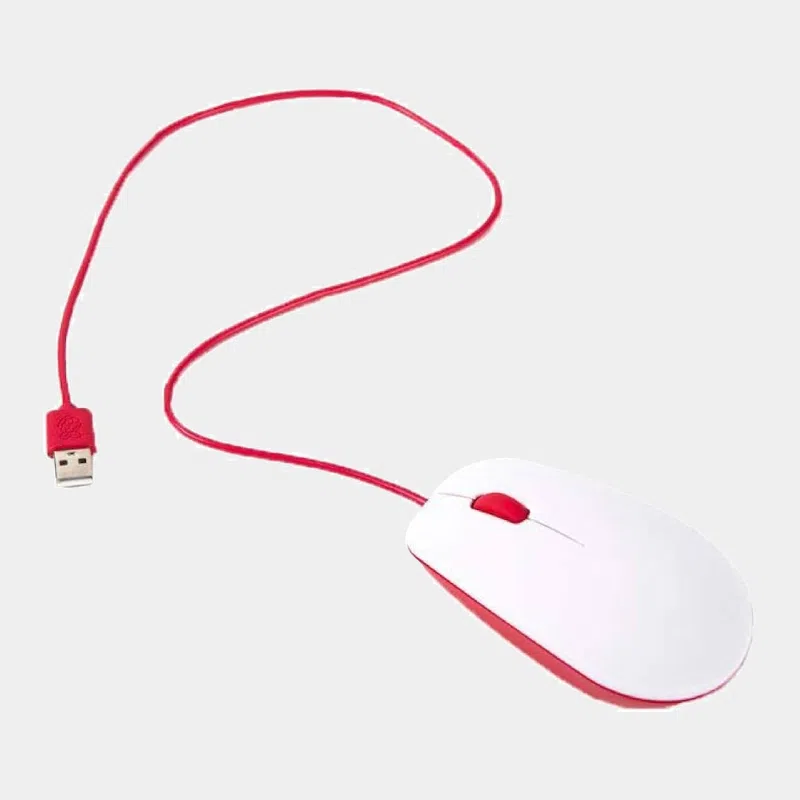
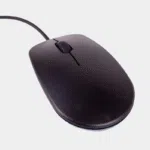
Official wired Raspberry Pi mouse: 3 buttons, scroll wheel and USB cable
Visit souris officielle Raspberry Pi is the natural companion to the official keyboard: a wired three-button optical mouse with a scroll wheel, plugging into a USB-A port, in red and white or black and grey. A safe choice for equipping a Raspberry Pi workstation, a classroom or a desktop kit.
Highlights
- Three quality micro-switch buttons for a crisp, durable click.
- Scroll wheel to navigate quickly through documents and web pages.
- Ergonomic design and a cable long enough to place the mouse on either the left or the right of the keyboard.
- USB-A connector : recognised without a driver by Raspberry Pi OS as well as by a PC or a Mac.
- Two official colorways matching Raspberry Pi keyboards and cases.
Features
Compatibility and pitfalls to avoid
- Raspberry Pi 5, Pi 4, Pi 3, Pi 400, Pi 500 and 500+ : plugs directly into a USB-A port.
- Pi Zero : a micro-USB OTG to USB-A adapter is required, for example the one in the HDMI and USB adapter kit for Pi Zero.
- Recommended connection : on the USB hub of the official keyboard, the cable stays short and tidy.
- Surfaces : on a glass, PVC or acrylic table with no texture, the optical sensor cannot detect movement. Use a mouse mat.
Recommended accessories
- The official Raspberry Pi AZERTY keyboard : its USB hub accommodates the mouse and a USB stick.
- The official Raspberry Pi Flash Drive USB 3.0 stick to carry your files.
- The official micro-HDMI to HDMI cable to connect a Pi 4 or Pi 5 to your screen.
Uses
Office workstation on Raspberry Pi 5, computer room, kiosk, learning to code: read whether the Raspberry Pi 5 is enough for office work, or start from a Raspberry Pi 4 Desktop Kit that is ready to use.
Frequently asked questions
Does the official mouse work on PC and Mac?
Yes, it is a standard USB mouse, recognised without a driver.
Is it compatible with the Raspberry Pi 500?
Yes, it plugs into any USB-A port across the Raspberry Pi range.
How do I connect it to a Raspberry Pi Zero?
With a micro-USB OTG to USB-A adapter, as the Zero has no USB-A port.
Why doesn't the cursor move?
On a smooth surface with no texture (glass, acrylic), the optical sensor cannot see the movement: place the mouse on a mat.
Is it wireless?
No, it is a wired USB mouse: no battery to change and no pairing.
Order your official Raspberry Pi mouse on monraspberry.com : official, tested product, stock based in France, shipping within 24/48 h after receipt of payment, free pickup point delivery on orders from €200, returns possible within 14 days with return authorization, and payment by Visa, Mastercard, PayPal, Apple Pay or Google Pay.