Description
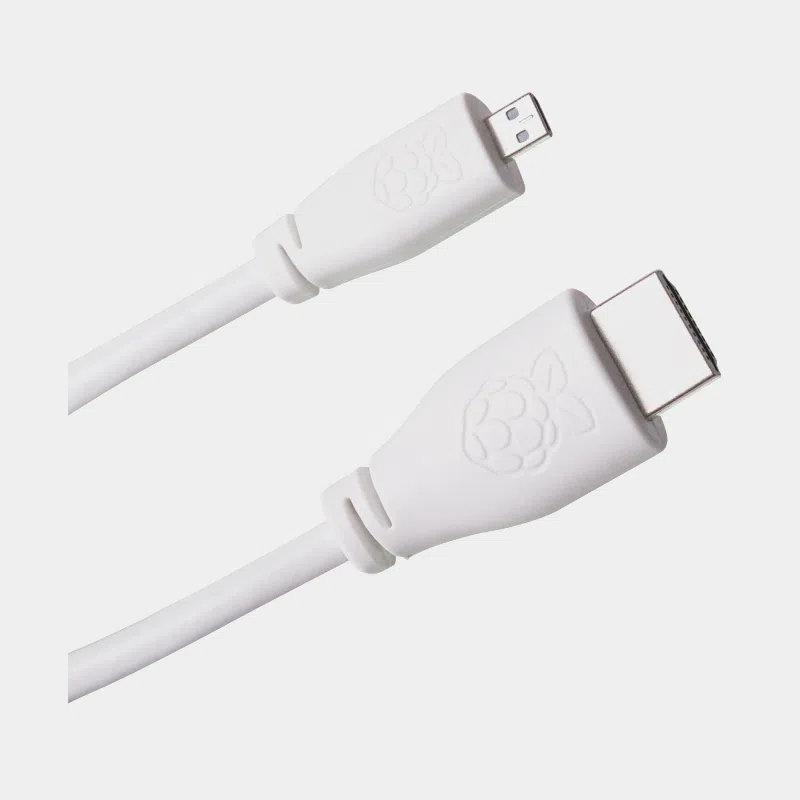
Official Raspberry Pi micro-HDMI to HDMI cable for Pi 4 and Pi 5
The official Raspberry Pi micro-HDMI to HDMI cable is the cable you need to connect a Raspberry Pi 4, 400, 5, 500 or 500+ to a monitor or TV. On the board side, a micro-HDMI plug (type D); on the display side, a standard HDMI plug (type A). It is 4Kp60 compliant, the maximum resolution of the Raspberry Pi 4 and 5, and its 1 m length suits most desks.
Highlights
- Official Raspberry Pi cable designed for the micro-HDMI outputs of the Raspberry Pi 4 and 5.
- 4Kp60 compliant : makes full use of the boards' resolution.
- One-piece design : no adapter levering on the small micro-HDMI connector.
- Nickel-plated plugs and insulation tested at 300 V DC.
- RoHS compliant.
Technical specifications
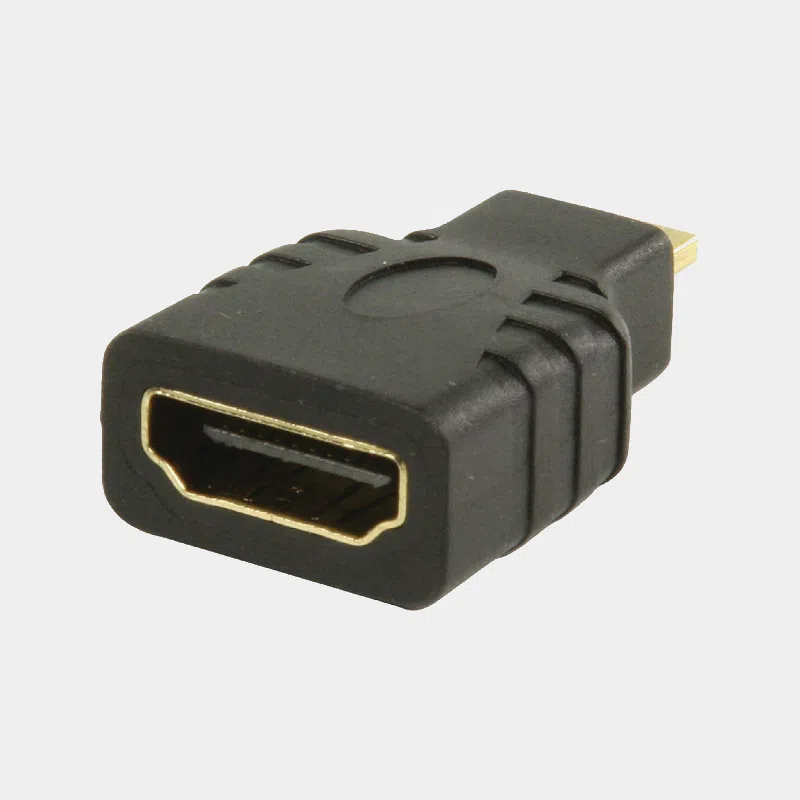
Which one to choose? Cable, adapter or standard HDMI cable
For a dual-display setup, plan for two cables: the Raspberry Pi 4 and 5 each have two micro-HDMI outputs.
Compatibility and pitfalls
- Compatible : Raspberry Pi 4, Raspberry Pi 400, Raspberry Pi 5, Raspberry Pi 500 and 500+.
- Not compatible : Raspberry Pi 3 and earlier (full-size HDMI) and the Zero family (mini-HDMI).
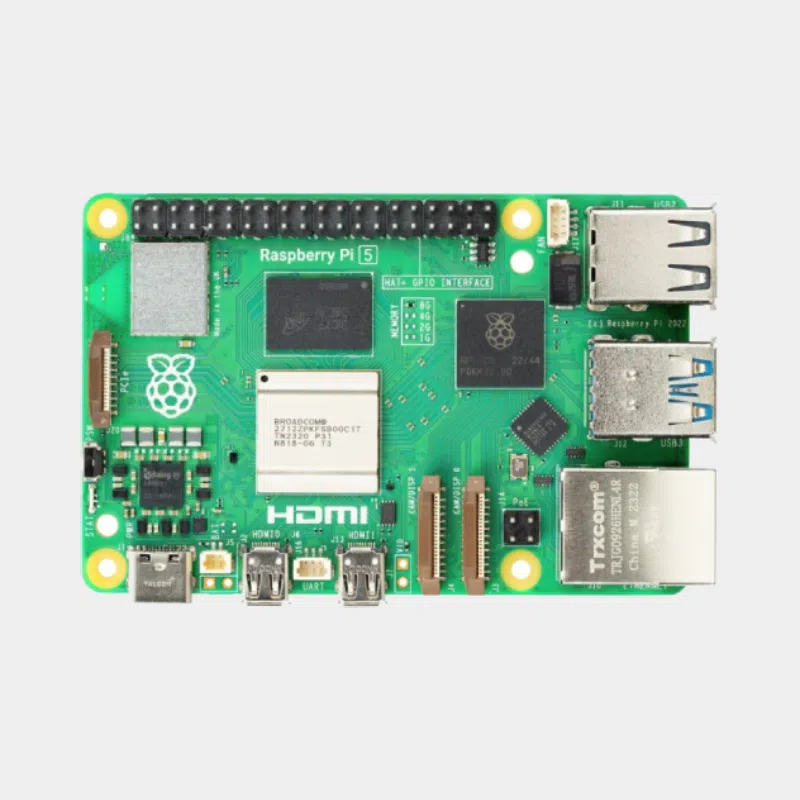
- Single display on Raspberry Pi 4 : use the HDMI 0 port, the one closest to the USB-C power socket.
- 4K at 60 Hz : a 4Kp60-compatible monitor or TV is required; the setting is made in the display settings.
- No video input : the HDMI ports on Raspberry Pi boards are outputs.
Installation and settings
Push the micro-HDMI plug straight into the board: this connector is small, and a one-piece cable avoids the leverage effect of an adapter. Connect the display before powering on the Raspberry Pi so that it detects the correct resolution at startup. In Raspberry Pi OS, the screen configuration tool then lets you choose the resolution, refresh rate, orientation and relative position of two monitors. To display 4K at 60 Hz, check that your monitor supports it on the input used and select this mode in the settings. Audio is carried over HDMI to the speakers of the monitor or TV.
Recommended accessories
- Raspberry Pi 4 Model B 4 GB: two 4K micro-HDMI outputs.
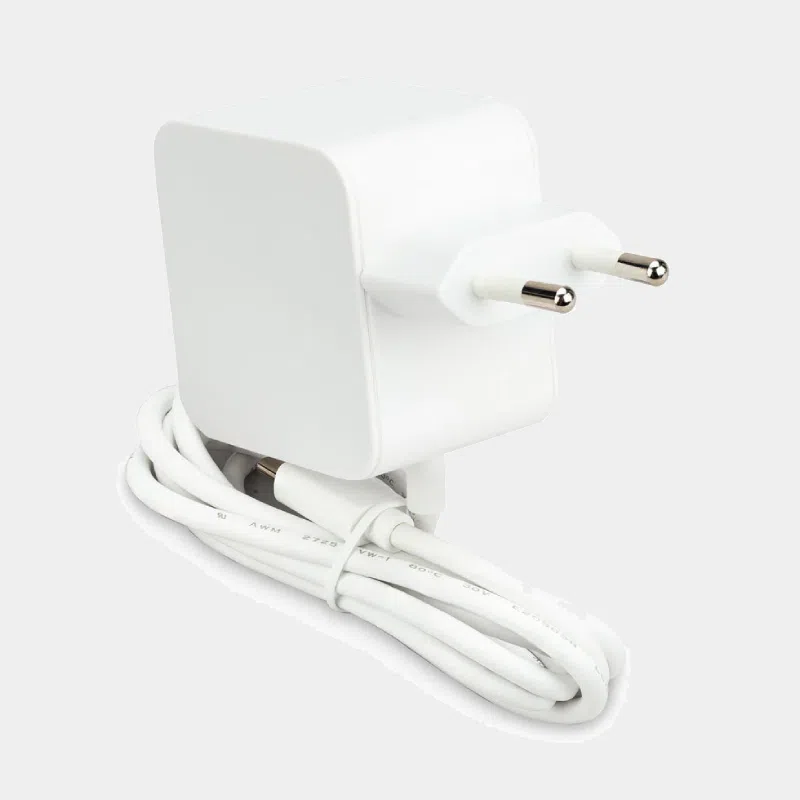
- Official 27 W USB-C power supply: the reference power supply for the Raspberry Pi 5.
- Official Raspberry Pi 5 case: the cutouts let the official micro-HDMI plugs through.
Uses and projects
- Dual-screen desktop workstation on Raspberry Pi 4 or 5.
- 4K media center with Kodi or Jellyfin on the TV.
- Digital signage and information kiosks.
Guides: installing Jellyfin on Raspberry Pi 5 and the Raspberry Pi 5 for office work. All boards with micro-HDMI output: Raspberry Pi 4.
Frequently asked questions
Which HDMI cable for the Raspberry Pi 4?
A micro-HDMI (type D) to standard HDMI (type A) cable, like this official cable. The Raspberry Pi 4 has no full-size HDMI socket.
Does this cable work with the Raspberry Pi 5?
Yes, the Raspberry Pi 5 has the same micro-HDMI outputs, up to 4Kp60.
Does it support 4K?
Yes, it is 4Kp60 compliant, the maximum resolution of the Raspberry Pi 4 and 5.
Are the plugs gold-plated?
No, the official datasheet specifies nickel-plated plugs, which has no effect on digital signal quality.
Do I need one cable per display?
Yes, each micro-HDMI output connects to a display with its own cable.
Which port should I use on a Raspberry Pi 4 with a single display?
The HDMI 0 port, located next to the USB-C power socket.
Order your official micro-HDMI to HDMI cable from monraspberry.com : official, tested product, stock based in France, shipping within 24/48 h after receipt of payment, free pickup point delivery on orders from €200, returns possible within 14 days with return authorization, and payment by Visa, Mastercard, PayPal, Apple Pay or Google Pay.