Description
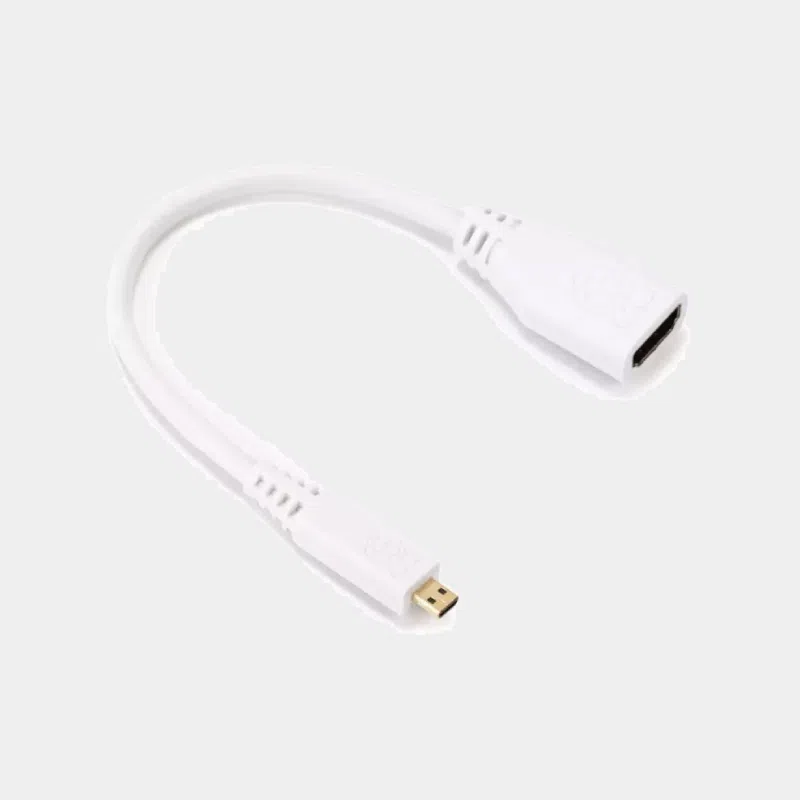
Raspberry Pi micro-HDMI to HDMI adapter for Pi 5, Pi 4 and Pi 500
The Raspberry Pi 5, the Raspberry Pi 4 and the Pi 400 and Pi 500 keyboard computers output video through micro-HDMI (type D) ports: hence the value of a Raspberry Pi micro-HDMI to HDMI adapter. This micro-HDMI to HDMI adapter lets you reuse a standard HDMI cable you already own to connect your board to a monitor, TV or projector.
Highlights
- Reuses your existing HDMI cables : no need to buy a whole new cable if you already have the right length.
- Designed for micro-HDMI boards : Pi 5, Pi 4, Pi 400, Pi 500 and Pi 500+.
- Dual display : with two adapters and two cables, use both micro-HDMI outputs of your Pi.
Features
Adapter or complete cable: which one to choose?
For a permanent setup, the complete cable avoids the mechanical leverage of an adapter on the Pi's small port. For troubleshooting or on the go, the adapter remains the lightest solution.
Compatibility and pitfalls
- Not suitable for Pi Zero : they use a mini-HDMI (type C) port, which is larger than micro-HDMI.
- Pi 3 and earlier : they have a standard HDMI port, no adapter is needed.
- Preferred first port : on Pi 4 and Pi 5, connect a single display to the HDMI0 port, the one closest to the USB-C power input.
- Relieve strain on the connector : a stiff HDMI cable can lever on the adapter; leave some slack in the cable.
Recommended accessories
- Official Raspberry Pi HDMI cable : the standard cable to pair with the adapter if you do not have one.
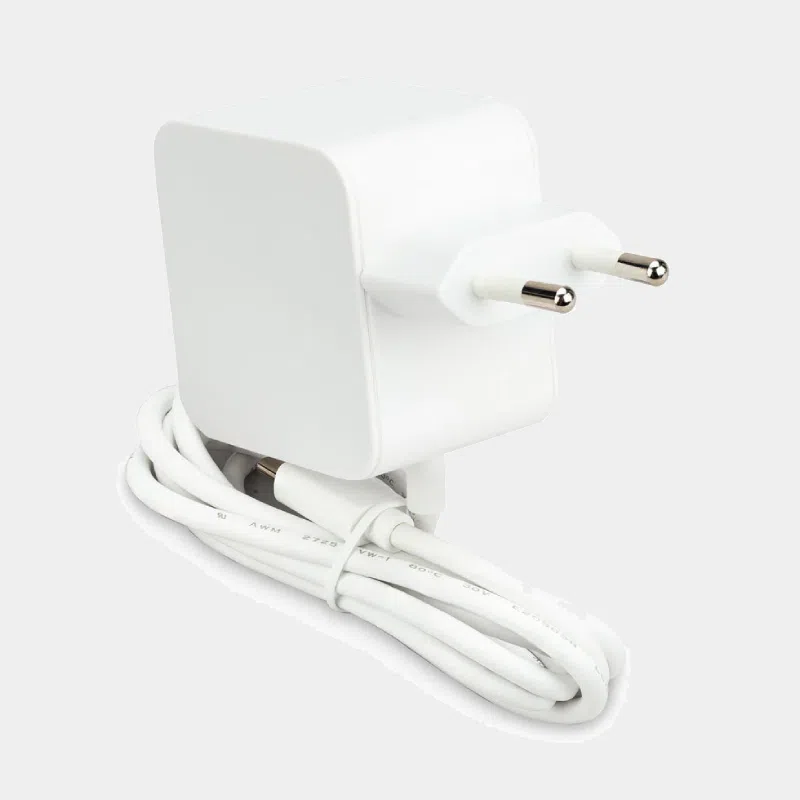
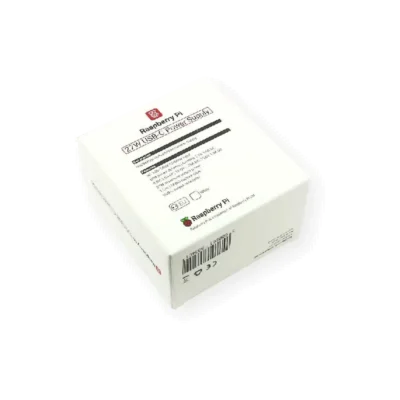
- Official 27 W USB-C power supply: the recommended power supply for a Pi 5 driving two displays.
For your first setup, follow our guide to starting a Raspberry Pi for the first time.
Frequently asked questions
Which cable do I need to connect a Raspberry Pi 5 to a monitor?
You need a micro-HDMI to HDMI cable, or this adapter combined with a standard HDMI cable.
Can I display in 4K?
The Pi 4 and Pi 5 support 4K; use an HDMI cable certified for that bandwidth and a compatible display.
Do I need two adapters for two displays?
Yes, one per micro-HDMI port used, each with its own HDMI cable.
Does it work on a Raspberry Pi Zero?
No, the Zero uses a mini-HDMI port: get a mini-HDMI to HDMI cable.
Does audio go through the adapter?
Yes, HDMI audio is carried along with the picture to the monitor or TV.
Order on MonRaspberry
A small adapter that saves you from buying another cable to connect your Raspberry Pi. Order with peace of mind: shipping within 24/48 h after payment is received from our France-based stock, official and tested products, returns possible within 14 days with a return authorization, payment by Visa, Mastercard, PayPal, Apple Pay or Google Pay, and free pickup point delivery on purchases of €200 or more.