Description
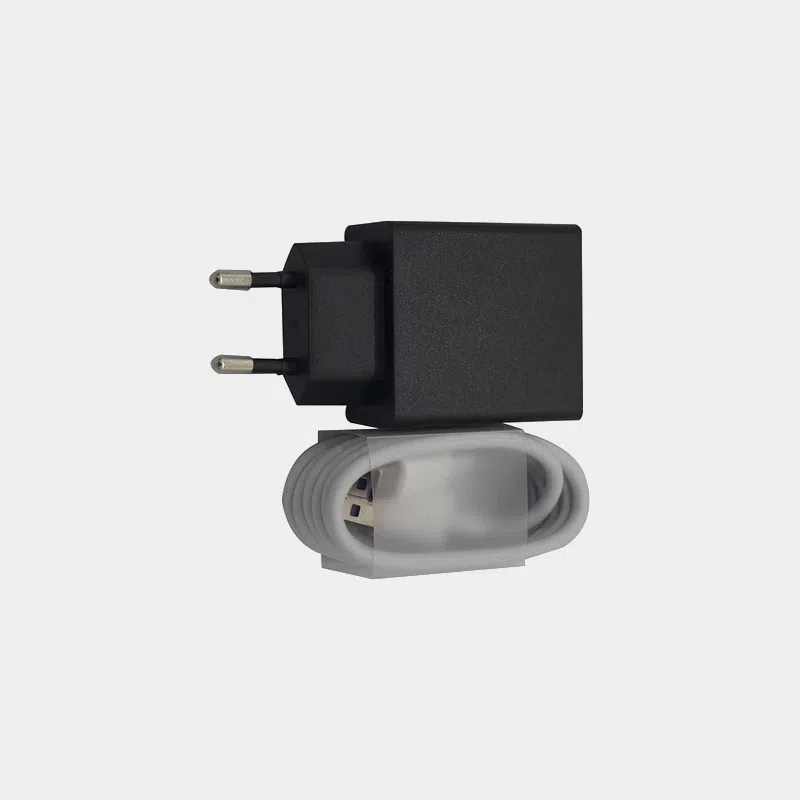
Banana Pi M5 (BPI-M5) 5 V 3 A power supply: the right current for a stable board
The Banana Pi BPI-M5 is specified by Banana Pi for a 5 V, 3 A power supply via its USB-C connector. This dedicated power supply delivers exactly that voltage and current. It is the simplest way to avoid random reboots, USB drives dropping out and microSD card corruption caused by an underpowered phone charger.
Why a dedicated power supply?
- 3 A in reserve : the BPI-M5 powers four USB 3.0 ports, a Gigabit Ethernet port and an eMMC. A 1 or 2 A charger quickly reaches its limits as soon as an SSD or USB stick is connected.
- Correct voltage : 5 V, the value the board expects according to the official Banana Pi datasheet.
- Plug and play solution : plug it in and the board boots, no intermediate adapter needed.
Features
Compatibility and pitfalls
The BPI-M4 Berry and BPI-M4 Zero boards are specified for the same requirement (5 V / 3 A via USB-C). However, several Banana Pi boards are not powered the same way:
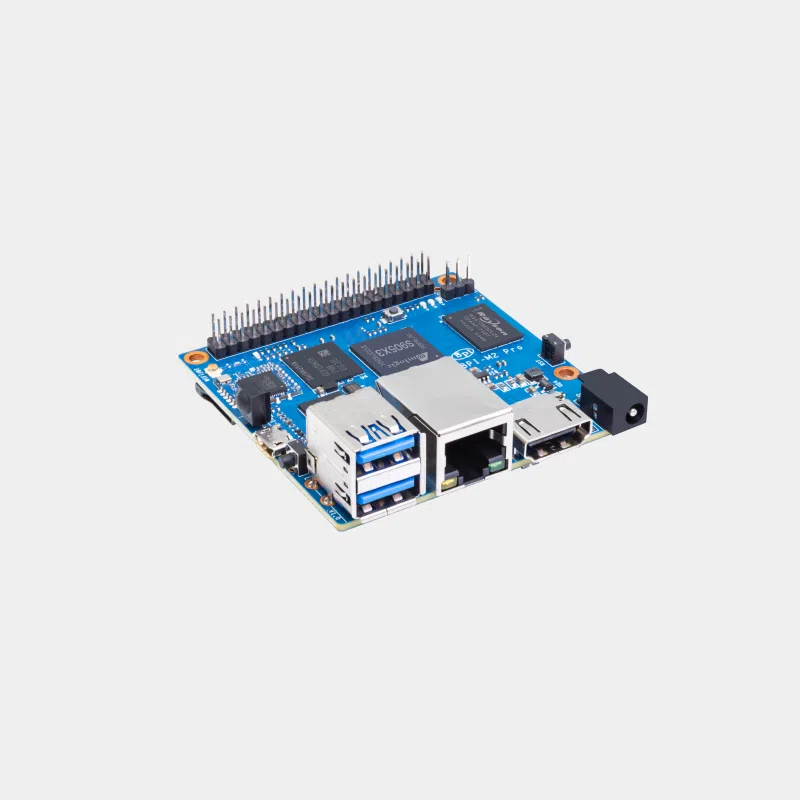
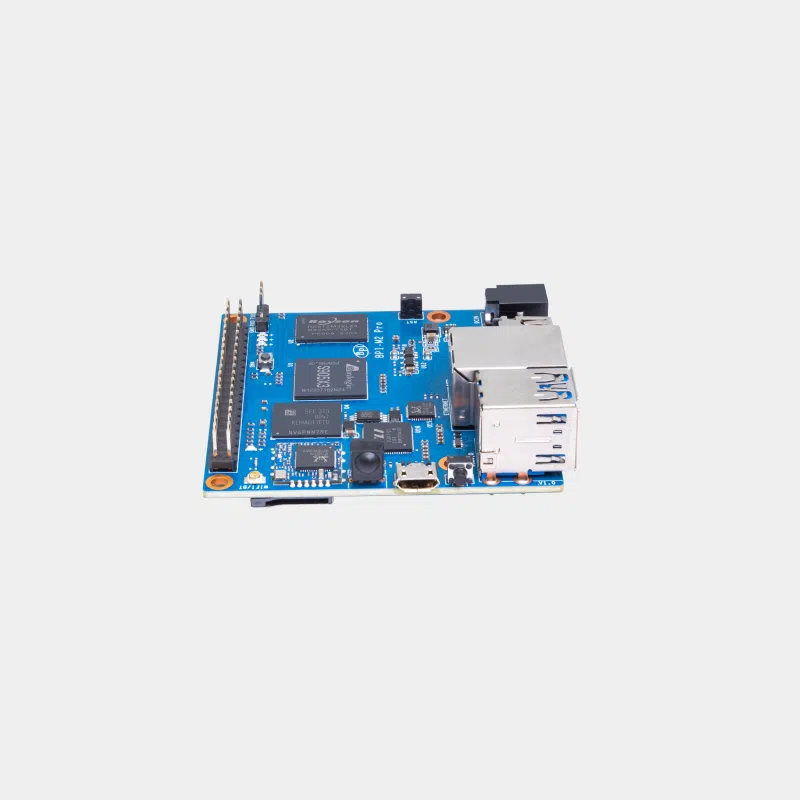
- The BPI-M2 Pro uses a 5 V DC jack, not a USB-C port.
- The BPI-M2 Zero and BPI-M2 Berry are powered via micro-USB (5 V / 2 A).
- The BPI-M7 requires a USB-C Power Delivery power supply (9, 12 or 15 V): a 5 V-only source is not enough.
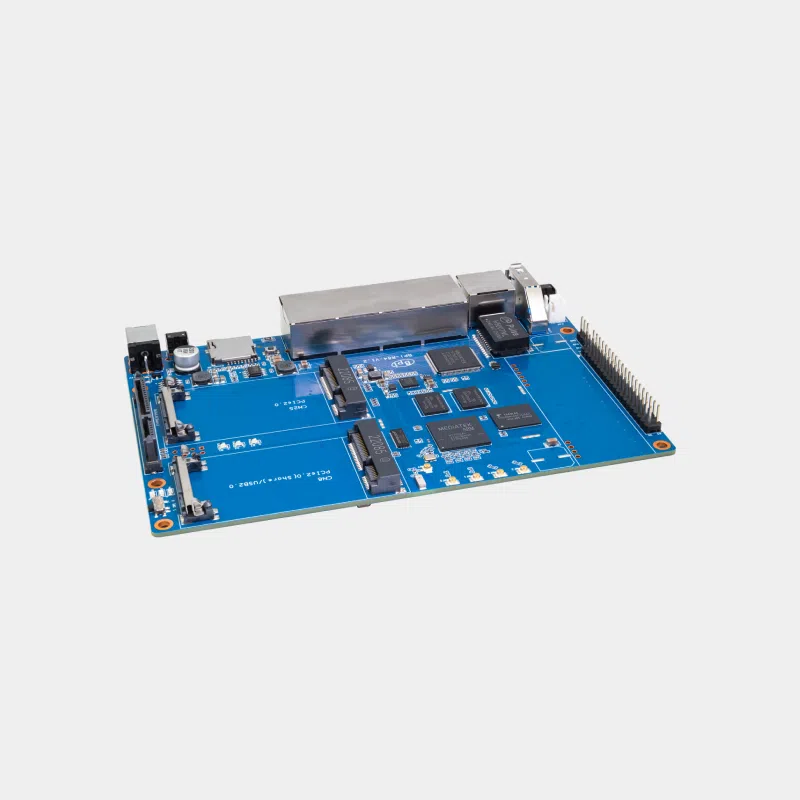
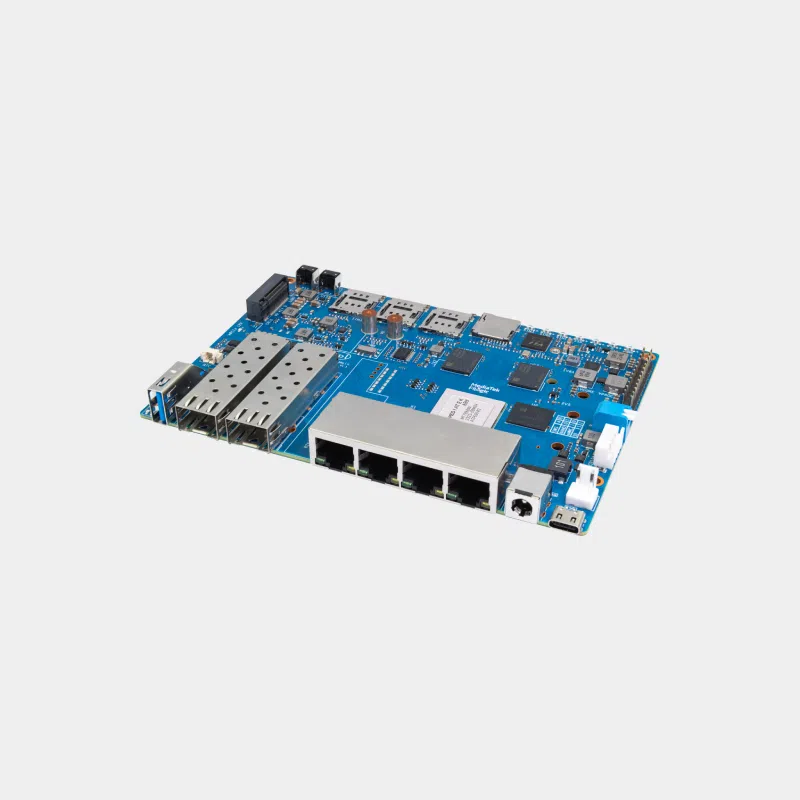
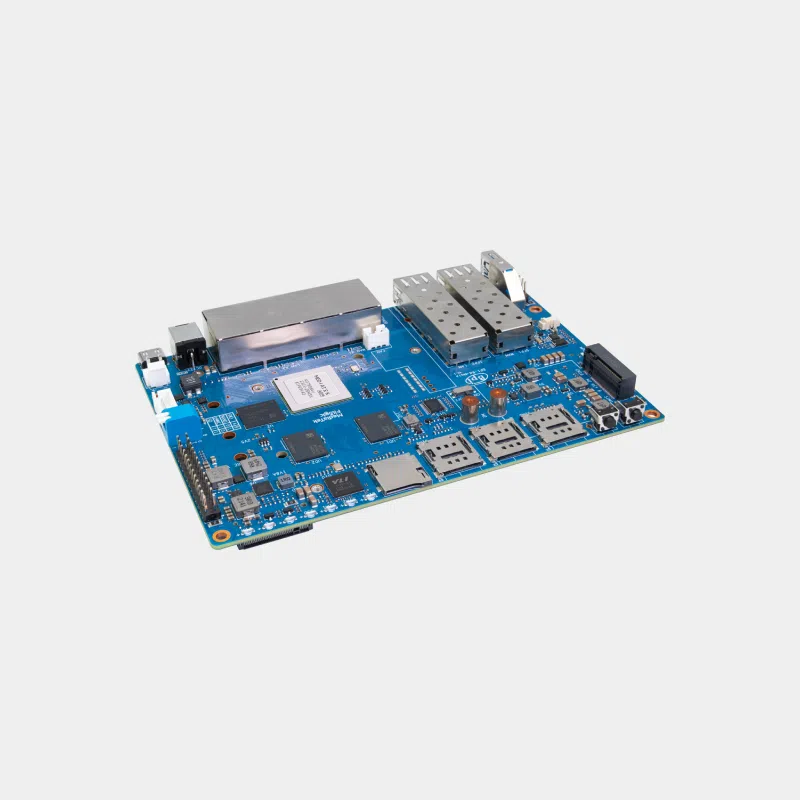
- Router boards such as the BPI-R64 run on 12 V: use the12 V 2 A power supply for BPI-R2, W2 and R64.
Always plug the power supply into the board before connecting it to the mains, and avoid cheap USB extension cables that cause voltage drops.
Recommended accessories
- A SanDisk High Endurance microSD card for 24/7 use (server, recording).
- A M.2 SSD to USB 3.1 adapter to take advantage of the BPI-M5's USB 3.0 ports with an SSD: this is exactly where a 3 A power supply makes the difference.
Uses
Lightweight NAS, media server, home automation gateway or Linux workstation: all these setups draw on USB continuously. To get off to a good start, follow our guide Getting started with a Banana Pi.
Frequently asked questions
Which power supply for the Banana Pi M5?
Banana Pi specifies 5 V / 3 A via USB-C. This power supply is designed for that purpose.
Can I use a smartphone charger?
It is not recommended: many chargers deliver less than 3 A or negotiate the voltage poorly, which causes instability.
Is it compatible with the BPI-M7?
No, the BPI-M7 requires a USB-C Power Delivery power supply at 9, 12 or 15 V.
Does it work with the BPI-M2 Pro?
No, the BPI-M2 Pro is powered via a DC jack, not USB-C.
Is the board included?
No, the power supply is sold on its own.
Power your BPI-M5 correctly from the very first boot. At MonRaspberry, you buy official, tested products, shipped from our stock in France within 24/48 h of payment, with free pickup point delivery on orders of €200 or more, returns within 14 days (with return authorization) and payment by Visa, Mastercard, PayPal, Apple Pay or Google Pay.