Description
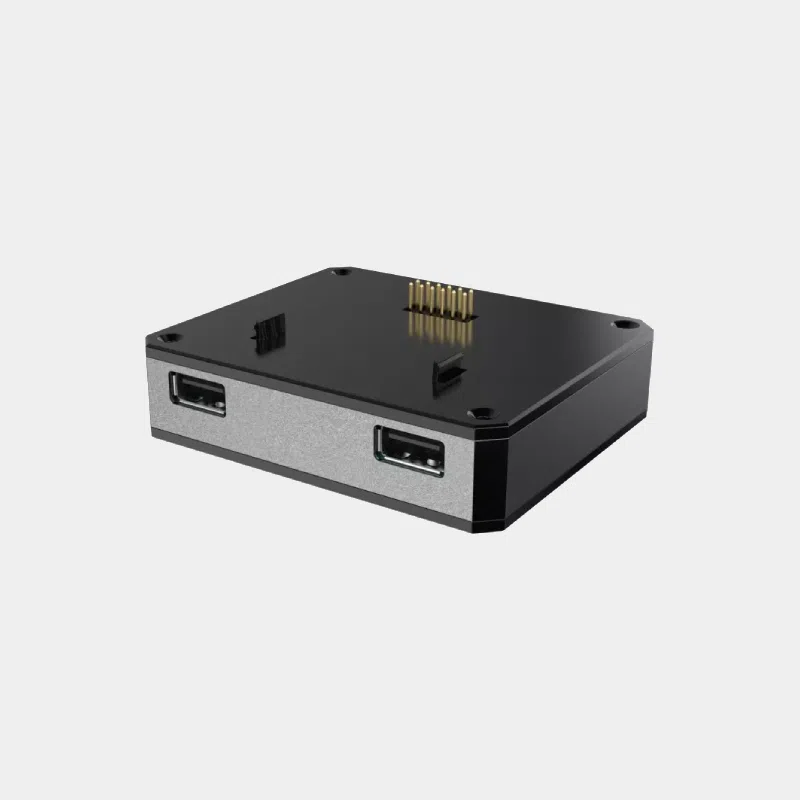
Argon POD USB LAN module: Ethernet and 4 USB ports for your Pi Zero
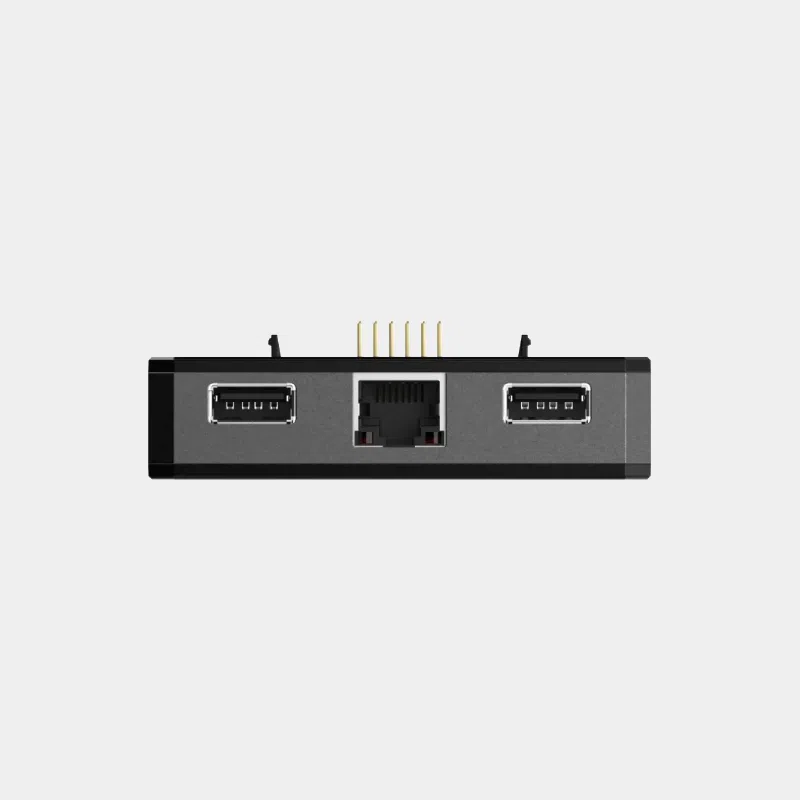
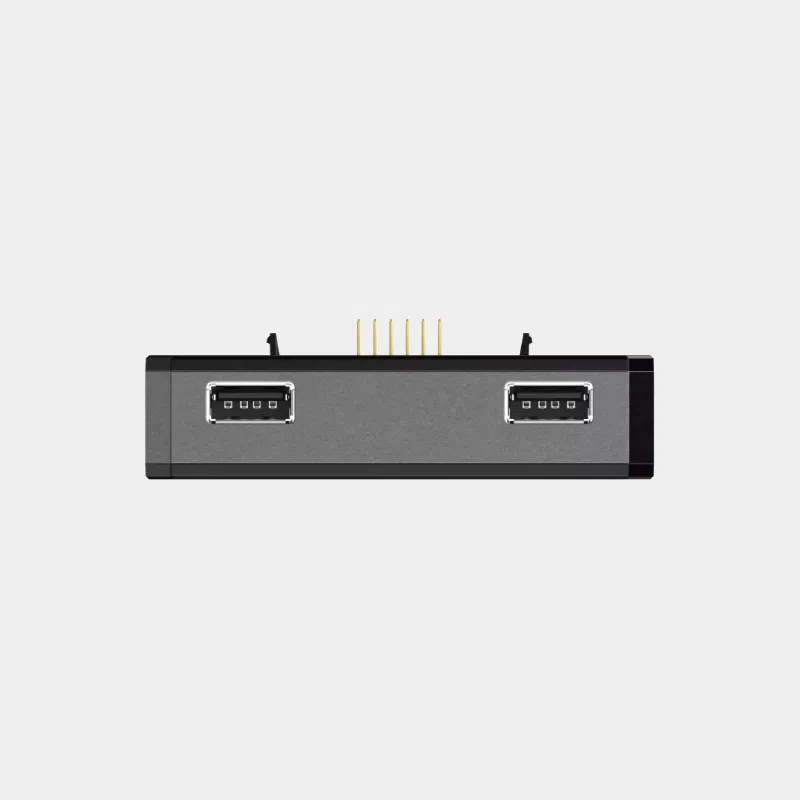
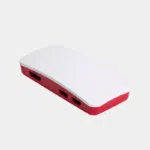
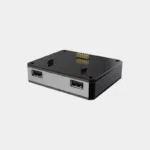
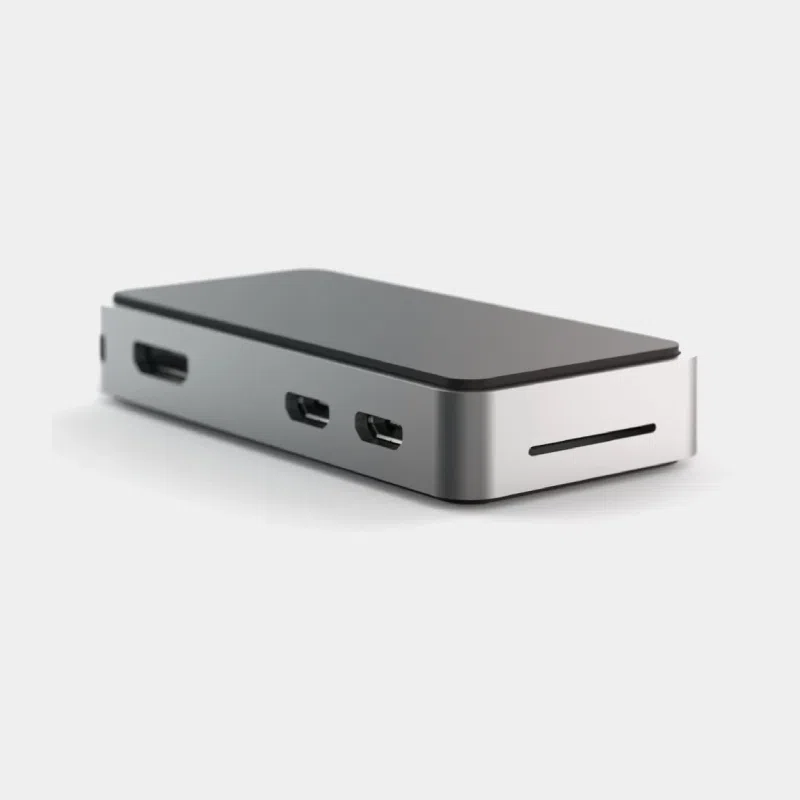
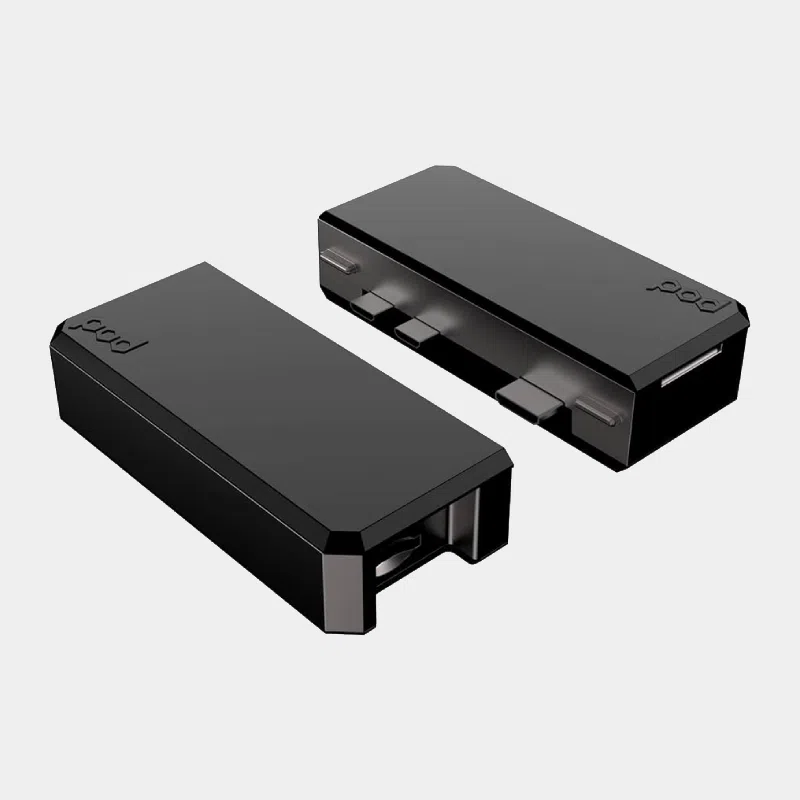
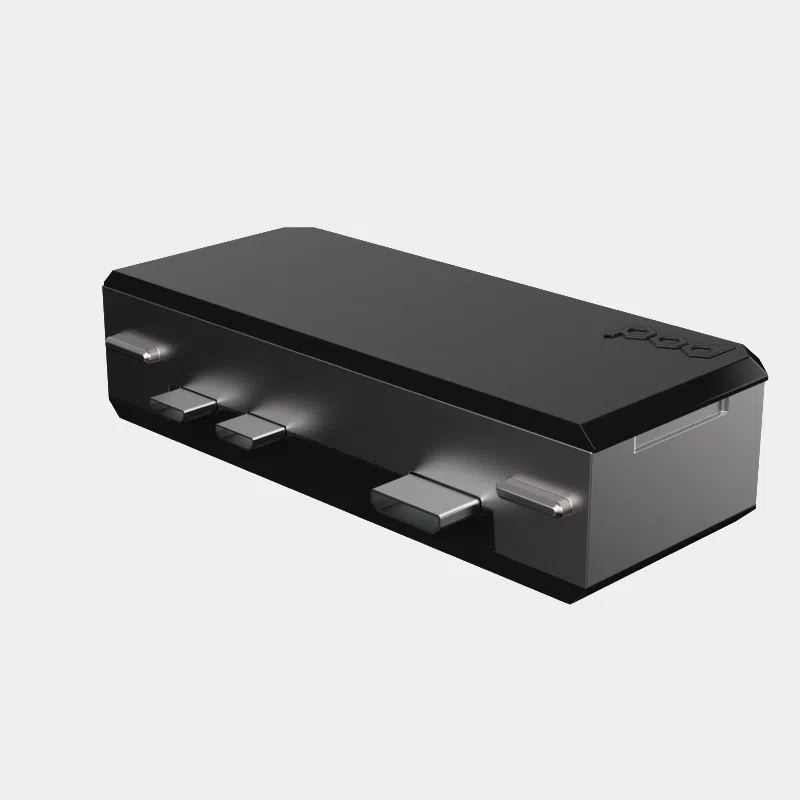
The Argon POD USB-LAN module complements the modular Argon POD case for Raspberry Pi Zero 2 W. It clips under the assembled case and adds an RJ45 Ethernet port and Four USB 2.0 ports full-size. Your Zero goes from an ultra-compact board to a small networked computer, able to handle a keyboard, mouse, USB stick and adapters at the same time.
Highlights
- Wired network : an Ethernet port for a stable connection where Wi-Fi is weak or not allowed.
- Four additional USB 2.0 ports in USB-A format.
- Plug and play : the module is recognized by Raspberry Pi OS with no driver to install.
- Seamless design : it extends the lines of the aluminium POD case.
- Modular system : the POD evolves with your needs, without changing cases.
Technical specifications
Which one should you choose?
Our advice: start with the Argon POD case, then add the USB-LAN module if your project needs a wired network connection.
Compatibility and pitfalls to avoid
- Two components required : the Argon POD case and its USB-HDMI module. The USB-LAN module does not connect directly to a bare Pi Zero.
- Throughput : Ethernet is limited to 100 Mb/s and all ports go through the Zero's USB 2.0; enough for a lightweight server, not for a fast NAS.
- Power supply : with several USB peripherals, use a quality 5 V 3 A power supply, as Argon40 requires for the POD.
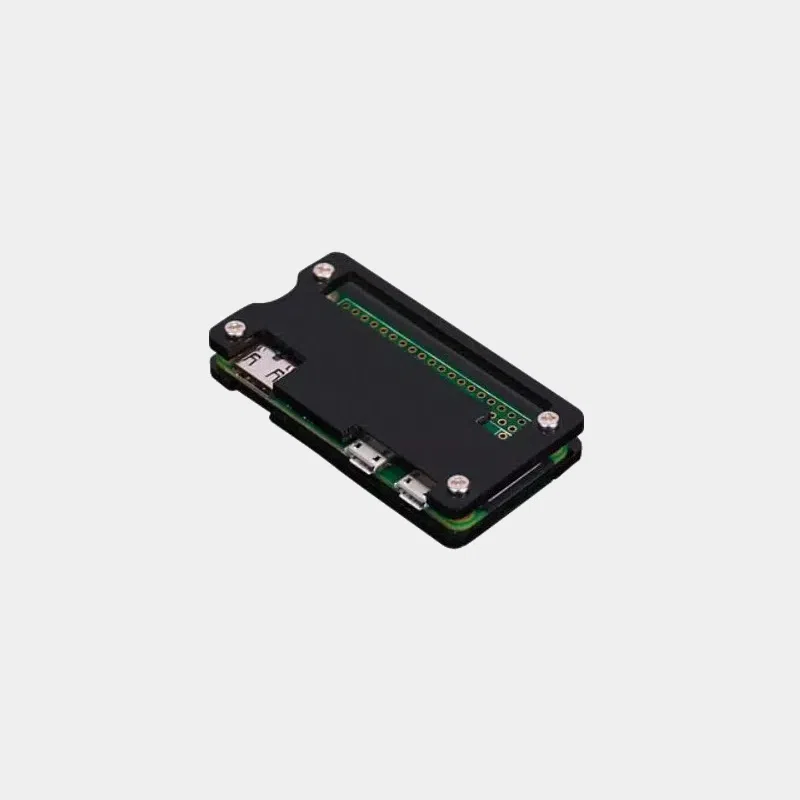
- Recommended board : the POD system is designed for the Zero 2 W, and is also compatible with the other Zero and Zero W boards according to Argon40.
Recommended accessories
- The Cat6 RJ45 Ethernet cable to connect the Zero to your router or a switch.
- The Raspberry Pi Zero W, compatible with the POD case.
- A SanDisk Ultra microSD card for Raspberry Pi OS.
Uses and projects
- Ad blocker with a wired connection: Pi-hole on Raspberry Pi.
- Network monitoring probe plugged directly into a switch, along the lines of Uptime Kuma on Raspberry Pi.
- Learning station with keyboard, mouse and USB stick connected at the same time.
- IoT gateway wired for USB sensors.
Discover all the cases for Raspberry Pi Zero and the Argon40 range.
Frequently asked questions
Does the USB-LAN module work without the USB-HDMI module?
No. It must be paired with the Argon POD case fitted with the USB-HDMI module, supplied with the Argon POD kit.
What Ethernet speed can I expect?
The port is 10/100 Mb/s Ethernet. For a lightweight server, an ad blocker or monitoring, that is more than enough.
Do I need to install a driver?
No, the module is automatically recognized by Raspberry Pi OS.
How many USB ports does it add?
Four USB 2.0 ports in USB-A format.
Is it compatible with the Raspberry Pi Zero W?
The POD system is designed for the Zero 2 W, and Argon40 states that the case is compatible with the other Zero and Zero W boards.
Can the USB-LAN module and the POD display be combined?
Both belong to the same modular POD system; check the stacking order given in the Argon40 instructions.
Give your Pi Zero the wired network and USB ports it lacks. Order with confidence: official, tested product, shipped from our stock in France within 24/48 h of payment, free pickup point delivery on orders of €200 or more, returns possible within 14 days with return authorization, and payment by Visa, Mastercard, PayPal, Apple Pay or Google Pay.