
In the same category...

-67%
OmniVESA: VESA mounting kit for Raspberry Pi
Original price was: 6,60 €.2,16 €Current price is: 2,16 €. INCL. VATIn stock
33,00 € INCL. VAT
Business, school or public body? business account Education offers
33,00 € INCL. VAT

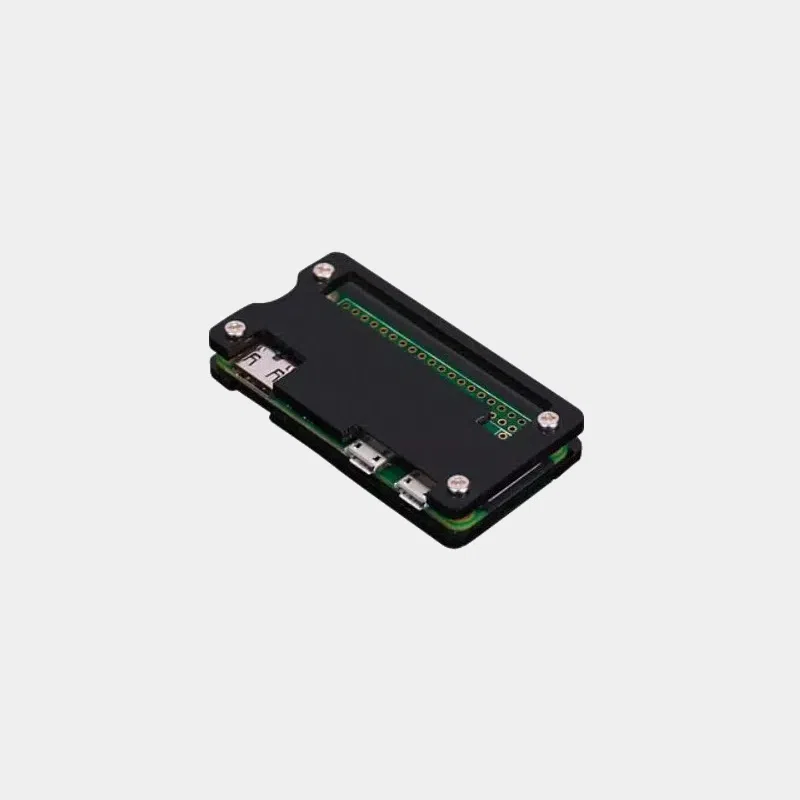
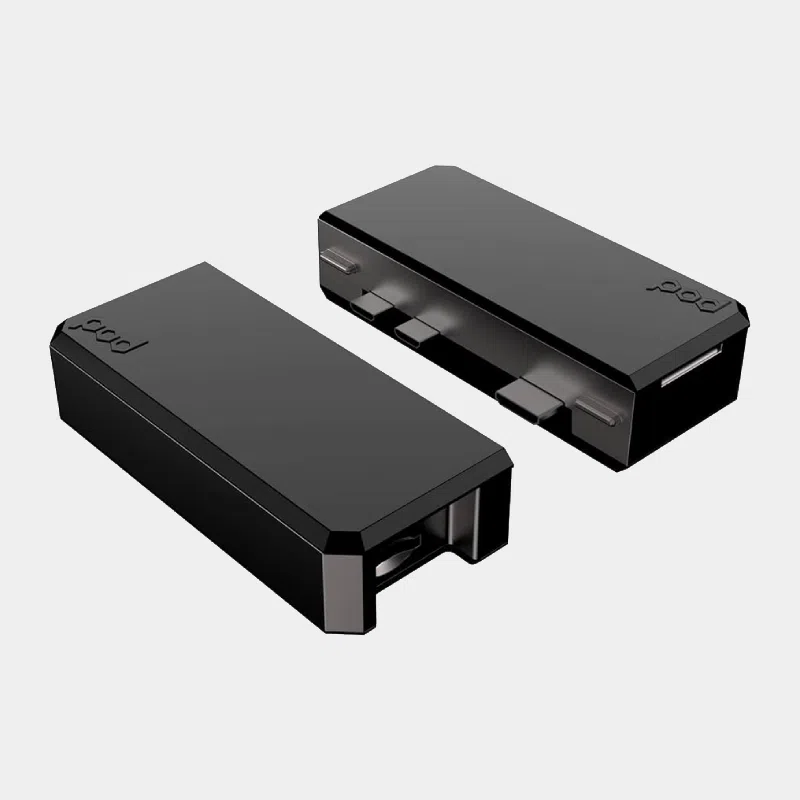
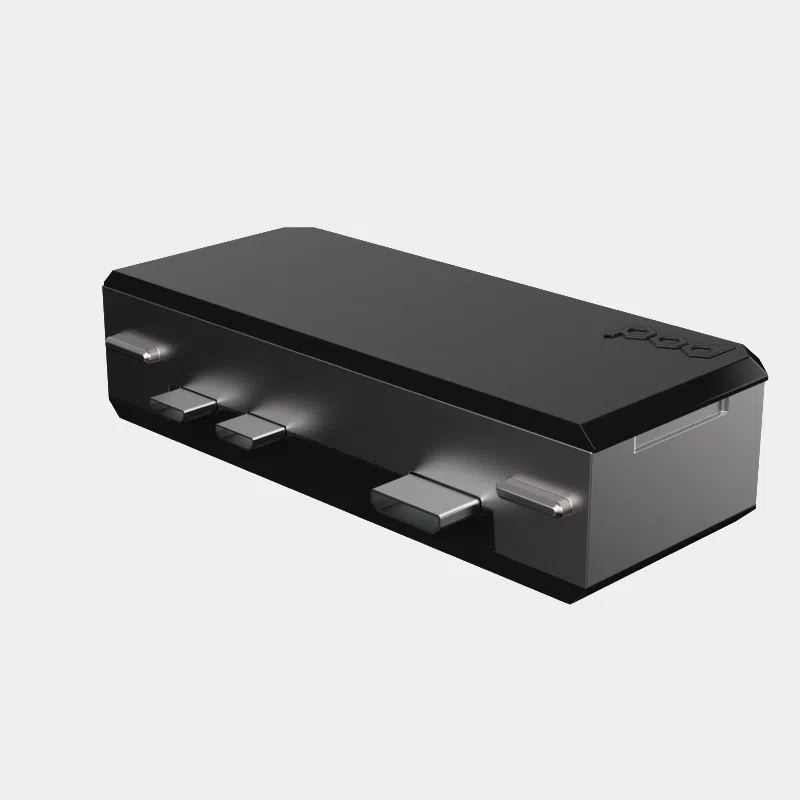
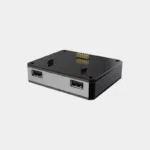
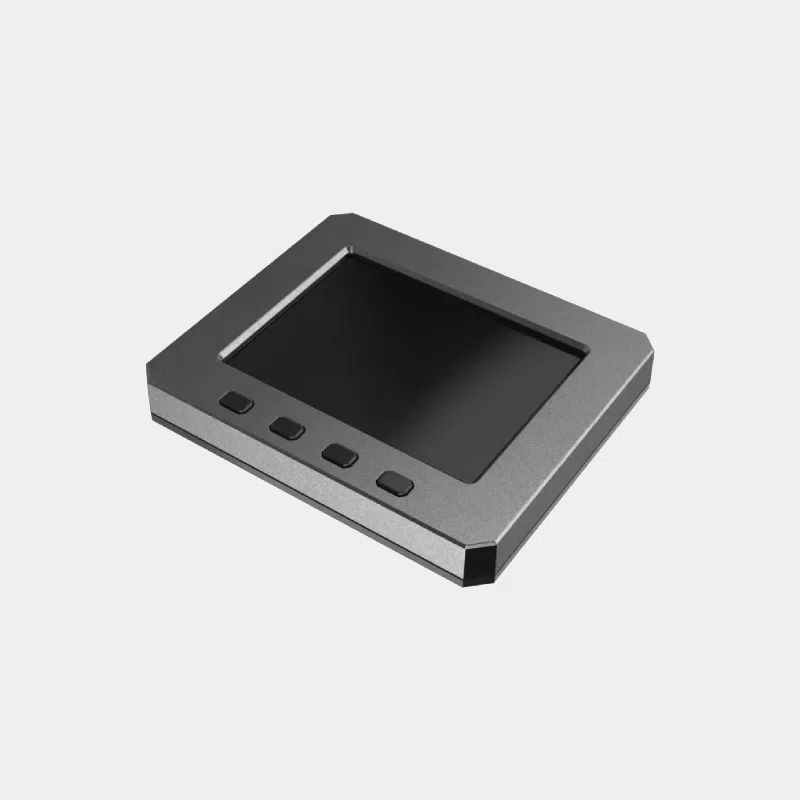
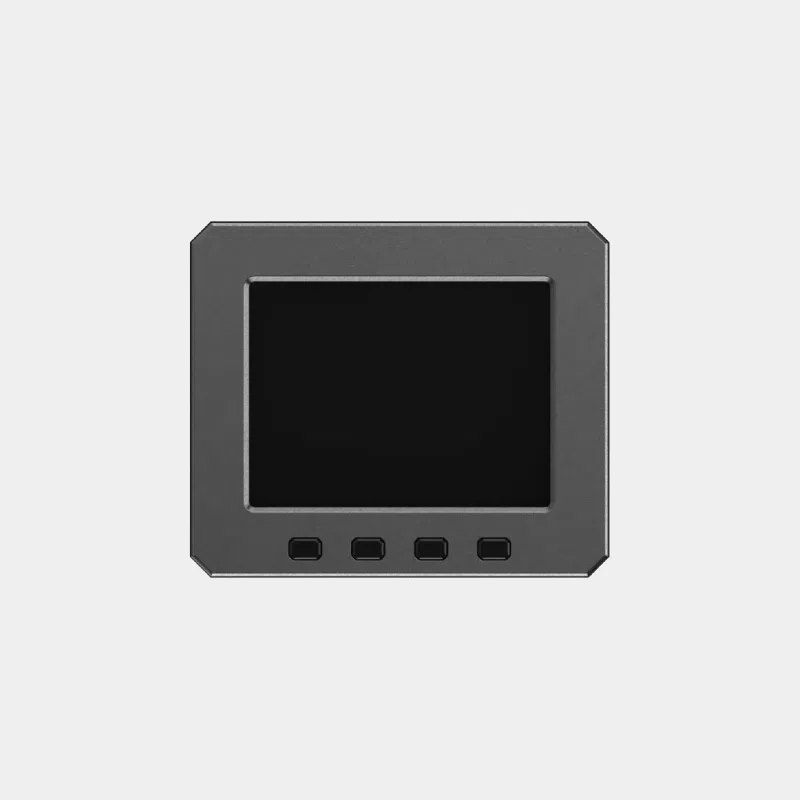
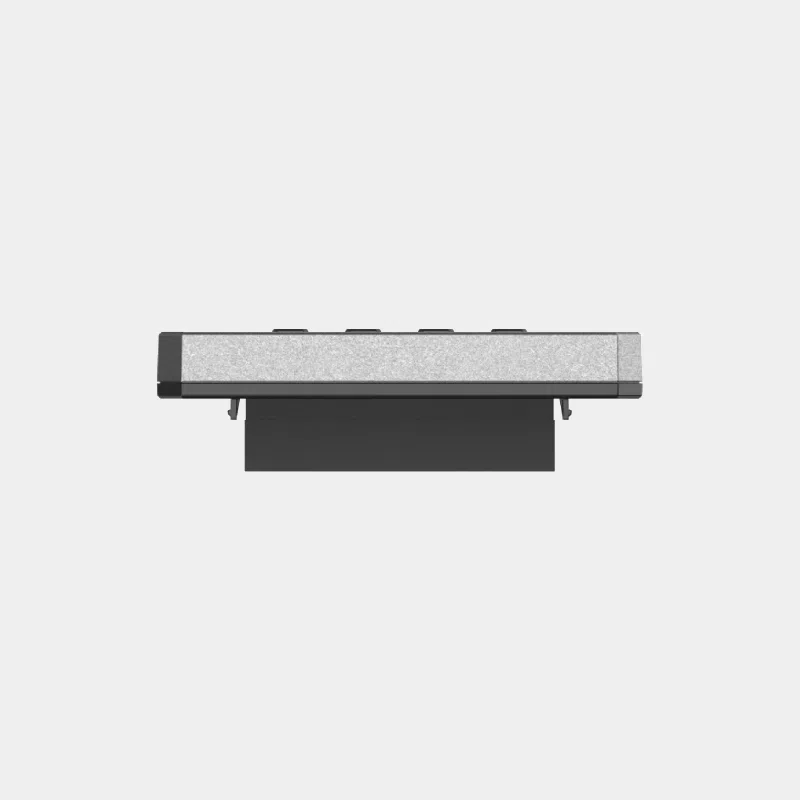
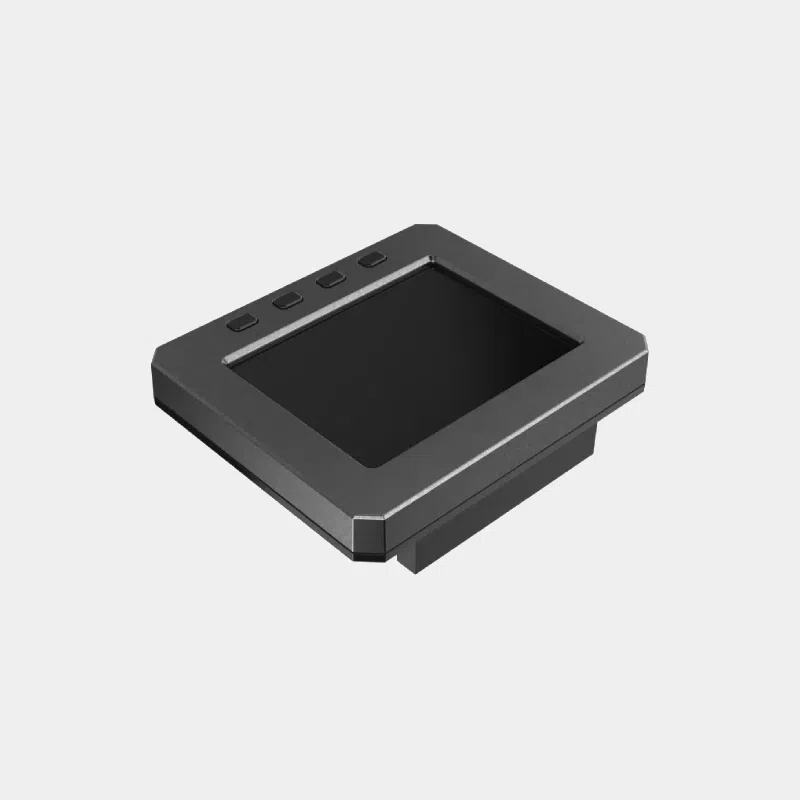
The Argon POD display module adds to the modular case Argon POD a 2.8-inch touchscreen and four programmable buttons. Designed for the Raspberry Pi Zero 2 W, it lets you check the status of your project or control it without an external screen or keyboard: ideal for a small server, a sensor or a standalone device.
| Features | Value |
|---|---|
| Screen size | 2.8 inches |
| Touch | resistive according to Argon40 |
| Buttons | 4, programmable |
| Connection | Pi Zero 40-pin GPIO |
| Compatibility | Argon POD case, designed for the Raspberry Pi Zero 2 W |
| Requirements | GPIO header soldered on the board |
| POD component | What it adds | For whom |
|---|---|---|
| Argon POD (case + USB-HDMI module) | full-size HDMI, USB 2.0, protection | any Pi Zero project |
| POD display module | local display and 4 buttons | standalone device, dashboard |
| POD USB-LAN module | Ethernet and 4 USB 2.0 | wired project |
Discover the cases for Raspberry Pi Zero and the Argon40 range.
The official Argon40 page specifies a resistive touchscreen. Some sales descriptions mention a capacitive touchscreen; we go with the manufacturer's information.
The module plugs into the GPIO pins: you therefore need a Zero with a header, either soldered or fitted with a solderless header.
It is designed to fit into the Argon POD case and is not intended to be used on its own.
They are programmable: shutdown, reboot, navigating information pages or launching scripts.
The module is designed for the Raspberry Pi Zero 2 W, the reference board of the POD system.
Add a screen and buttons to your Pi Zero without leaving the POD case. Order with confidence: official, tested product, shipped from our stock based in France within 24/48 h of receipt of payment, free pickup point delivery on orders of €200 or more, returns possible within 14 days with return authorization, and payment by Visa, Mastercard, PayPal, Apple Pay or Google Pay.