CATEGORIES

132,00 € INCL. VAT
Write to us: we will tell you the restocking time or send you a quote, including for several units.
Reply within 24/48 h.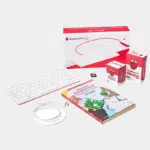
132,00 € INCL. VAT

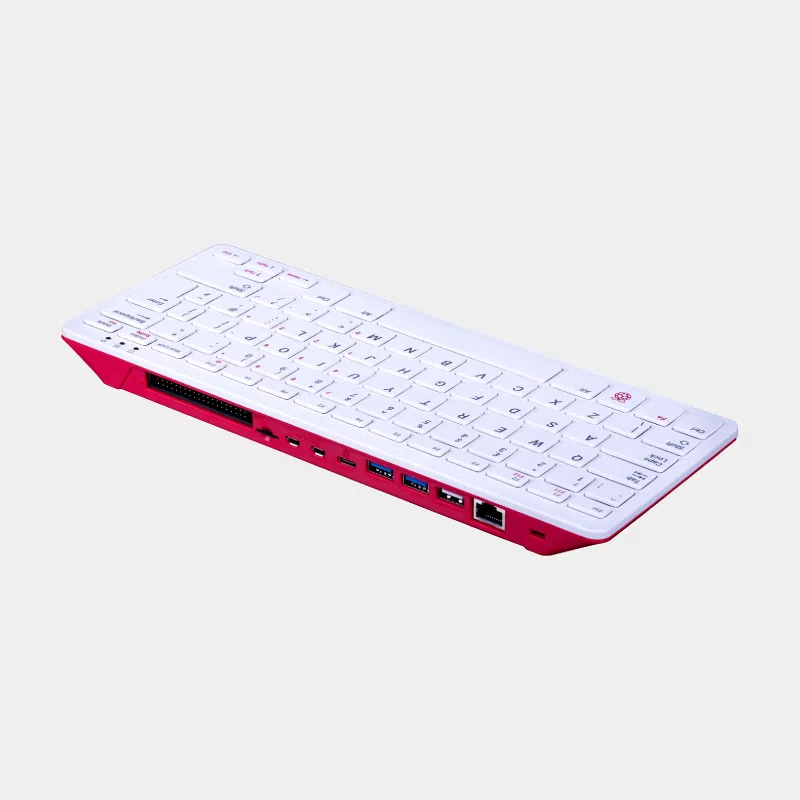
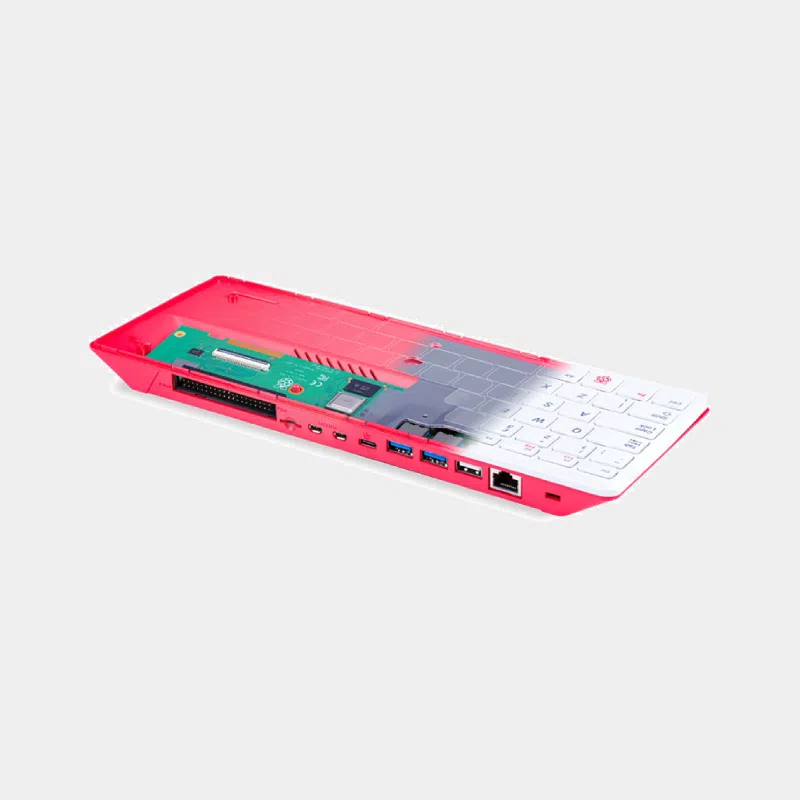
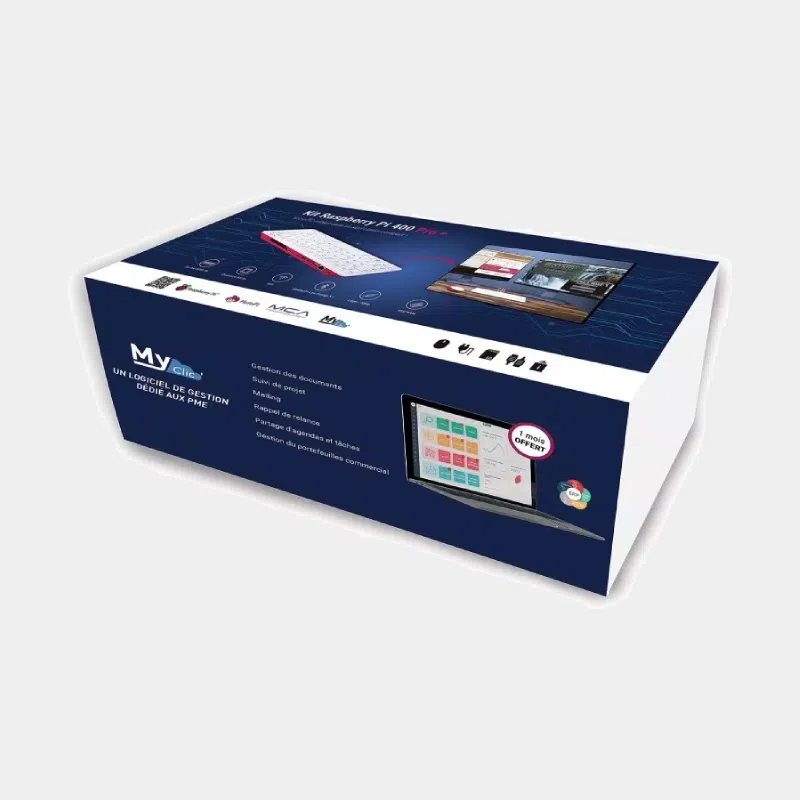
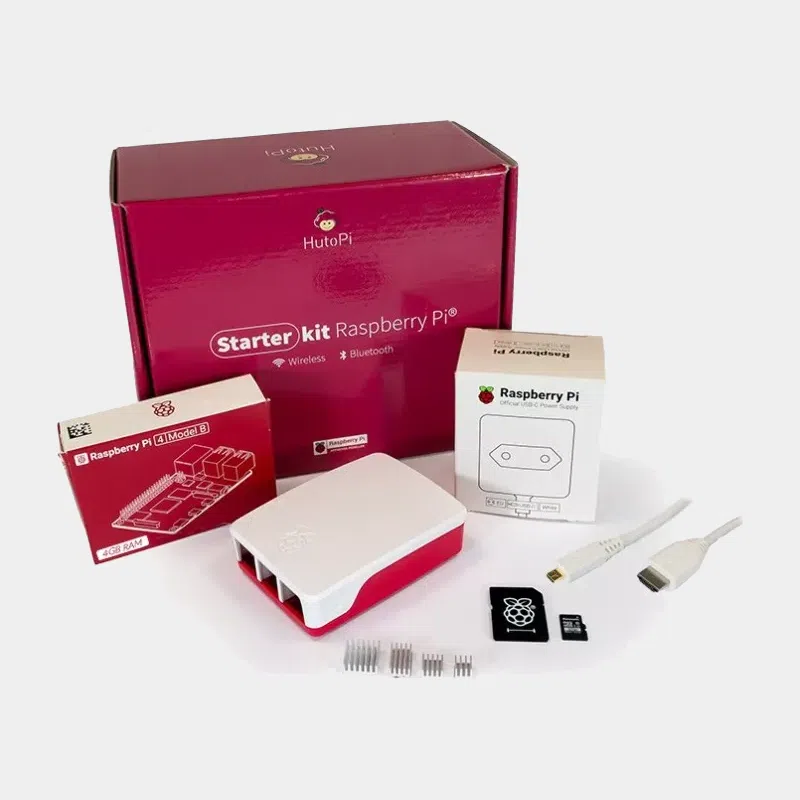
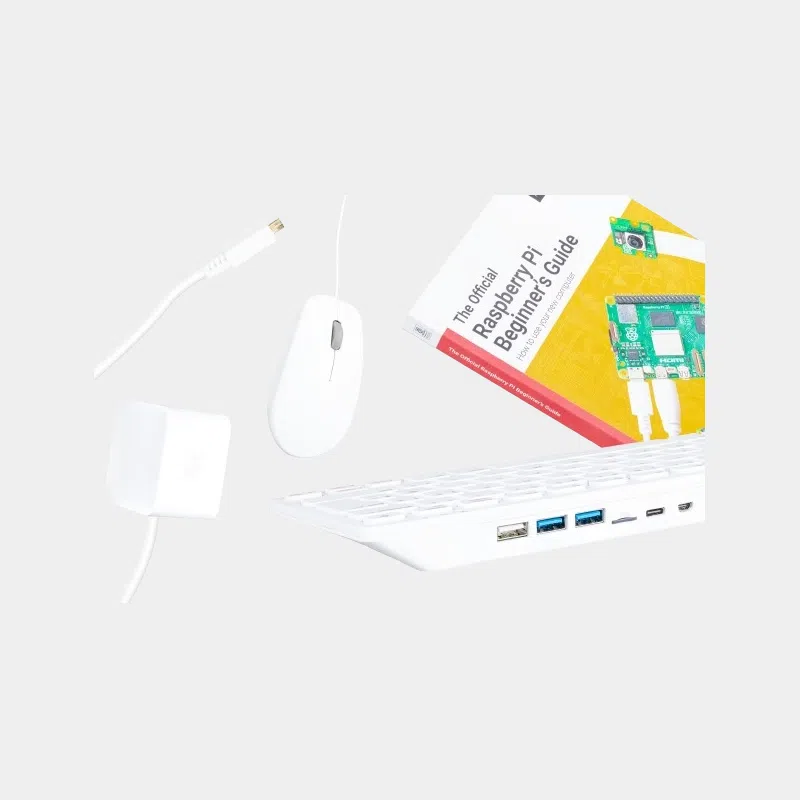
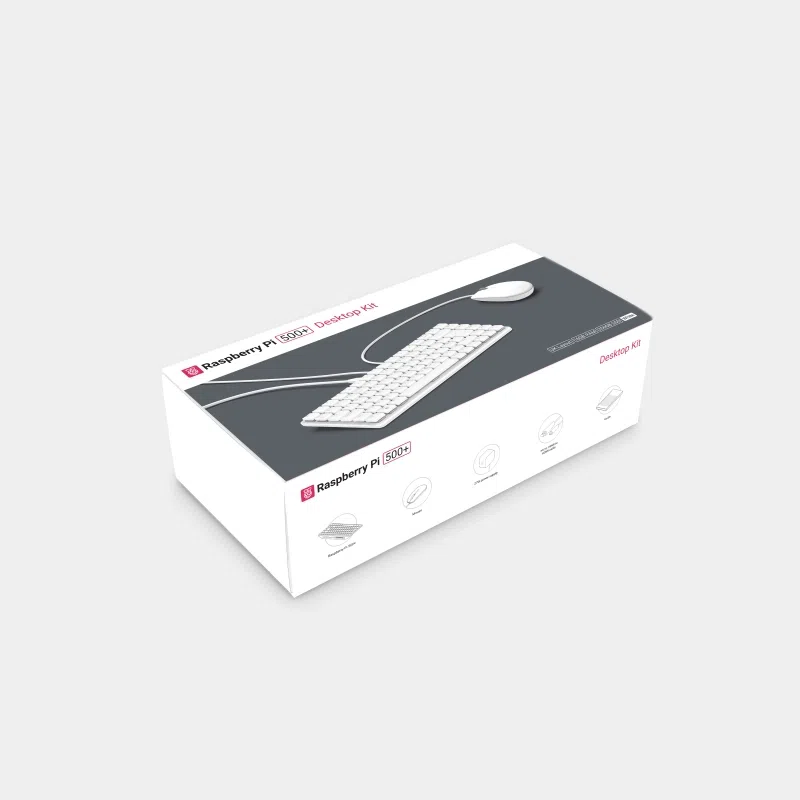
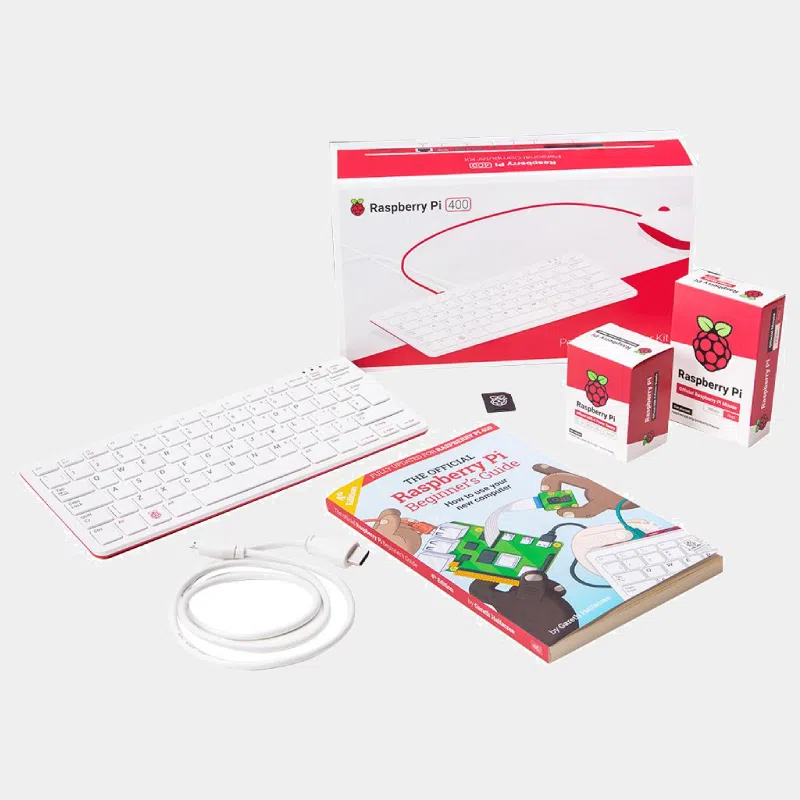
The Raspberry Pi 400 kit brings together in a single box a 64-bit desktop computer housed in a compact keyboard and all the official accessories to get it up and running: mouse, USB-C power supply, micro-HDMI to HDMI cable, preloaded microSD card and beginner's guide. All you need is a monitor or a TV. Plug it in, switch it on, and Raspberry Pi OS boots to a graphical desktop ready for the Web, office work and programming.
Not included: the monitor (or TV) with HDMI input and, if you prefer a wired network over Wi-Fi, an Ethernet cable.
| Element | Value |
|---|---|
| Processor | Broadcom BCM2711, 4-core Cortex-A72 (ARMv8) 64-bit at 1.8 GHz |
| Memory | 4 GB LPDDR4-3200 |
| Wireless | Wi-Fi 802.11b/g/n/ac 2.4 and 5 GHz, Bluetooth 5.0, BLE |
| Wired network | Gigabit Ethernet |
| USB | 2 x USB 3.0, 1 x USB 2.0 |
| Video | 2 x micro-HDMI, up to 4Kp60 |
| Multimedia | H.265 4Kp60 decoding; H.264 1080p60 decoding and 1080p30 encoding; OpenGL ES 3.0 |
| Extension | Horizontal 40-pin GPIO header |
| Storage | microSD reader (system and data) |
| Keyboard | Compact, French AZERTY layout |
| Power supply | 5 V DC via USB-C |
| Operating temperature | 0 to 50 °C |
| Dimensions | 286 x 122 x 23 mm (maximum) |
| Kit | Processor | Memory | Storage included | Ideal for |
|---|---|---|---|---|
| Raspberry Pi 400 Kit | Cortex-A72 at 1.8 GHz | 4 GB | 16 GB microSD | Getting started, school, Web and light office work |
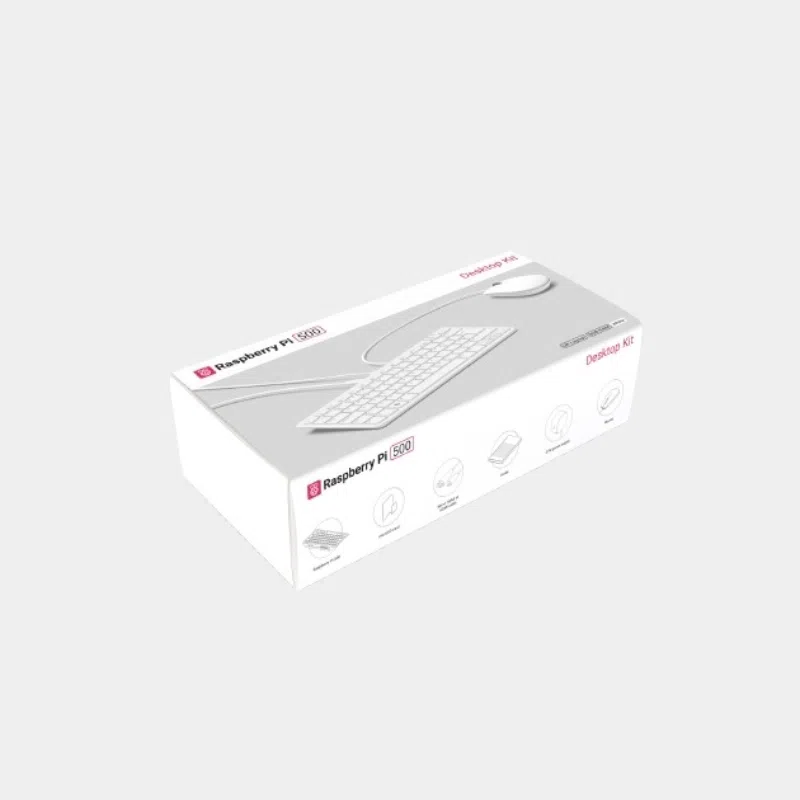
| Raspberry Pi 500 Kit | Cortex-A76 at 2.4 GHz | 8 GB | 32 GB class A2 microSD | Same keyboard format with significantly more power |
| Raspberry Pi 500+ Kit | Cortex-A76 at 2.4 GHz | 16 GB | Internal 256 GB SSD | Everyday workstation, backlit mechanical keyboard |
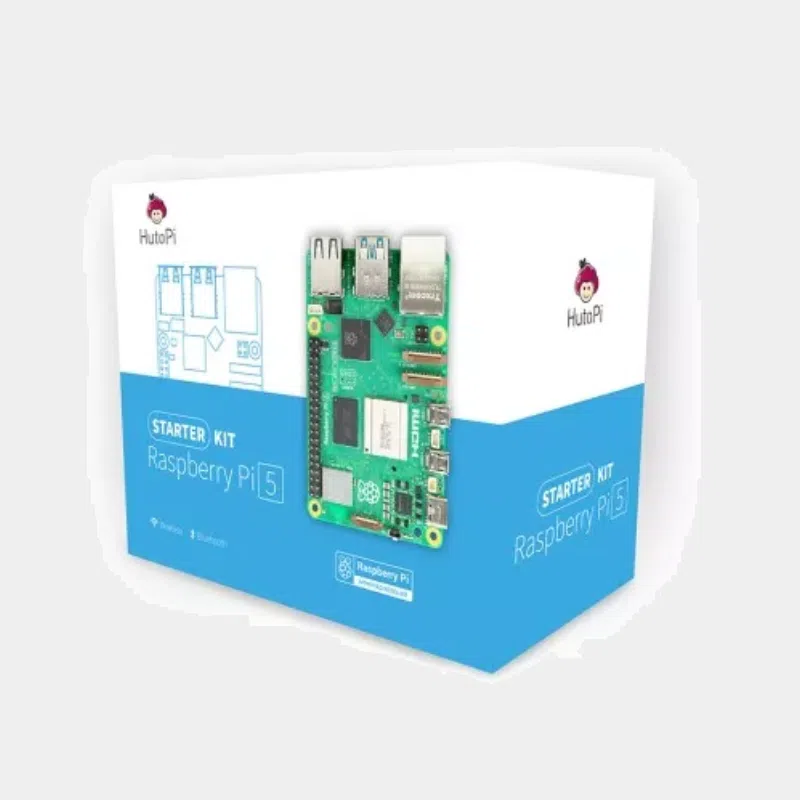
| Raspberry Pi 5 Desktop Kit | Cortex-A76 at 2.4 GHz | 4 or 8 GB | microSD 32 GB | Separate board in a case: camera, DSI display and PCIe access |
Our advice: the Raspberry Pi 400 kit is enough for learning, browsing and writing documents. If you plan to do photo editing, use lots of tabs or do heavier development, go for the Cortex-A76 generation. If you want to connect an official camera or a DSI touchscreen, only the board-in-a-case version allows it.
To learn more, read our review of the Raspberry Pi 400 today and our comparison Raspberry Pi 500 vs Raspberry Pi 400.
Only a monitor or TV with an HDMI input. Keyboard, mouse, power supply, video cable, preloaded microSD card and guide are included.
Yes: the Raspberry Pi 400 in this kit has a native French AZERTY layout.
Yes, thanks to the two micro-HDMI outputs, up to 4K. Only one cable is included in the kit: add a second one.
Same BCM2711 processor at 1.8 GHz and 4 GB of memory, but built into the keyboard. On the other hand, the Pi 400 has no camera connector, no DSI display connector, no audio jack, and its GPIO is horizontal.
Yes. Raspberry Pi Imager, free on Windows, macOS and Linux, writes a new Raspberry Pi OS image to the microSD card in a few minutes.
It is designed to operate at ambient temperatures between 0 and 50 °C. Simply keep the back clear and do not cover it during use.
Order your Raspberry Pi 400 kit on monraspberry.com : official, tested product, stock based in France, shipping within 24/48 h after receipt of payment, free pickup point delivery on orders from €200, returns possible within 14 days with return authorization, and payment by Visa, Mastercard, PayPal, Apple Pay or Google Pay.