CATEGORIES

82,80 € INCL. VAT
Business, school or public body? business account Education offers
82,80 € INCL. VAT

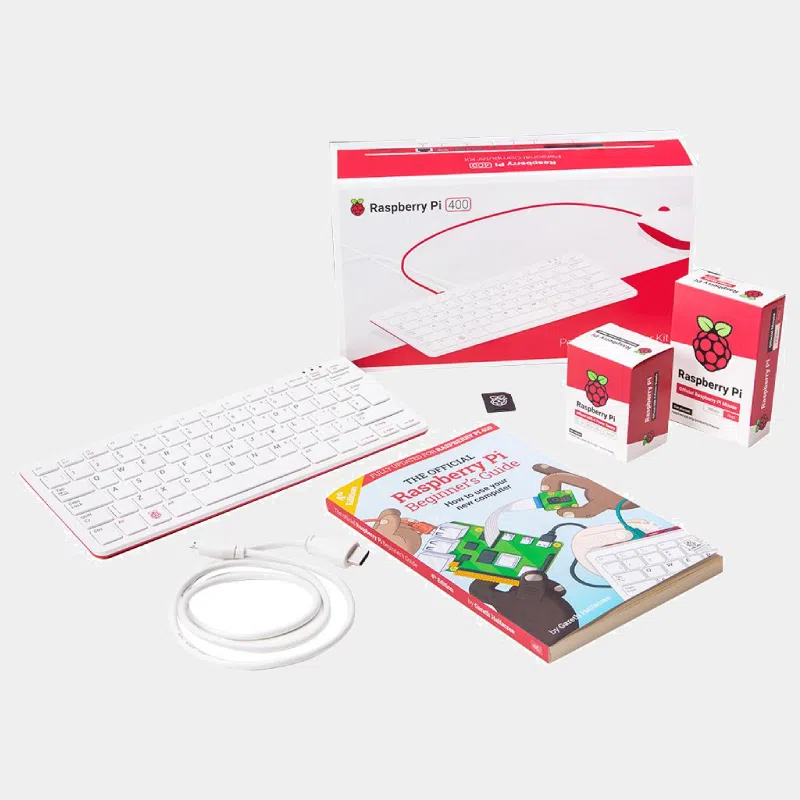
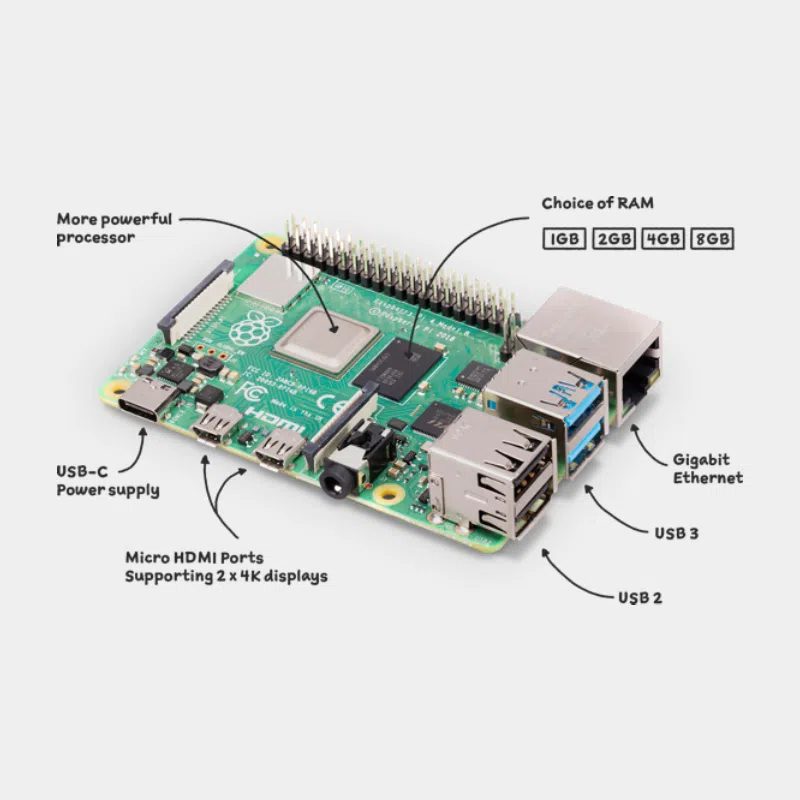
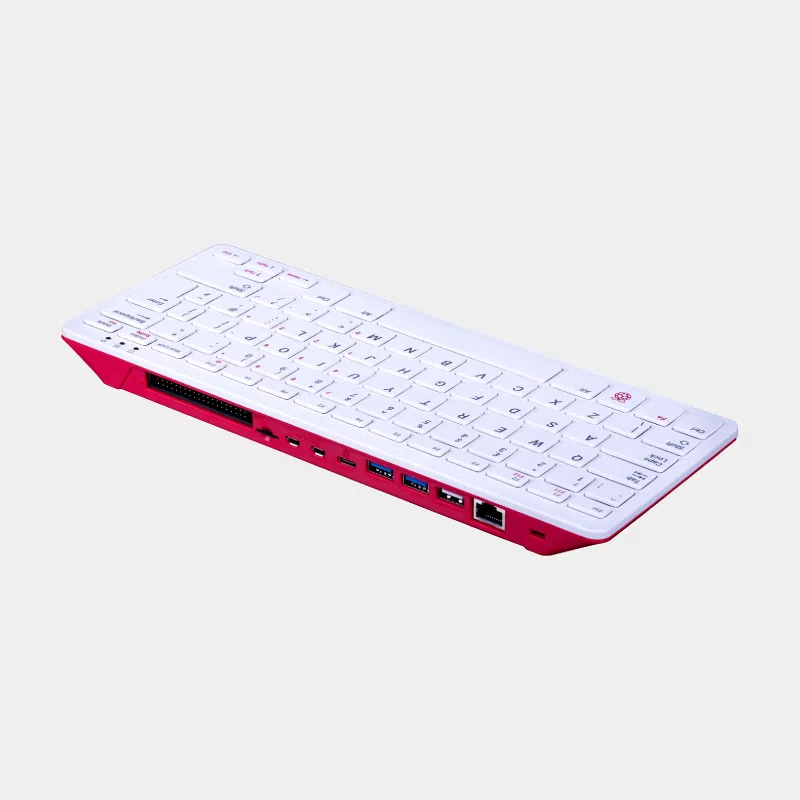
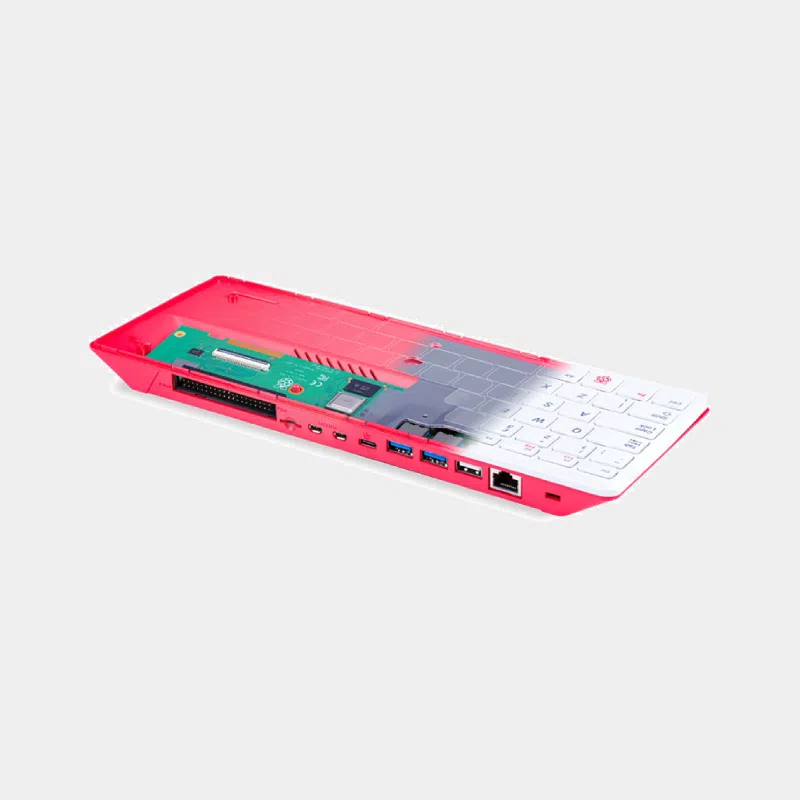
The Raspberry Pi 400 is a 64-bit personal computer fully built into a compact keyboard. Inside, you will find the electronics of the Raspberry Pi 4: quad-core processor at 1.8 GHz, 4 GB of memory, dual-band Wi-Fi, Bluetooth and Gigabit Ethernet. Simply connect a screen, a mouse, a USB-C power supply and a microSD card to get a silent, compact workstation, ideal for the web, office work and learning to program.
This product is the unit only, without accessories: a smart choice if you already own a screen, mouse, cable and power supply.
| Element | Raspberry Pi 400 |
|---|---|
| Processor | Broadcom BCM2711, 4 x 64-bit Cortex-A72 at 1.8 GHz |
| Memory | 4 GB LPDDR4-3200 |
| Wireless | Dual-band Wi-Fi 802.11b/g/n/ac, Bluetooth 5.0, BLE |
| Network | Gigabit Ethernet |
| USB | 2 x USB 3.0 and 1 x USB 2.0 |
| Video | 2 x micro-HDMI up to 4Kp60 |
| Multimedia | H.265 4Kp60 (decode), H.264 1080p60 (decode) and 1080p30 (encode), OpenGL ES 3.0 |
| GPIO | 1 horizontal 40-pin header |
| Storage | microSD reader |
| Keyboard | 78, 79 or 83 keys depending on the regional variant |
| Power supply | 5 V via USB-C (3 A recommended) |
| Temperature | 0 to 50 °C |
| Dimensions | 286 x 122 x 23 mm maximum |
| Model | Format | Processor and memory | Extra connectors | For whom |
|---|---|---|---|---|
| Raspberry Pi 400 | Keyboard computer | Cortex-A72 1.8 GHz, 4 GB | None (no camera, DSI or jack) | Simple, compact desktop workstation |
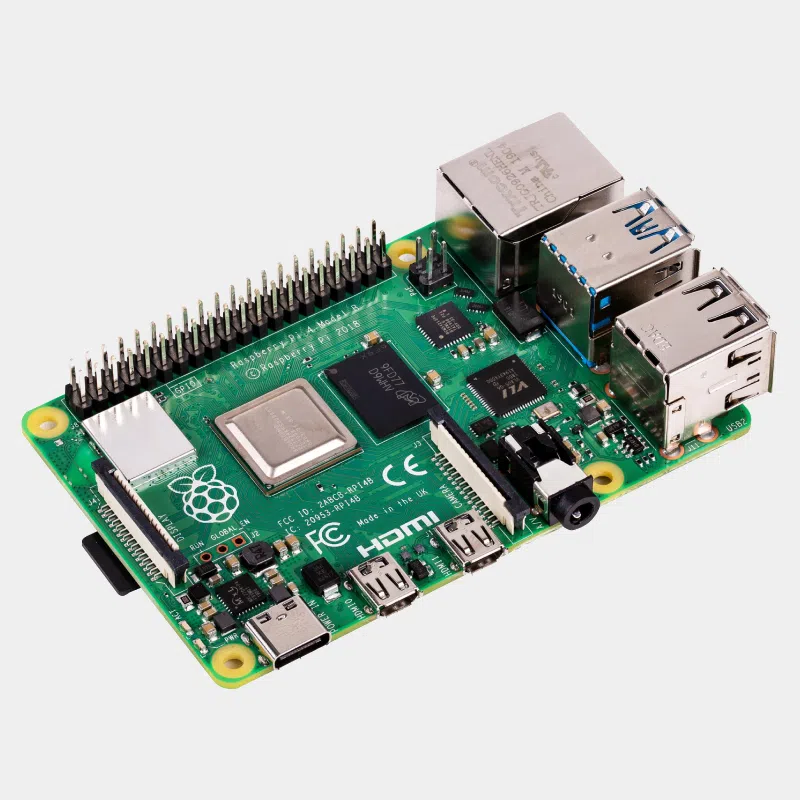
| Raspberry Pi 4 Model B 4 GB | Bare board | Cortex-A72 1.8 GHz, 4 GB | CSI camera, DSI display, audio jack, 2 USB 2.0 | Embedded projects, HAT, camera |
| Raspberry Pi 4 Model B 8 GB | Bare board | Cortex-A72 1.8 GHz, 8 GB | Same as Pi 4 | Home server, containers |
| Raspberry Pi 500 | Keyboard computer | Cortex-A76 2.4 GHz, 8 GB | Same concept as the 400 | Same comfort, much faster |
In short: if you want a computer ready to place on your desk, the Raspberry Pi 400 is the simplest. For home automation, cameras or expansion boards, choose a Raspberry Pi 4 board.
Read: Raspberry Pi 400, the compact all-in-one and everything you need to know about the Raspberry Pi 4 and the Raspberry Pi 400.
A complete computer built into a keyboard, based on the Raspberry Pi 4 (BCM2711 at 1.8 GHz, 4 GB). It runs Raspberry Pi OS and connects to any HDMI screen.
A 5 V USB-C power supply capable of 3 A. The official 15.3 W power supply is the benchmark.
Yes for browsing, word processing and videos. For heavy use with many tabs, the Raspberry Pi 500 offers more headroom.
No, the Raspberry Pi 400 has no CSI connector. A USB webcam works.
Three: two USB 3.0 and one USB 2.0, plus the USB-C port reserved for power.
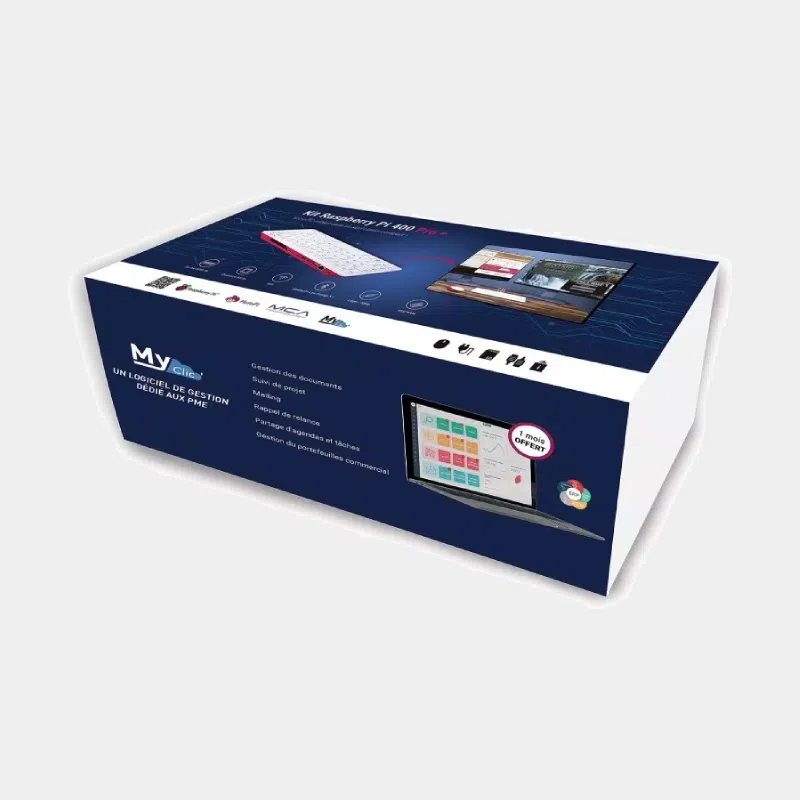
Yes, the Raspberry Pi 400 is also available as a kit; this product is the unit only.
Order your Raspberry Pi 400 on monraspberry.com : official, tested product, stock based in France, shipping within 24/48 h after receipt of payment, free pickup point delivery on orders from €200, returns possible within 14 days with return authorization, and payment by Visa, Mastercard, PayPal, Apple Pay or Google Pay.
| Processor (CPU) | Quad-core Cortex-A72 64bit SoC@ 1.5GHz Broadcom BCM2711 ARM v8 |
|---|---|
| Random Access Memory (RAM) | 4GB |
| Connectivity | Bluetooth 5.0, WiFi |
| Ethernet port | Gigabit Ethernet |
| USB 2.0 port(s) | x1 |
| USB 3.0 port(s) | x2 |
| GPIO | 2 x GPIO 40 PIN |
| MicroSD port | Yes |
| micro-HDMI port(s) | x2 |