
In the same category...



-80%

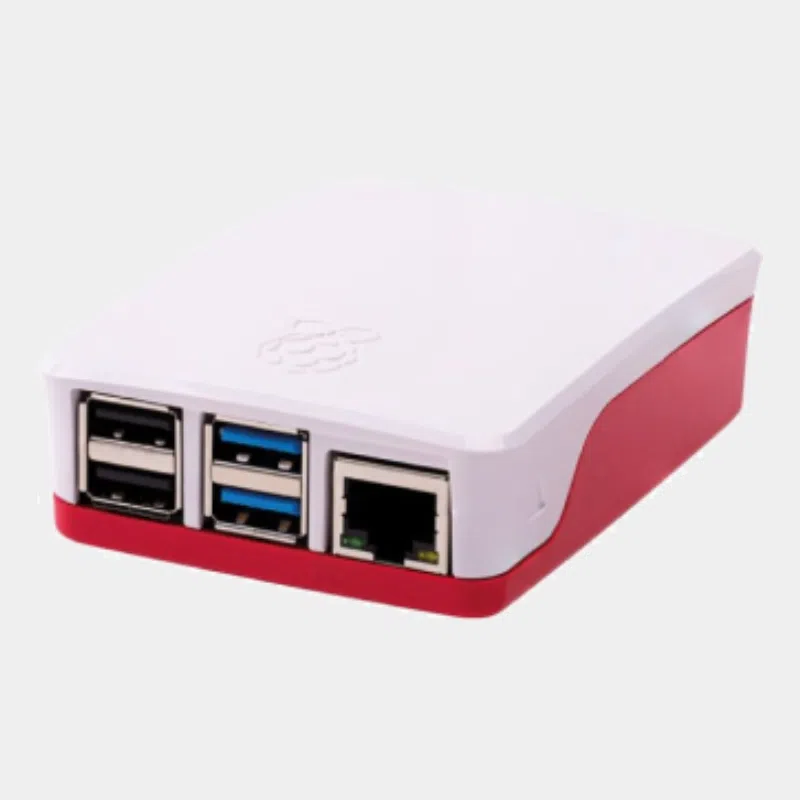
Pibow enclosure for Raspberry Pi 4
Original price was: 12,84 €.2,60 €Current price is: 2,60 €. INCL. VATIn stock


24,00 € INCL. VAT
Business, school or public body? business account Education offers
24,00 € INCL. VAT

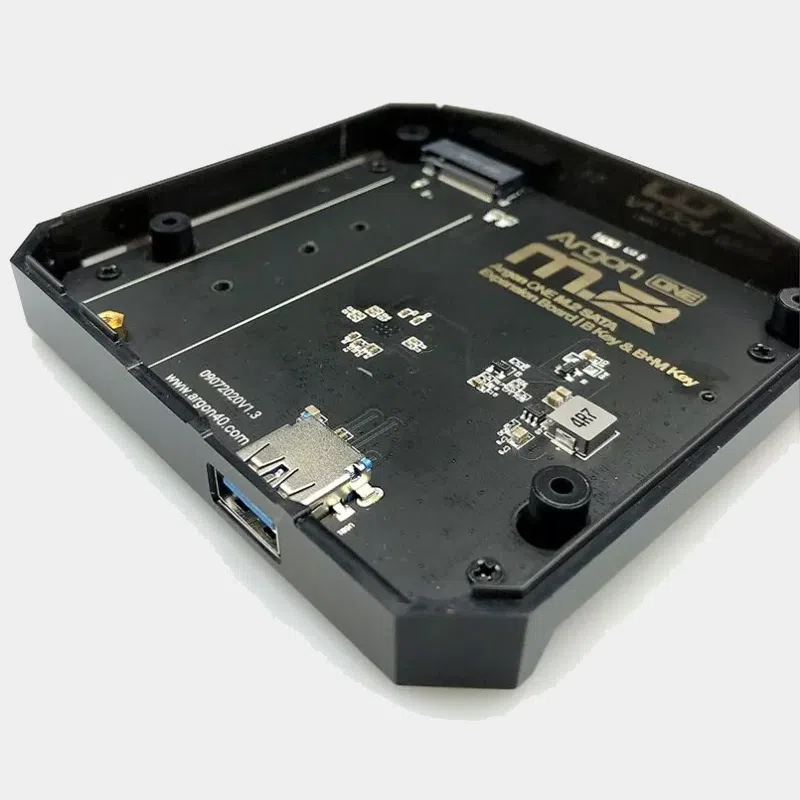
L'Argon ONE M.2 expansion replaces the bottom of the Argon ONE V2 for Raspberry Pi 4 case with a base that holds an M.2 SATA SSDs. The drive connects to the Pi 4 through a UASP-compatible USB 3.0 bridge : you boot from SSD, with shorter loading times and far more capacity than a microSD card.
| Features | Value |
|---|---|
| Compatible case | Argon ONE V2 for Raspberry Pi 4 |
| Compatible board | Raspberry Pi 4 |
| SSD form factor | M.2 SATA B-key or B+M-key, all lengths |
| Interface | UASP-compatible USB 3.0 bridge |
| Boot | SSD boot supported |
| Contents | M.2 SATA board, USB 3.0 bridge, plastic base, 4 screws, 4 rubber feet, instructions |
| Solution | What you get | For whom |
|---|---|---|
| M.2 SATA expansion only | SSD added to your V2 | you already have an Argon ONE V2 |
| Argon ONE V2 | case without SSD | booting from microSD |
| Argon ONE M.2 | case and SATA expansion combined | new Pi 4 setup on SSD |
| Argon Nanosound ONE | case with audio DAC | audio player, expandable with M.2 |
Follow our guide to booting a Raspberry Pi from an SSD, and explore the Raspberry Pi 4 universe and the Argon40 range.
No. Argon40 reserves it for the Argon ONE V2 case for Raspberry Pi 4. The Argon ONE V3 and V5 for Pi 5 have their own NVMe expansions.
No, this expansion only accepts B-key or B+M-key M.2 SATA SSDs.
Yes, Argon40 states that the system can be installed on the M.2 SSD for faster booting.
It is a USB protocol that reduces latency and improves drive speeds on the Raspberry Pi 4's USB 3.0 ports.
All M.2 SATA SSD lengths, according to Argon40.
The M.2 SATA board, the USB 3.0 bridge, the plastic base, 4 screws, 4 rubber feet and the instructions.
The simplest way is to install a fresh system on the SSD with Raspberry Pi Imager, via a USB adapter, then check that USB boot is enabled on your Raspberry Pi 4, which is the case with up-to-date firmware.
An M.2 SATA SSD uses little power and produces little heat; housed in the base of the Argon ONE V2 case, it runs without dedicated cooling in home use.
Give your Raspberry Pi 4 an SSD without changing cases. Order with confidence: official, tested product, shipped from our stock based in France within 24/48 h of payment receipt, free pickup point delivery on orders of €200 or more, returns possible within 14 days with return authorization, and payment by Visa, Mastercard, PayPal, Apple Pay or Google Pay.