

Compatible products

In the same category...


-16%

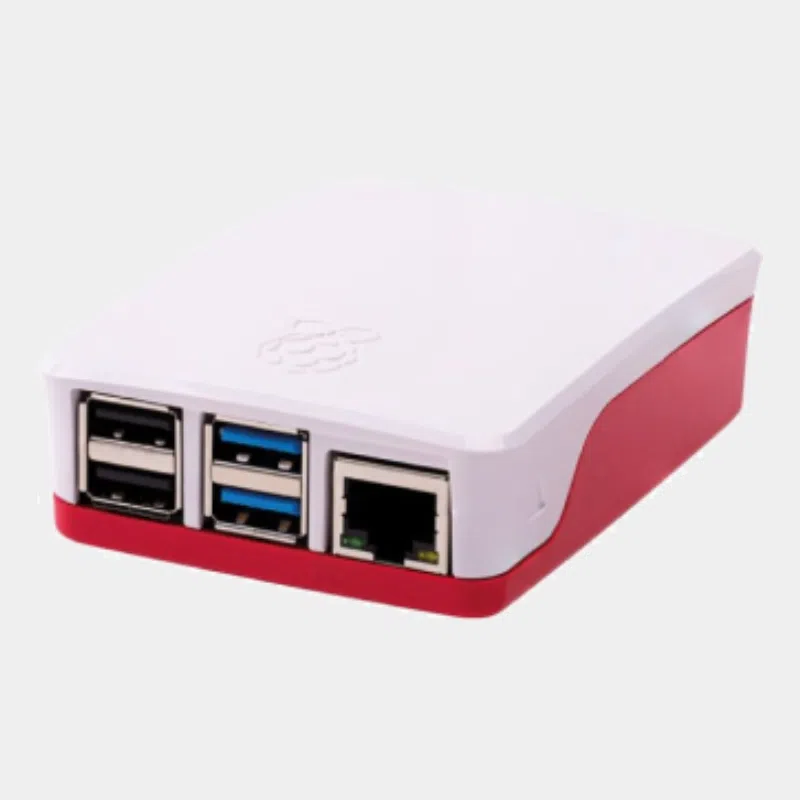
PiStation Case for Raspberry Pi 4
from Original price was: 22,50 €.18,96 €Current price is: 18,96 €. INCL. VATIn stock
5,20 € INCL. VAT
Write to us: we will tell you the restocking time or send you a quote, including for several units.
Reply within 24/48 h.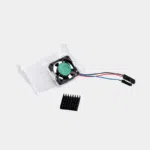
5,20 € INCL. VAT

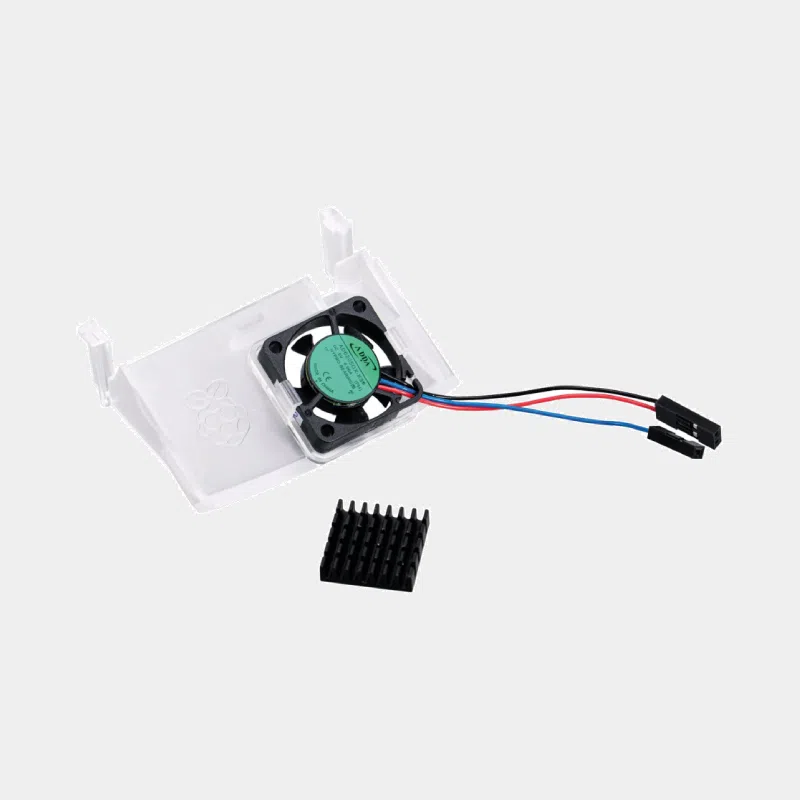
Under heavy load, a Raspberry Pi 4 enclosed in its case heats up and then lowers its clock speed to protect itself: this is where the Raspberry Pi 4 fan comes in. The official Raspberry Pi 4 fan clips into the lid of the official case, blows up to 1.4 CFM over the processor, the memory and the power management circuit, and only runs when the temperature requires it.
| Features | Official value |
|---|---|
| Voltage | 5 V DC via the 40-pin GPIO header |
| Speed control | PWM via a selectable GPIO pin (GPIO 14 by default) |
| Maximum airflow | 1.4 CFM |
| Heatsink included | 18 × 18 × 10 mm, self-adhesive pad |
| Bracket material | Clear polycarbonate |
| Compatibility | Raspberry Pi 4 Model B in the official Raspberry Pi 4 case |
This is the most frequently asked question. The three wires connect to the GPIO pins as follows:
| Wire | Color | Physical GPIO pin |
|---|---|---|
| 5 V | Red | Pin 4 |
| Ground (GND) | Black | Pin 6 |
| Control (GPIO 14) | Blue | Pin 8 |
Next, open Raspberry Pi Configuration, Performance tab, and enable the fan. The default threshold is 80 °C: this way the Pi avoids throttling without running the fan all the time. You can lower this threshold or change the control pin. In headless mode, the same setting is available in raspi-config.
| Solution | Card | Type | For whom |
|---|---|---|---|
| Official case fan (this product) | Pi 4 + official case | Active, temperature-controlled | Keep the official look with real cooling |
| Flirc Pi 4 case | Pi 4 | Passive aluminium case | Complete silence |
| Set of 4 heatsinks | Pi 4 and others | Liabilities | Light use, minimal budget |
| Pi 5 fan / heatsink | Pi 5 | Active, dedicated connector | Raspberry Pi 5 owners |
Our advice : if you already have the official case, this fan is the simplest solution. If you want total silence, a passive aluminium case is a better fit.
The fan with its three connection wires and the 18 × 18 × 10 mm heatsink with self-adhesive pad.
Home server running around the clock, retro emulation, compiling or overclocking: compare the options in our comparison of the best cases for Raspberry Pi 4 and find ideas in what to do with a Raspberry Pi 4.
Red wire to pin 4 (5 V), black wire to pin 6 (ground), blue wire to pin 8 (GPIO 14). Then enable the fan in Raspberry Pi Configuration, Performance tab.
No, it is temperature-controlled. By default, it starts at 80 °C; the threshold can be set in the Performance tab.
No, it is designed for the lid of the official Raspberry Pi 4 case.
No. The Pi 5 has its own cooling solutions, such as the dedicated fan / heatsink.
It is recommended: placed in the centre of the processor, it improves heat transfer to the airflow.
It only starts above the chosen temperature threshold: in light use, it therefore stays off most of the time.
Order your official Raspberry Pi 4 fan on monraspberry.com : official, tested product, stock based in France, shipping within 24/48 h after receipt of payment, free pickup point delivery on orders from €200, returns possible within 14 days with return authorization, and payment by Visa, Mastercard, PayPal, Apple Pay or Google Pay.
| Accessory type | Heat sinks |
|---|---|
| Connections | GPIO |