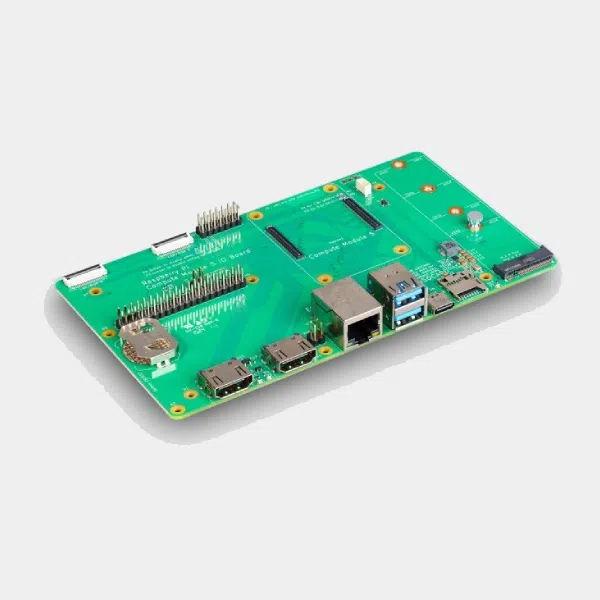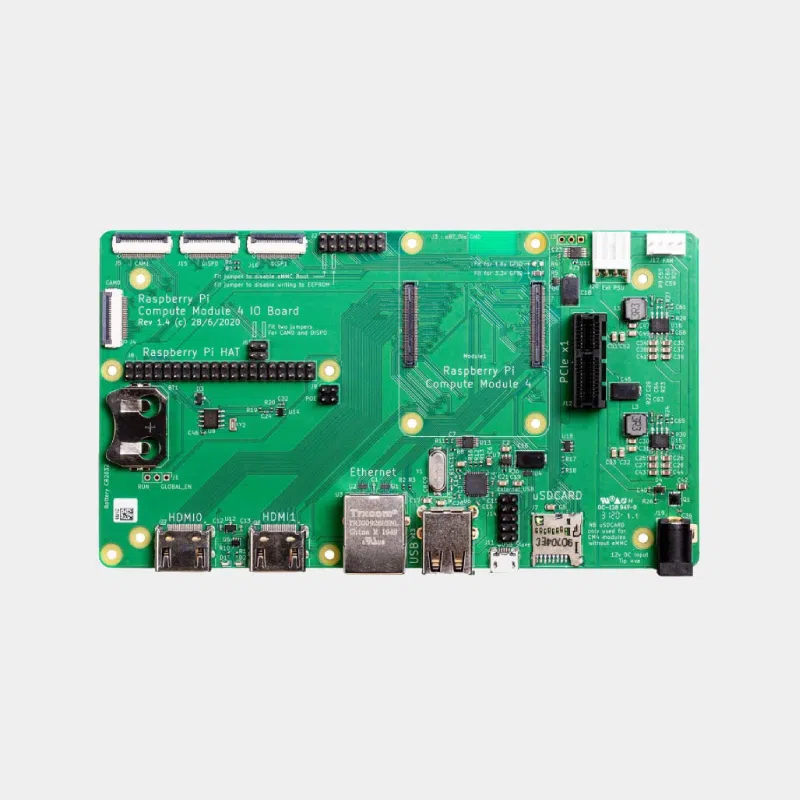
Raspberry Pi Compute Module 4 IO Board development kit
36,00 € INCL. VAT
- Official carrier board for developing with and integrating the Compute Module 4
- PCIe Gen 2 x1 slot, two HDMI 2.0, two cameras and two MIPI displays
- Compatible with all CM4 variants, eMMC programming, RTC and PoE support
Business, school or public body? business account Education offers
Raspberry Pi Compute Module 4 IO Board development kit
36,00 € INCL. VAT


- Description
- Additional information
Description
CM4 IO Board: the official development board for the Compute Module 4
The Compute Module 4 IO Board is the official carrier board for the Raspberry Pi Compute Module 4. It serves both as a development platform and as an embedded board for your finished products: plug in a CM4 (supplied separately) and you instantly get the connectors of a complete Raspberry Pi, plus a real standard PCIe slot. The main connectors are lined up along one side to simplify enclosure design.
Highlights
- Compatible with all CM4 variants : with or without eMMC, with or without Wi-Fi.
- Standard PCIe Gen 2 x1 slot : NVMe card via passive adapter, SATA, networking or USB 3.0.
- Two full-size HDMI 2.0, two camera connectors and two MIPI display connectors.
- 40-pin HAT connector with PoE support via a PoE HAT.
- eMMC programming through the micro-USB port with rpiboot.
- Real-time clock with CR2032 battery holder and CM4 wake-up.
- 12 V PWM fan controller with tachometer feedback.
Technical specifications
| Element | CM4 IO Board |
|---|---|
| Support | Connectors for Compute Module 4, all variants |
| Video | 2 x full-size HDMI 2.0 |
| Camera and display | 2 MIPI CSI camera connectors, 2 MIPI DSI display connectors |
| Network | Gigabit RJ45 jack, PoE HAT compatible |
| USB | USB 2.0 hub: 2 ports + header for 2 additional ports; micro-USB for updating the CM4 |
| PCIe | Standard Gen 2 x1 slot |
| Storage | microSD reader for CM4 without eMMC (Lite) |
| RTC | PCF85063AT, CR2032 battery holder |
| Fan | 12 V PWM fan connector with tachometer |
| Jumpers | Wireless disable, EEPROM write protection, forced USB boot |
| Power supply | 2.1 mm 12 V DC jack (center positive); 5 V possible with reduced features |
| Dimensions | 160 x 90 mm |
| Production | Until at least January 2028 |
Not included: the Compute Module 4, the power supply, the clock battery and the PoE HAT.
Which one to choose? Which module to install on the CM4 IO Board
| Module | On this board | Storage | Key points |
|---|---|---|---|
| Compute Module 4 | Yes, target module | eMMC or Lite (board's microSD) | Natural choice, RAM and Wi-Fi variants |
| Compute Module 4S | No | 8 GB eMMC | SODIMM-type form factor, for CM3-format boards |
| Compute Module 5 | Mechanically yes, not officially documented | eMMC or Lite | Prefer the IO board dedicated to the CM5 |
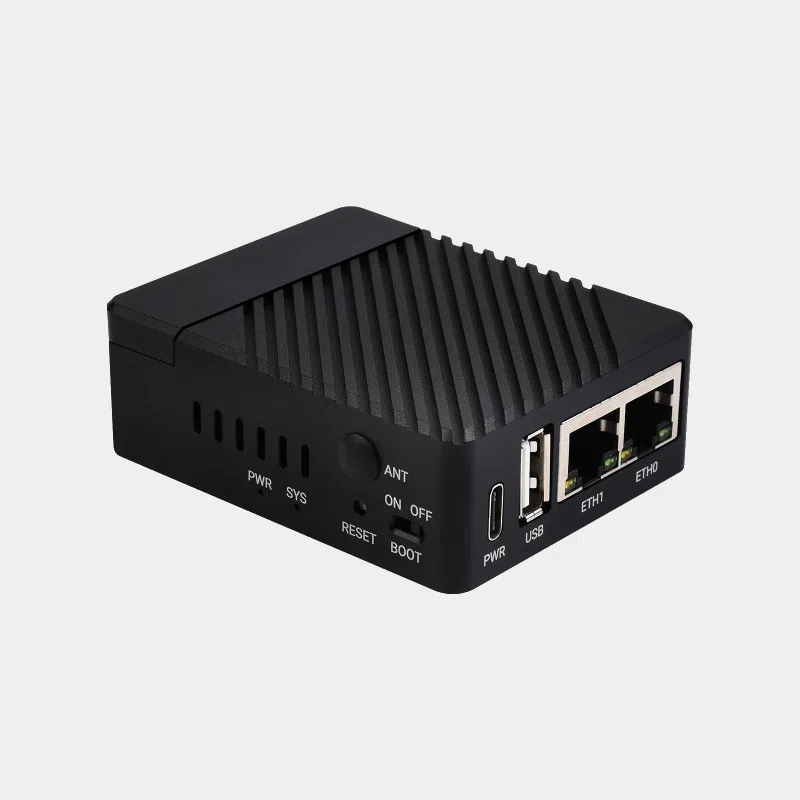
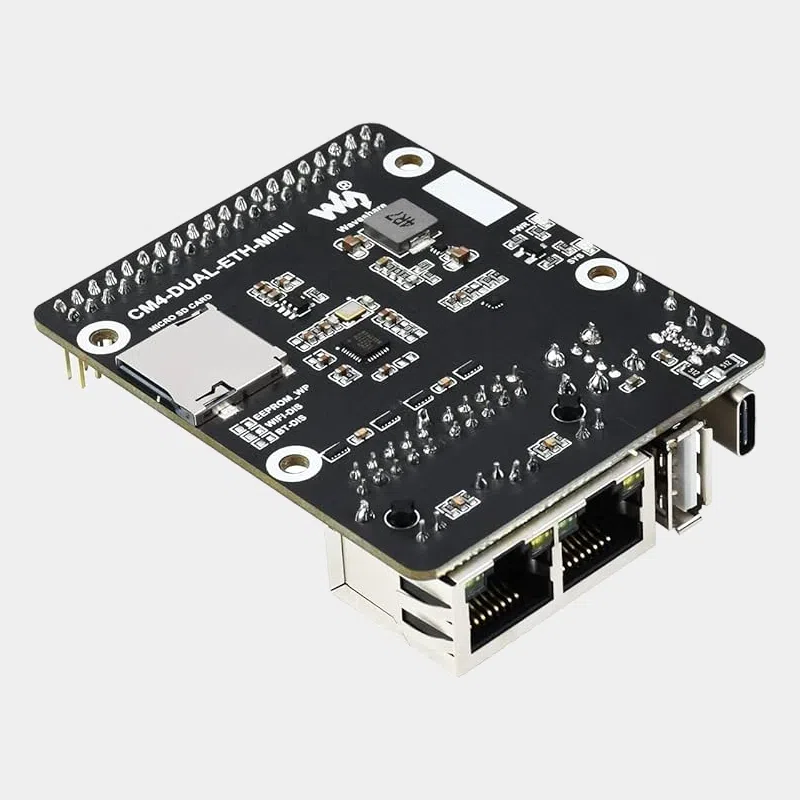
For a prototype that should resemble a Raspberry Pi 4 while keeping a real PCIe slot, the CM4 IO Board combined with a CM4 is the reference combination. For a more compact, network-focused format, take a look at the Mini Dual Gigabit Ethernet Base Board for CM4.
Compatibility and pitfalls
- 12 V power supply : this is the main input. The 12 V also powers the PCIe slot, the fan and the external power connector. Without these uses, a range of 7.5 to 28 V is possible.
- PoE : a PoE HAT only supplies 5 V, so the PCIe slot and the fan do not work in this case.
- USB 2.0 only : for USB 3.0, add a PCIe USB 3.0 card with a VLI805 controller.
- USB ports disabled by default on the CM4: one line in config.txt enables them.
- microSD : only works with a CM4 Lite (without eMMC).
- Booting through a PCIe switch is not supported, and there is no MSI-X (falls back to MSI).
Recommended accessories
- Official Raspberry Pi CM4 antenna kit : better Wi-Fi range inside an enclosure.
- Raspberry Pi PoE+ HAT : power and networking over a single cable (without PCIe or fan).
- Official HDMI cable: the board has full-size HDMI ports.
- USB to micro-USB cable : to flash the CM4 eMMC with rpiboot.
Uses and projects
- Product prototyping before designing your own carrier board.
- Gateway or router using a PCIe network card.
- Embedded vision with two MIPI cameras.
- Production station to program the eMMC of module batches.
Further reading: using a Raspberry Pi in a commercial product and Raspberry Pi in industry.
Frequently asked questions
Does the CM4 IO Board come with a Compute Module 4?
No, the module is sold separately. The board accepts all CM4 variants.
Which power supply should I use?
A 12 V power supply on the 2.1 mm center-positive DC jack. Raspberry Pi recommends allowing about 9 W for the CM4, plus the consumption of your PCIe and USB peripherals.
Can I install an NVMe SSD?
Yes, with a passive PCIe to M.2 adapter in the PCIe slot. The CM4 can boot from NVMe.
How do I flash the CM4 eMMC?
Fit the USB boot jumper, connect the micro-USB port to a computer and use rpiboot, then Raspberry Pi Imager.
Does the board support PoE?
Yes, via a Raspberry Pi PoE HAT installed on the 40-pin connector.
Can I use a CM4S on it?
No, the CM4S uses a SODIMM-type form factor that is incompatible with this board's connectors.
Order your CM4 IO Board on monraspberry.com : official, tested product, stock based in France, shipping within 24/48 h after receipt of payment, free pickup point delivery on orders from €200, returns possible within 14 days with return authorization, and payment by Visa, Mastercard, PayPal, Apple Pay or Google Pay.
Additional information
| Weight | 0,2 kg |
|---|---|
| Connections | GPIO, HDMI, MIPI CSI, Nappe, USB, USB 2.0 |
| Ethernet port | Gigabit Ethernet |
| MicroSD port | Yes |
| USB 2.0 port(s) | x2 |
| Power supply type | 5-12V (separate power supply required) |
| Accessory type | Development kits |
In the same category...
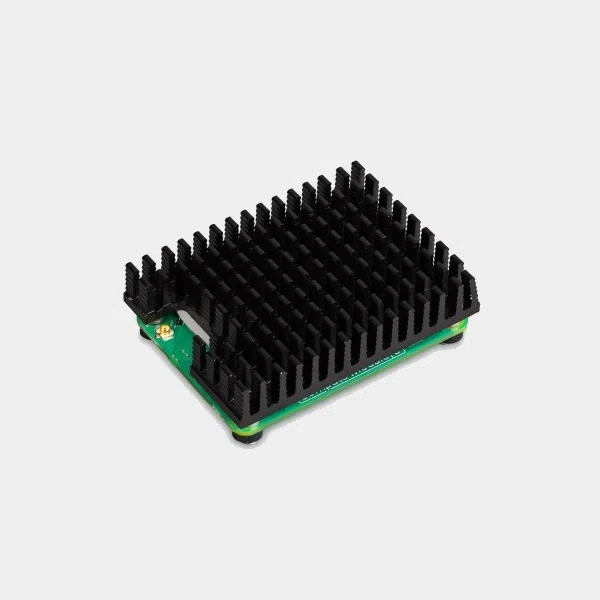
Heat sink for Raspberry Pi Compute Module 5
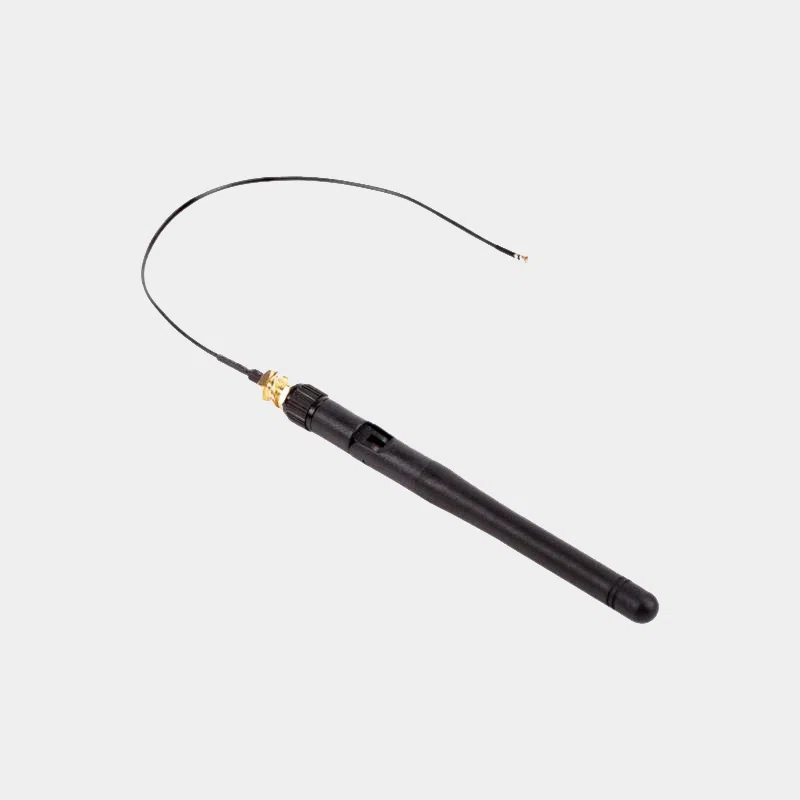
Official Raspberry Pi CM4 antenna kit

Gigabit Ethernet network card for CM4
IO Board for Raspberry Pi Compute Module 5 with PoE