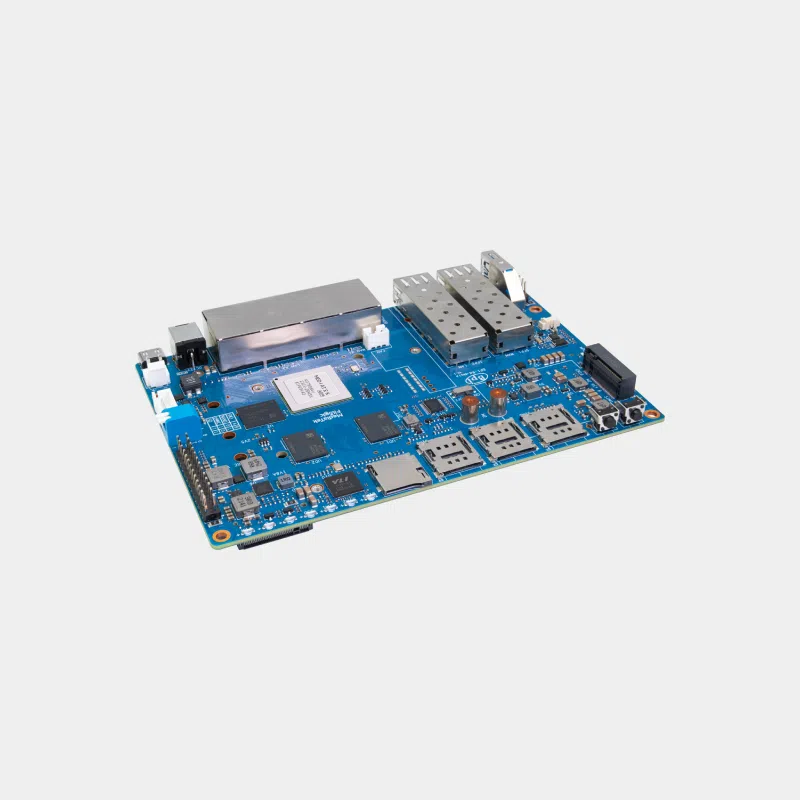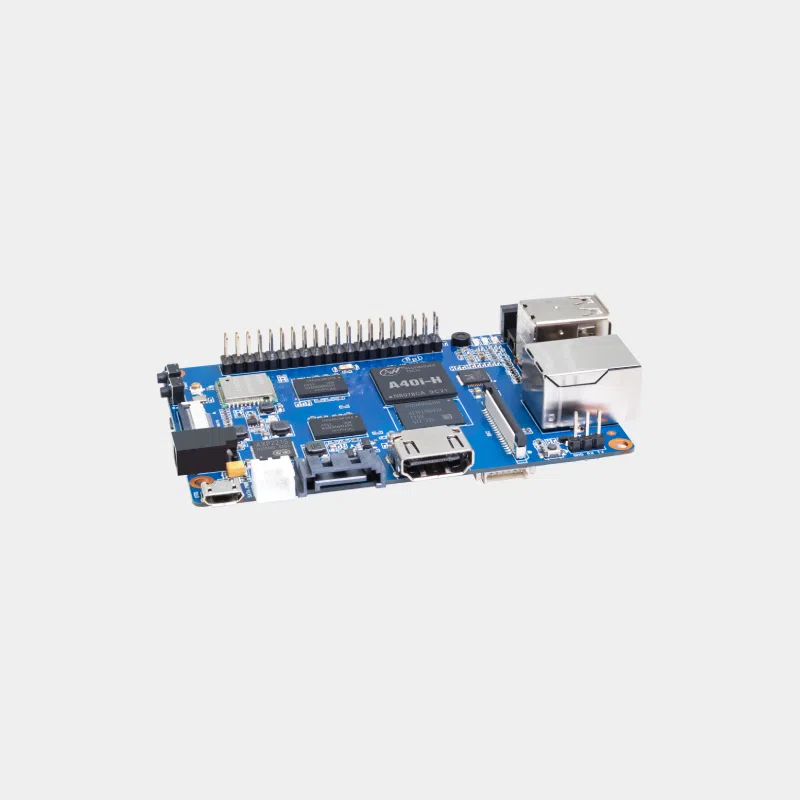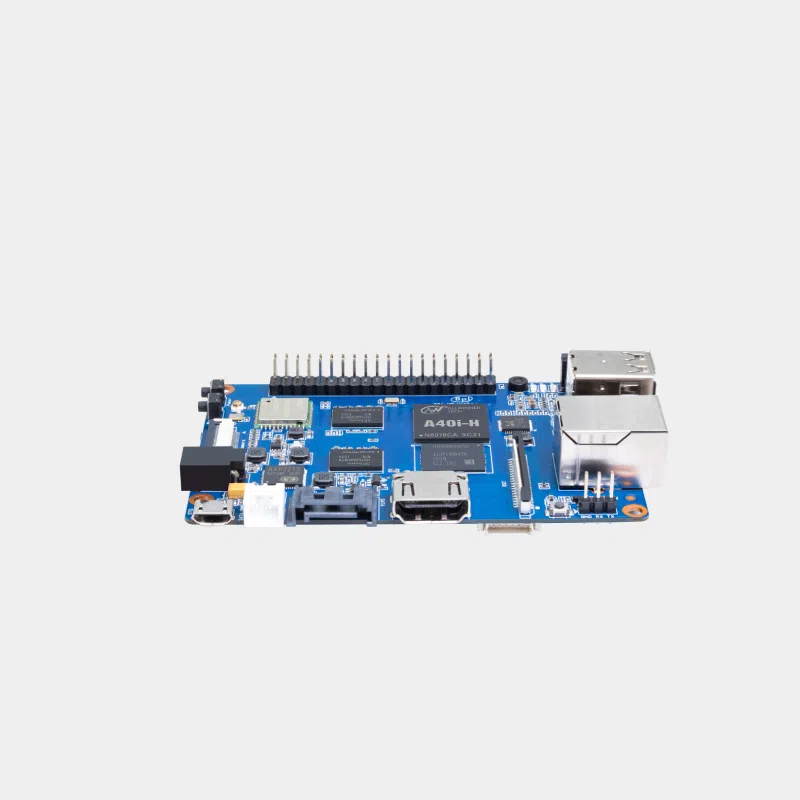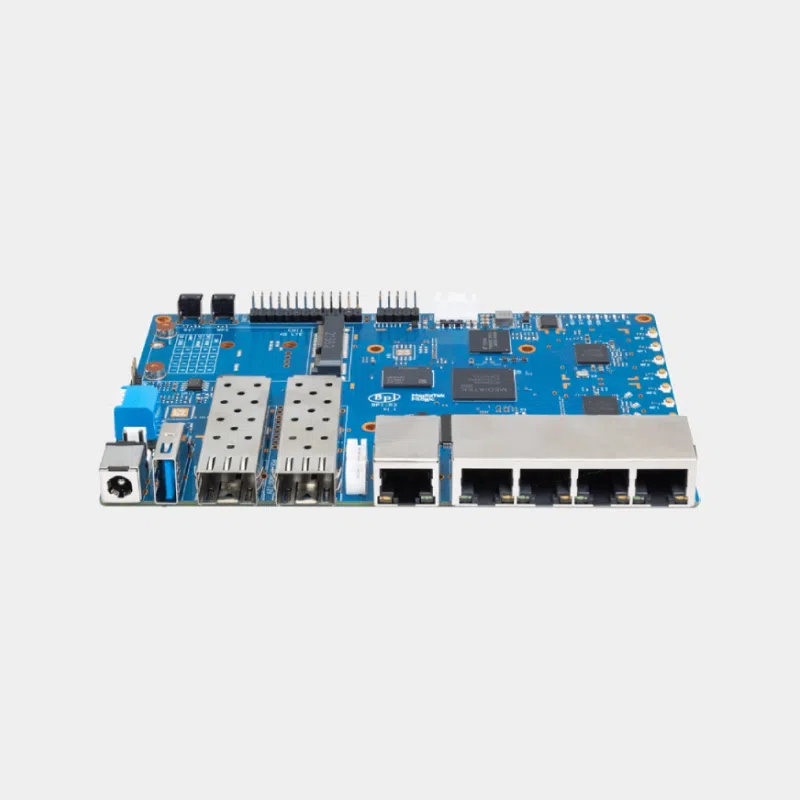

Banana Pi BPI-W3
320,20 € INCL. VAT
- High-end ARM board for embedded AI, 8K video and edge computing
- Rockchip RK3588 octa-core 2.4 GHz, 6 TOPS NPU, Mali-G610 MP4 GPU
- HDMI 2.1 8K, HDMI input, 2.5 Gbit/s Ethernet, M.2 NVMe, 40-pin GPIO
Business, school or public body? business account Education offers
Banana Pi BPI-W3
320,20 € INCL. VAT


- Description
Description
Banana Pi BPI-W3: RK3588 octa-core board for AI, 8K video and edge computing
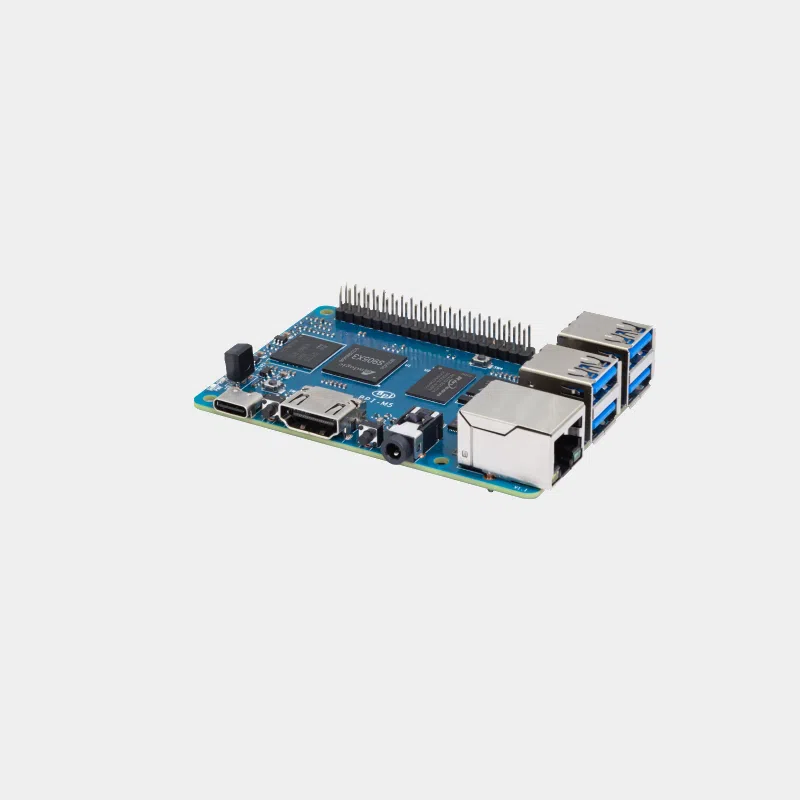
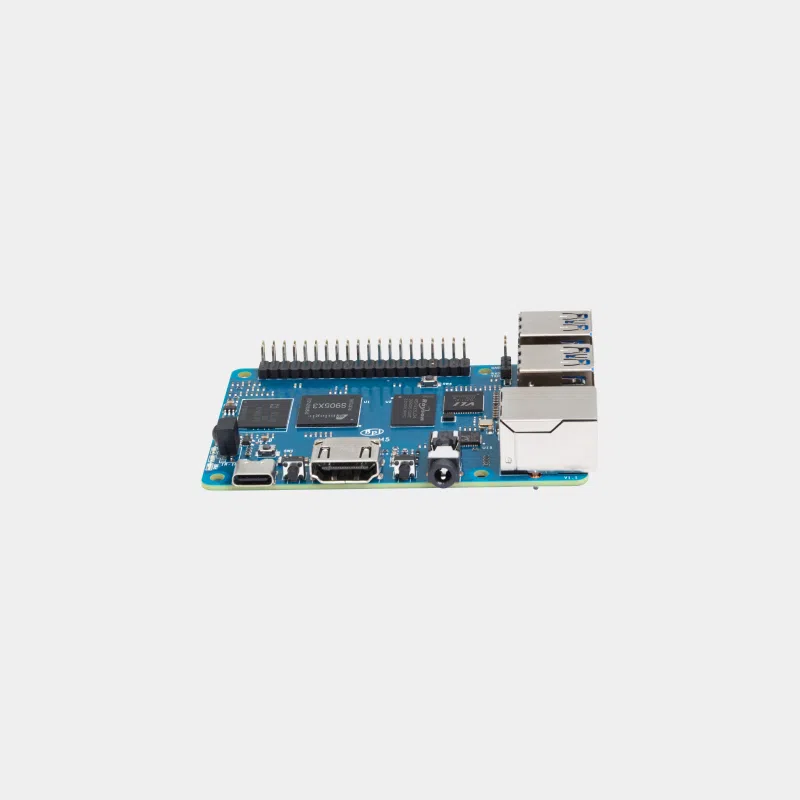
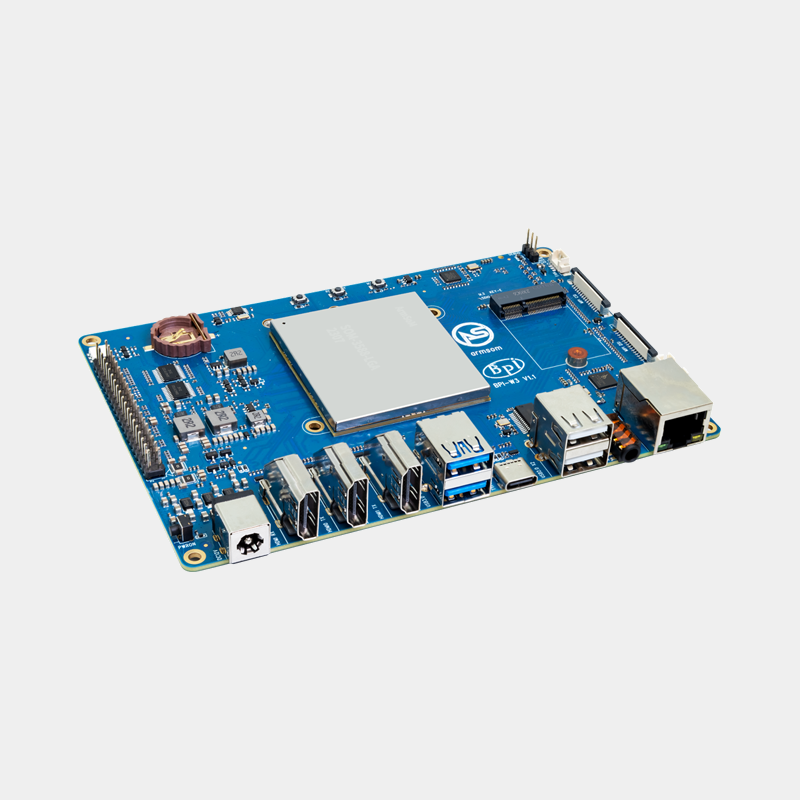
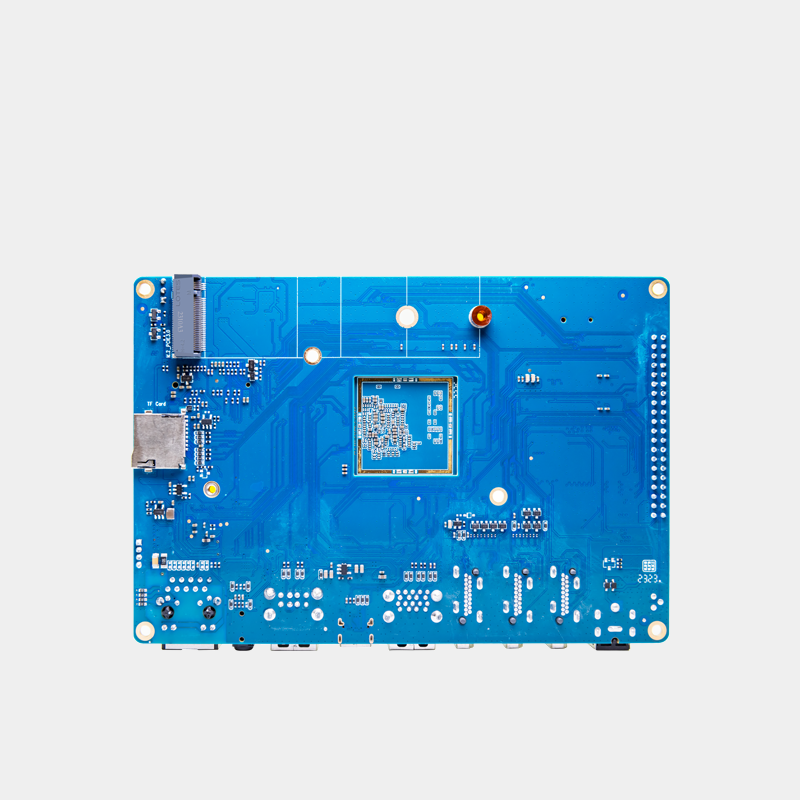
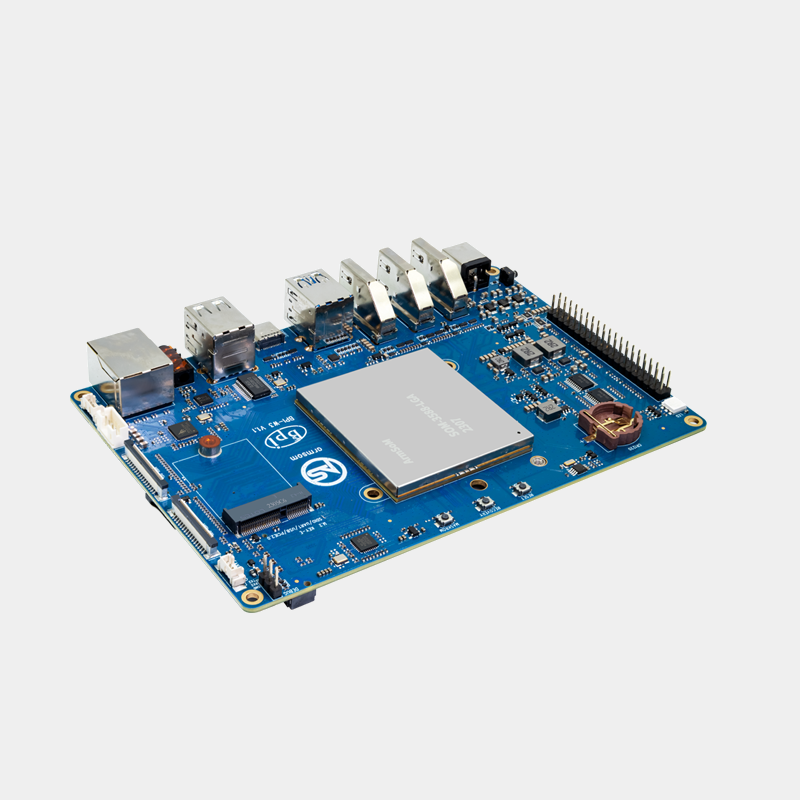
The Banana Pi BPI-W3 is a high-end single-board computer designed by Banana Pi for professional users and businesses. It is built around the Rockchip RK3588 on an 8 nm process: eight cores (four Cortex-A76 and four Cortex-A55) up to 2.4 GHz, Mali-G610 MP4 GPU and a 6 TOPS NPU for artificial intelligence. HDMI 2.1 output up to 8K, HDMI input, 2.5 Gbit/s Ethernet, M.2 NVMe and 40-pin GPIO make it a platform of choice for embedded AI, video recording and product prototyping.
Highlights
- RK3588 octa-core : 4 x Cortex-A76 and 4 x Cortex-A55 up to 2.4 GHz.
- 6 TOPS NPU (INT4, INT8, INT16) for local computer vision.
- 8K video : one HDMI 2.1 at 8K 60 fps or 4K 120 fps, a second at 4K 60 fps, DisplayPort 1.4 over USB-C.
- HDMI input and MIPI CSI camera input: rare on a board of this type.
- Fast storage : 32 GB eMMC by default, microSD and M.2 M-key for NVMe SSD.
- 2.5 Gbit/s Ethernet and 12 V PoE supported.
- Modular base : designed around an RK3588 module in LGA format, so you can derive your own board.
Technical specifications
| Element | Banana Pi BPI-W3 |
|---|---|
| SoC | Rockchip RK3588, 8 nm, 4 x Cortex-A76 + 4 x Cortex-A55, up to 2.4 GHz |
| GPU | ARM Mali-G610 MP4, OpenGL ES 3.2, OpenCL 2.2, Vulkan 1.1, 450 GFLOPS |
| NPU | 6 TOPS, INT4 / INT8 / INT16 |
| Memory | 8 GB LPDDR4 by default (options up to 32 GB depending on version) |
| Storage | 32 GB eMMC by default, microSD, M.2 M-key (NVMe SSD) |
| Network | 1 x 2.5 Gbit/s Ethernet (RTL8125BS) |
| Wireless | Via M.2 E-key module (Wi-Fi and Bluetooth, not included) |
| Video outputs | 2 x HDMI 2.1 (8K60 or 4K120 on one port, 4K60 on the other), DP 1.4 8K30 over USB-C, MIPI DSI 4K60 |
| Video inputs | 1 x HDMI RX 2.0, 4-lane MIPI CSI (or 2 x 2 lanes) |
| Audio | HDMI, DisplayPort, headphone jack with mic (ES8316) |
| USB | 2 x USB 3.1, 2 x USB 2.0, 1 x USB-C (DP, OTG, PD) |
| Extension | PCIe 3.0 x4, PCIe 2.0 x2, 40-pin GPIO, RTC, fan connector |
| Power supply | DC 12 V 2.5 A (2.5 mm jack), USB-C PD 9, 12 or 15 V 2 A, 12 V PoE |
| Operating systems | Android 12, Ubuntu, Debian 11, Buildroot, Kylin Linux |
| Dimensions | 148 x 100.5 mm |
| Operating temperature | -10 to 70 °C |
Which one should you choose? BPI-W3, BPI-F3, BPI-M5 or BPI-R4 Pro
| Card | Processor | Specialty | For whom |
|---|---|---|---|
| BPI-W3 | Rockchip RK3588, 8 ARM cores | 6 TOPS AI, 8K video, HDMI input | Edge AI, NVR, multimedia, OEM prototyping |
| Banana Pi BPI-F3 | SpacemiT K1, 8 RISC-V cores | RISC-V architecture | RISC-V developers, software porting |
| Banana Pi BPI-M5 | Amlogic S905X3, 4 x Cortex-A55 | 85 x 56 mm form factor, 4 GB | Multimedia and light projects |
| Banana Pi BPI-R4 Pro | MediaTek MT7988A, 4 x Cortex-A73 | Router, 10G SFP+ | Networking and OpenWrt |
The BPI-W3 is the board to choose when you need computing power, AI and video. For a router, the BPI-R range remains a better fit. Discover the full range on the Banana Pi page.
Compatibility and pitfalls
- No built-in Wi-Fi or Bluetooth : add an M.2 E-key module (for example AP6256 or Intel AX210, cited by Banana Pi).
- 12 V power supply : a 12 V 2.5 A adapter on a 2.5 mm jack or a 9 to 15 V USB-C PD charger; a 5 V power supply is not suitable.
- Cooling : the RK3588 heats up under load, plan for a heatsink and fan (connector provided).
- PoE : requires a PoE module on the board's dedicated connector.
- Software : this is not a Raspberry Pi; use the Android, Ubuntu or Debian images provided by Banana Pi and Rockchip.
- NPU : models must be converted to RKNN format with Rockchip's RKNN-Toolkit2.
Recommended accessories
- M.2 2242 NVMe SSD : for the M.2 M-key port.
- RJ45 CAT6 Ethernet cable: makes the most of the 2.5 Gbit/s port.
- Standard HDMI cable: full-size HDMI outputs.
Uses and projects
- Smart video recorder with object detection on the NPU.
- AI inference server at the network edge.
- 8K player or display, digital signage, interactive kiosks.
- OEM prototyping before designing a carrier board for an RK3588 module.
Further reading: complete overview of the Banana Pi range and Getting started with a Banana Pi.
Frequently asked questions
Does the BPI-W3 really handle 8K?
Yes, one of the two HDMI 2.1 ports outputs 8K at 60 fps (or 4K at 120 fps) and the DisplayPort 1.4 over USB-C 8K at 30 fps.
Which operating systems are supported?
Android 12, Ubuntu, Debian 11, Buildroot and Kylin Linux according to the Banana Pi documentation.
Can I install an NVMe SSD?
Yes, on the M.2 M-key connector intended for an SSD.
Does the BPI-W3 have Wi-Fi?
Not natively: you need to add an M.2 E-key Wi-Fi and Bluetooth module.
How do I use the NPU?
Convert your TensorFlow, PyTorch or ONNX models to RKNN format with Rockchip's RKNN-Toolkit2.
Which power supply should I use?
A 12 V 2.5 A power supply on the 2.5 mm jack, or a 9 to 15 V 2 A USB-C Power Delivery charger.
Order your Banana Pi BPI-W3 on monraspberry.com : official, tested product, stock based in France, shipping within 24/48 h after receipt of payment, free pickup point delivery on orders from €200, returns possible within 14 days with return authorization, and payment by Visa, Mastercard, PayPal, Apple Pay or Google Pay.
In the same category...