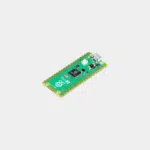
Raspberry Pi Pico
4,56 € – 9,60 €Plage de prix : 4,56 € à 9,60 € INCL. VAT
- Dual-core 133 MHz RP2040 microcontroller, 264 KB of SRAM and 2 MB of flash
- 26 GPIO, 3 ADC, 8 PIO state machines, MicroPython or C/C++ programming
- Pico, Pico H, Pico W and Pico WH versions with Wi-Fi and Bluetooth
Business, school or public body? business account Education offers
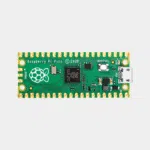
Raspberry Pi Pico
4,56 € – 9,60 €Plage de prix : 4,56 € à 9,60 € INCL. VAT


- Description
- Additional information
Description
Raspberry Pi Pico: the RP2040 microcontroller, in Pico, H, W and WH versions
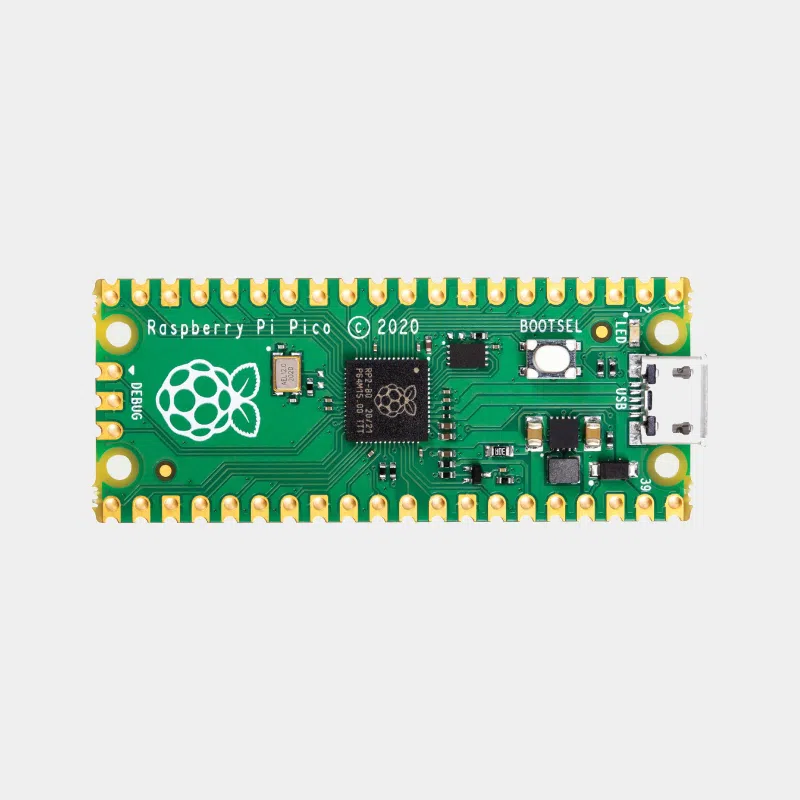
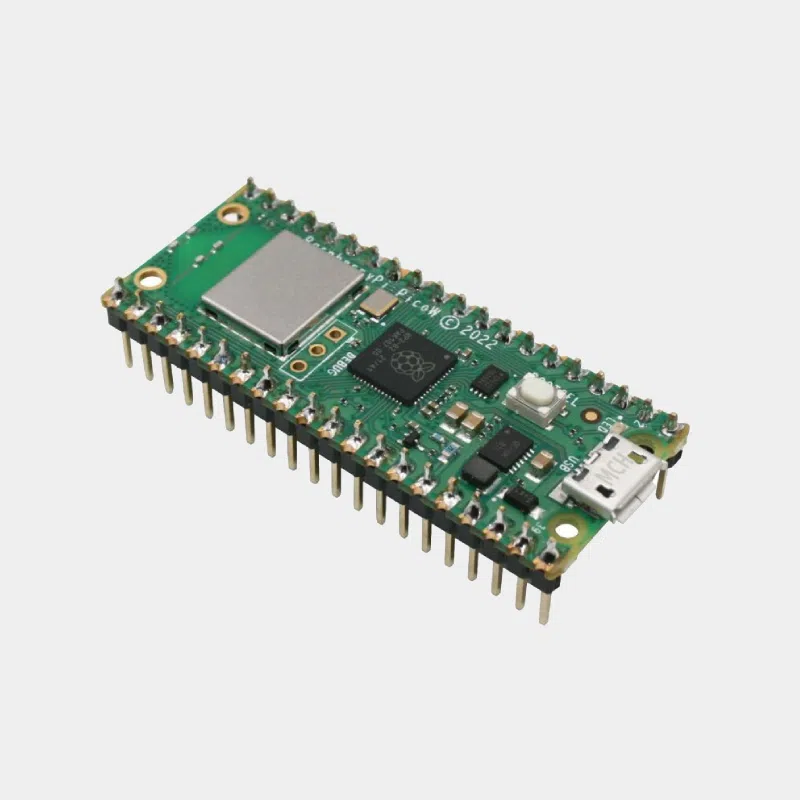
The Raspberry Pi Pico is Raspberry Pi's microcontroller board. Built around the dual-core RP2040 chip, it can be programmed in MicroPython or C/C++ with simple USB drag-and-drop. It does not run Linux: it executes your program as soon as it is powered on, ideal for controlling sensors, LEDs, motors and protocols in real time. Four versions: with or without Wi-Fi, with or without soldered headers.
Highlights
- RP2040 : two Arm Cortex-M0+ cores up to 133 MHz, 264 KB of SRAM.
- 2 MB of QSPI flash memory on board.
- 26 GPIO including 3 12-bit analog inputs.
- 8 PIO state machines to create your own interfaces.
- Drag-and-drop programming : USB mass storage mode, UF2 bootloader in ROM.
- Pico W and WH : 2.4 GHz 802.11n Wi-Fi and Bluetooth 5.2.
Technical specifications
| Features | Pico and Pico H | Pico W and Pico WH |
|---|---|---|
| Microcontroller | RP2040, 2 x Cortex-M0+ at 133 MHz | RP2040, 2 x Cortex-M0+ at 133 MHz |
| Memory | 264 KB SRAM, 2 MB flash | 264 KB SRAM, 2 MB flash |
| I/O | 26 GPIO, 3 ADC, 2 UART, 2 SPI, 2 I2C, 16 PWM | identical |
| USB | USB 1.1 host and device, micro-USB | USB 1.1 host and device, micro-USB |
| Wireless | no | 2.4 GHz 802.11n Wi-Fi, Bluetooth 5.2 (BLE and Classic) |
| Power supply | 1.8 to 5.5 V DC | 1.8 to 5.5 V DC |
| Temperature | -20 to +85 °C | -20 to +70 °C |
| Format | 21 x 51 mm | 21 x 51 mm |
Which one should you choose?
| Version | Wireless | Connectors | Debug connector |
|---|---|---|---|
| Pico | no | to be soldered | 3 pads |
| Pico H | no | soldered | keyed 3-pin connector |
| Pico W | Wi-Fi and Bluetooth | to be soldered | 3 pads |
| Pico WH | Wi-Fi and Bluetooth | soldered | keyed 3-pin connector |
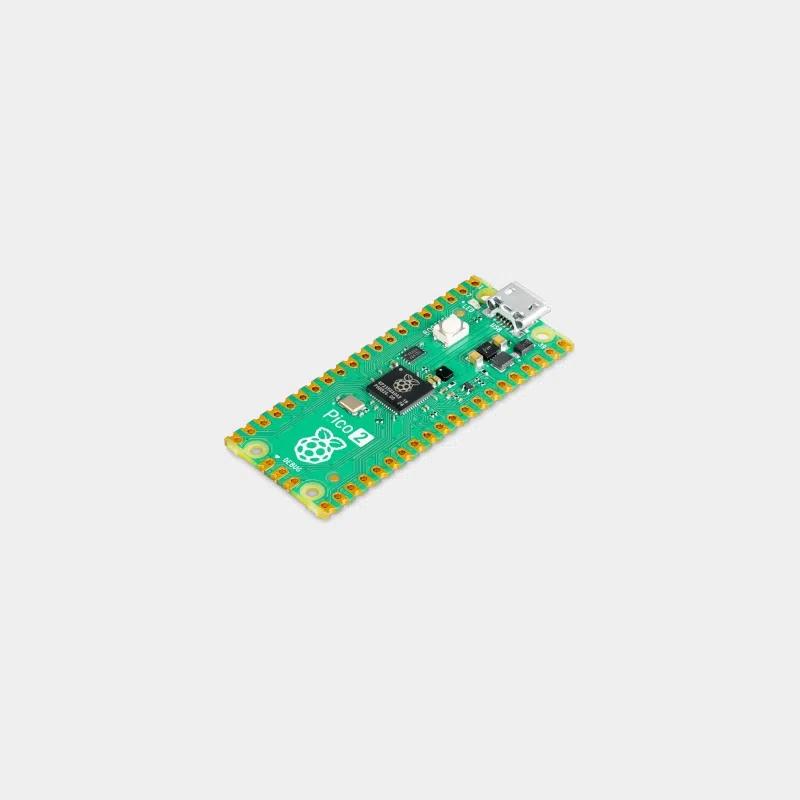
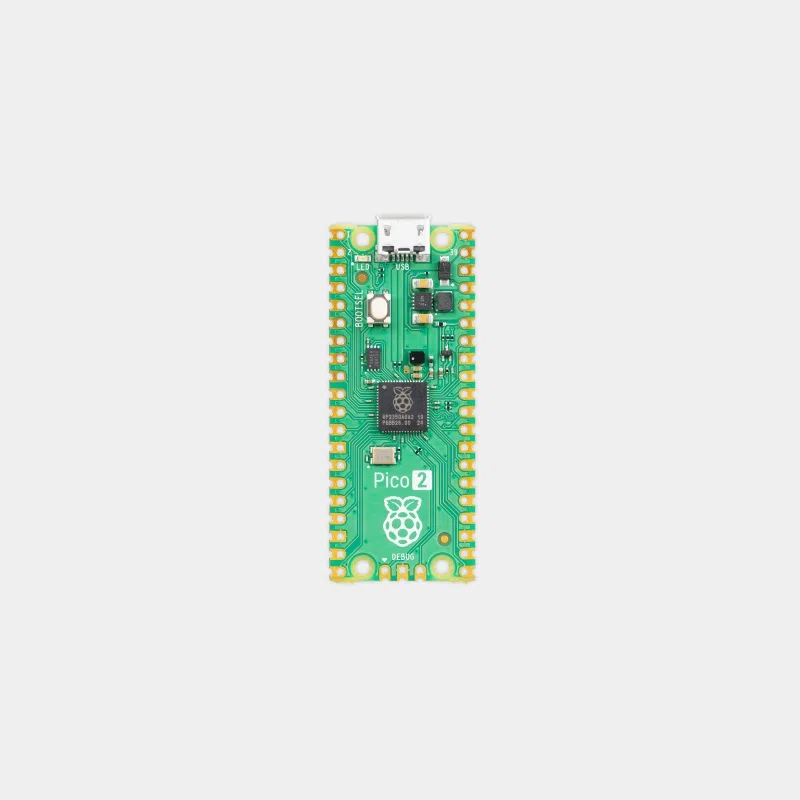
| Raspberry Pi Pico 2 | no | Depending on version | RP2350: Cortex-M33 or RISC-V at 150 MHz, 520 KB of SRAM, 4 MB of flash |
Our advice: the “H” stands for pre-soldered headers, handy on a breadboard. Choose a W or WH for a connected device. For more power and memory, look at the Pico 2.
First steps
Hold down the BOOTSEL button while plugging the Pico into USB: it appears as a storage drive. Copy the MicroPython UF2 file onto it, then write your programs from an editor such as Thonny. In C/C++, the official SDK directly produces the UF2 file to drag over. The Pico keeps its program in flash and runs it again at every power-up.
Compatibility and pitfalls to avoid
- It is not a computer : no Raspberry Pi OS, no HDMI display.
- A micro-USB data cable is required: a charge-only cable does not allow programming.
- 3.3 V logic : 5 V sensors require level shifting.
- Versions without H : you need to solder headers to use a breadboard.
- 2.4 GHz Wi-Fi only on the W and WH versions.
Recommended accessories
- USB to micro-USB cable : to program and power the Pico.
- Raspberry Pi Debug Probe: SWD debugging, plugs into the 3-pin connector of the H and WH versions.
- Male-to-female jumper wires: to connect sensors and modules.
Uses and projects
- Measurement and health : measuring a cardiographic signal with a Pico W.
- School project : CanSat, a mini-satellite powered by Raspberry Pi.
- Connected devices : low-power Wi-Fi sensors with a Pico W.
- Upgrade : the improvements of the Pico 2.
Frequently asked questions
What is the difference between Pico, Pico H, Pico W and Pico WH?
W adds Wi-Fi and Bluetooth; H indicates pre-soldered headers and a keyed debug connector. Everything else is identical.
Does the Pico H withstand higher temperatures?
No. Pico and Pico H operate from -20 to +85 °C; the W and WH versions from -20 to +70 °C.
How do I program a Raspberry Pi Pico?
In MicroPython or C/C++: hold down BOOTSEL, plug it into USB and copy the UF2 file.
How much RAM does the Pico have?
264 KB of SRAM built into the RP2040, plus 2 MB of flash for the program.
Can it run on batteries?
Yes, the input accepts 1.8 to 5.5 V, and the RP2040 has low-power sleep modes.
The whole Raspberry Pi Pico range is in our store. At MONRASPBERRY, you receive official, tested products, shipped from our stock based in France within 24/48 h of payment, with returns possible within 14 days (with return authorization), payment by Visa, Mastercard, PayPal, Apple Pay or Google Pay and free pickup point delivery on orders of €200 or more.
Additional information
| Weight | 0,05 kg |
|---|---|
| Connections | GPIO, Micro-USB |
| GPIO | 26 x GPIO |
| Processor (CPU) | ARM Cortex M0 + dual-core - 133 MHz |
| Version | Pico, Pico H, Pico W, Pico WH |
In the same category...