
In the same category...
-4%
Out of stock
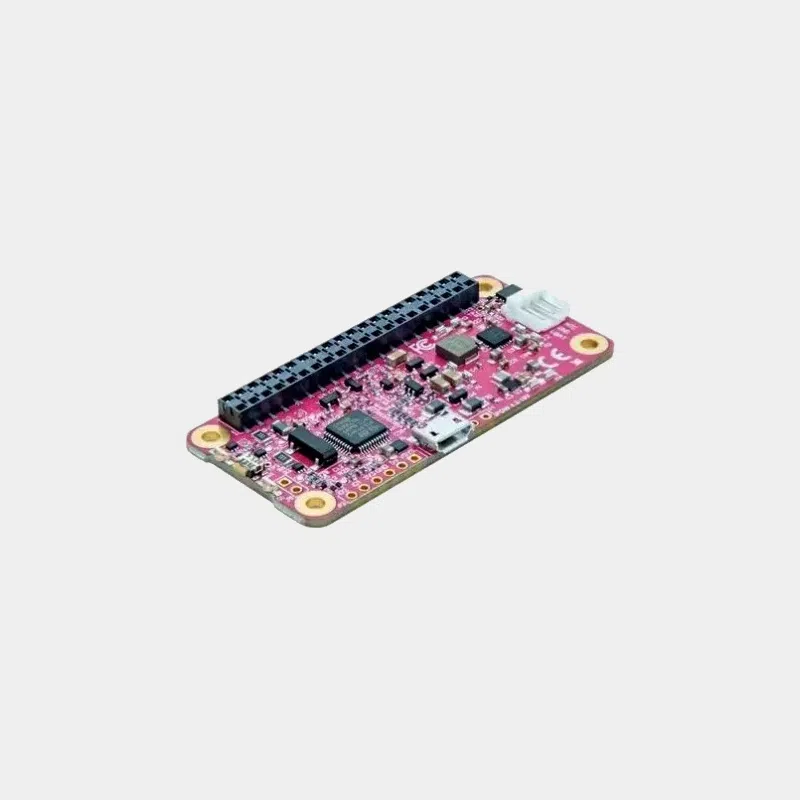
HAT PiJuice for Raspberry Pi Zero
Original price was: 49,80 €.47,88 €Current price is: 47,88 €. INCL. VATOut of stock
26,88 € INCL. VAT
Business, school or public body? business account Education offers
26,88 € INCL. VAT

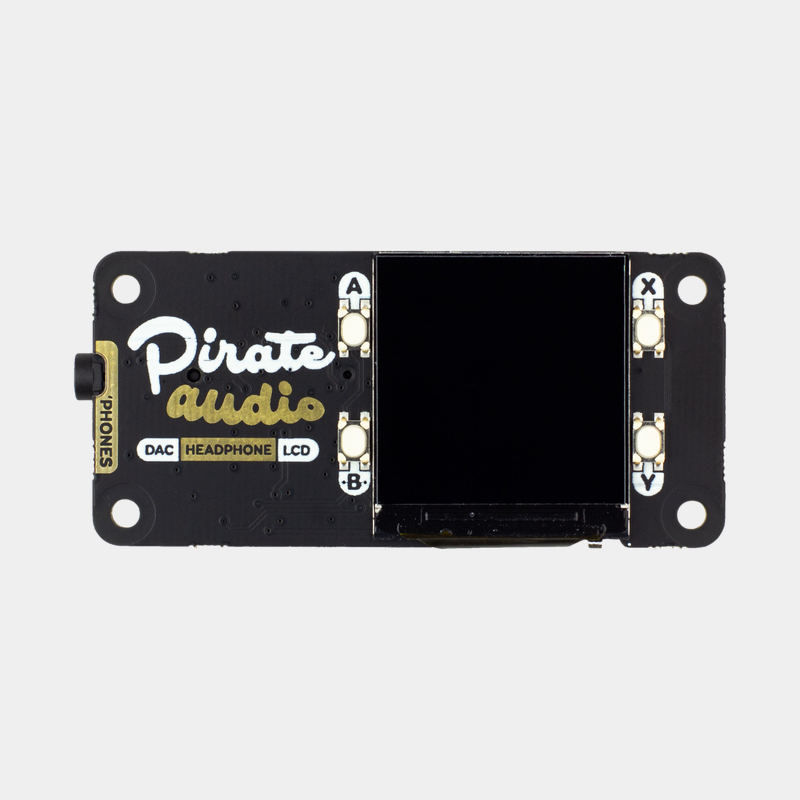
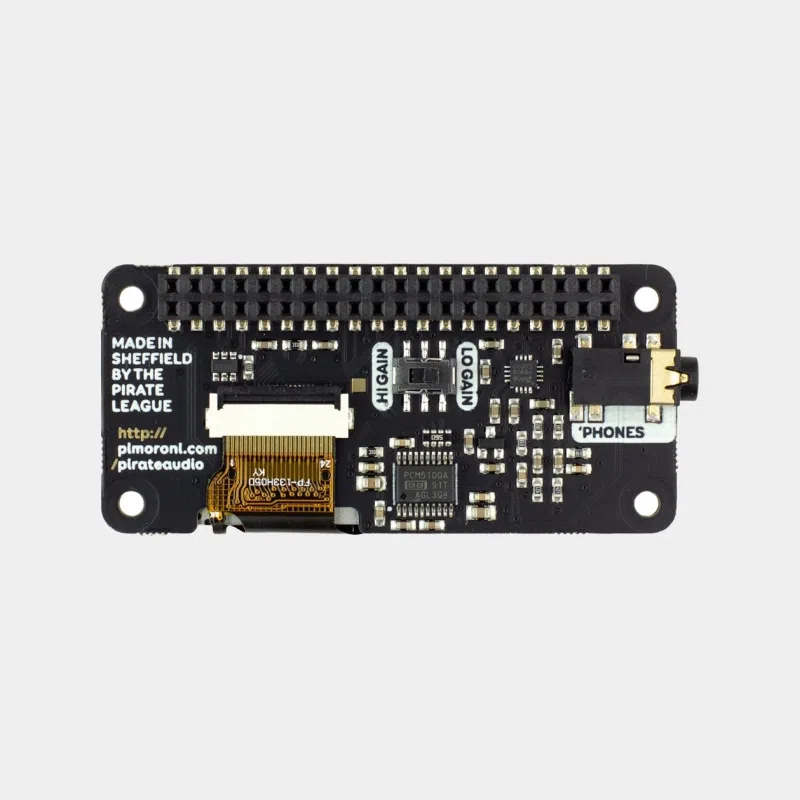
The Pimoroni Pirate Audio: Headphone Amp (ref. PIM482) is a mini HAT format add-on board that turns a Raspberry Pi into a standalone network audio player for headphones. On a footprint barely larger than a Raspberry Pi Zero, it brings together a digital-to-analog converter, a headphone amplifier, a small color display and four control buttons.
The Raspberry Pi sends the sound digitally over the I2S bus to the board's DAC, at 24-bit / 192 kHz. According to Pimoroni, the quality is significantly better than that of the Raspberry Pi's 3.5 mm jack, which uses PWM audio. The display shows the album art and playback information, and the buttons control the music without a keyboard or smartphone.
Pimoroni provides an installation script that sets up Mopidy, an extensible music server, with extensions dedicated to the display and buttons. You get a desktop music player or a compact streaming receiver, which can also be controlled from any browser on the network.
Pimoroni's official repository documents several software options:
On the system side, the DAC is configured by adding to the config.txt file the line dtoverlay=hifiberry-dac and the line gpio=25=op,dh. Pimoroni's installation script takes care of this automatically.
The Pirate Audio works with any Raspberry Pi fitted with the 40-pin GPIO header, including the Raspberry Pi 5 and the Raspberry Pi Zero 2 W. On a Pi Zero or Zero 2 sold without a header, you need to solder a 2 x 20-pin male header or choose a version with a pre-soldered header.
Pimoroni recommends starting from a fresh installation of Raspberry Pi OS Bookworm. Recent versions of the system require Python packages to be installed in a virtual environment, which the script does: follow the up-to-date instructions in Pimoroni's repository rather than older tutorials.
The board is designed for wired headphones, not included. For powered speakers or an amplifier, the Line-out version of the Pirate Audio range is better suited. You will also need a microSD card, a power supply suited to your Raspberry Pi and a Wi-Fi or Ethernet network connection for streaming. With a Pibow Coupé case, Pimoroni states that you need to add a booster header.
No, the board plugs onto a Raspberry Pi you already own, via its 40-pin GPIO header.
Yes, with a Premium account, but it requires a manual installation: the mopidy-spotify extension is no longer included in Pimoroni's script. The Spotify Connect receiver with Raspotify is still in beta and the buttons do not control Spotify.
At high gain, it adds 12 dB of amplification. Pimoroni recommends low gain for most uses and advises adapting the setting to your headphones.
Yes. The display and buttons can be controlled in Python using the libraries provided by Pimoroni, and button assignments under Mopidy can be changed in the configuration file.