
-
 HATs Raspberry Pi 5, HATs Raspberry Pi 3 & Pi 2, HATs Raspberry Pi 4, HATs Raspberry Pi Zero
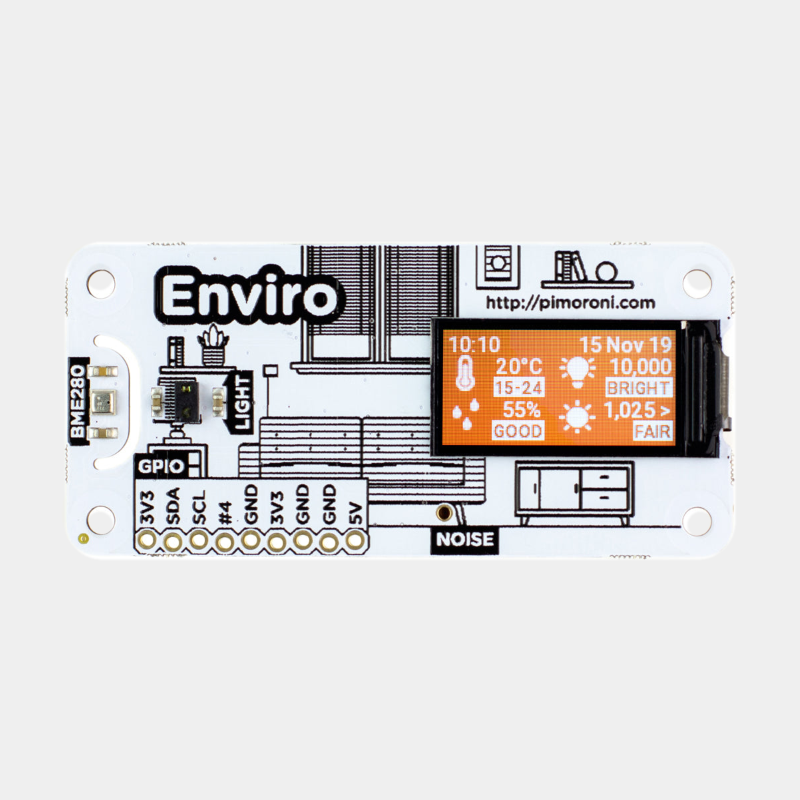
Pimoroni Enviro for Raspberry Pi: environmental sensors and LCD screen
from 36,00 € INCL. VATIn stockTempérature, pression, humidité, lumière, proximité et bruitVersion Enviro + Air Quality : capteur de gaz et connecteur capteur PMÉcran couleur 0,96 pouce, format pHAT, entièrement assemblée
Select options This product has multiple variants. The options may be chosen on the product pageQuick view -
 HATs Raspberry Pi 5, HATs Raspberry Pi 4
Pimoroni Weather HAT: temperature, humidity, pressure and light
42,30 € INCL. VATIn stock1.54″ IPS display + 4 buttons for touch navigation
On-board sensors: temperature, pressure, humidity, light/proximity
RJ11 connectors for wind/rain, expandable I²C, ADC on HAT, solid mounting -
HATs Raspberry Pi 3 & Pi 2, HATs Raspberry Pi 4, HATs Raspberry Pi 5
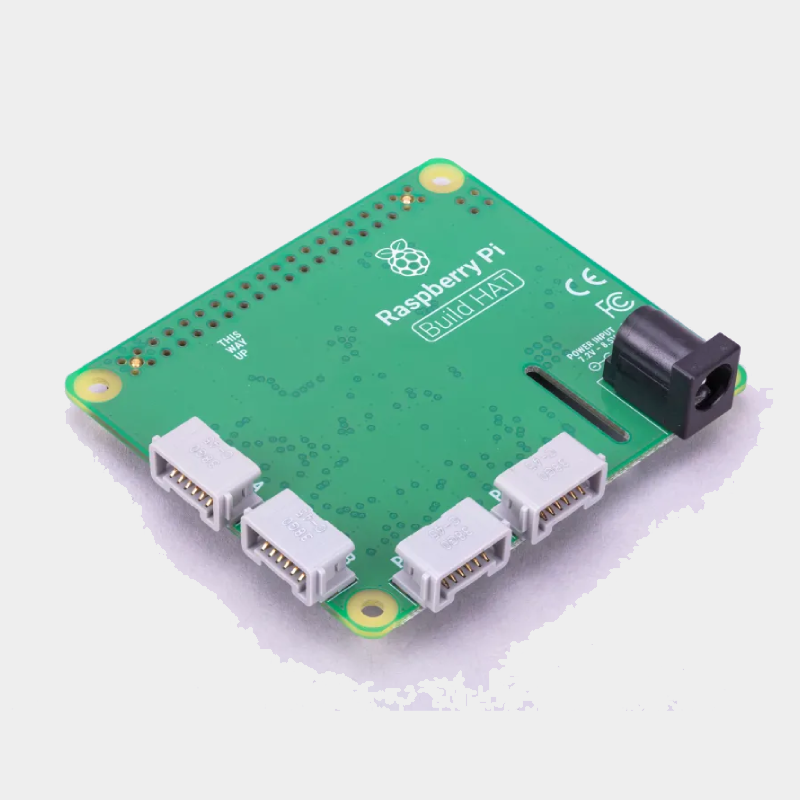
Raspberry Pi Build HAT
28,00 € INCL. VATOut of stockProgrammez en Python les moteurs et capteurs LEGO Technic de vos kits SPIKE.4 ports LPF2, microcontrôleur RP2040, alimentation 8 V DC par jack 2,1 mm.Pour tout Raspberry Pi à GPIO…
Raspberry Pi 5 HAT: which one to choose for your project?
A Raspberry Pi 5 HAT adds to the board an NVMe SSD, an AI accelerator, PoE power, 4G/5G or an audio output. This guide helps you choose and avoid impossible combinations, because the Pi 5 has only one PCIe connector. Don't have the board itself yet? Compare the RAM versions on our page Raspberry Pi 5.


GPIO, PCIe, HAT+: what to know before buying
Each HAT uses one of the Pi 5's two expansion interfaces:
- The 40-pin GPIO : audio HATs, sensors, LoRaWAN, 4G or digital TV.
- The PCIe connector (a socket for a cable on the side of the board), a PCIe 2.0 x1 link used by M.2, SATA and AI HATs. A PCIe 3.0 mode can be enabled, but Raspberry Pi states that the Pi 5 is not certified at this speed and that the link may become unstable.
A "HAT+" follows the new Raspberry Pi specification: Raspberry Pi OS detects it automatically.
A single PCIe port: the rule to remember
It is impossible to connect an official M.2 HAT and an AI HAT+ at the same time: each demands the single PCIe port. Connecting two PCIe peripherals requires a board fitted with a switch, which shares the x1 link, and Raspberry Pi notes that only some peripherals are recognised behind a switch.
Can HATs be stacked?
On the GPIO, often. The standard M.2 HAT+ and the AI HATs are supplied with a stackable GPIO connector that leaves the 40 pins accessible for a second HAT (the Compact version does not have one). Check that the two boards do not use the same bus, for example two audio boards on I2S.
M.2 HAT for Raspberry Pi 5: switching to an NVMe SSD
An NVMe SSD makes the system much more responsive than a microSD and lets you boot from it. The two official boards offer: PCIe 2.0 x1 link (500 MB/s peak), M.2 M-key connector, up to 3 A supplied to the SSD.
- The HAT+ M.2 for Raspberry Pi 5 accepts SSDs in 2230 and 2242 formats. Its spacers leave room for the Active Cooler underneath. However, it only fits in the official Pi 5 case by removing the cover and the fan.
- The M.2 HAT+ Compact is designed to fit in the official case, around its fan. In return, it only accepts the 2230 format and the Active Cooler cannot be installed underneath.
- The PCIe to dual M.2 HAT+ includes a PCIe switch to house two SSDs, which then share the Pi 5's PCIe 2.0 x1 link.
For the drive, the Official NVMe SSD for Raspberry Pi 5 in 2230 format suits both official HATs. Once the bootloader is up to date, Raspberry Pi Imager installs the system directly on the drive and, without a microSD, the Pi 5 boots from the NVMe.
SSD HAT for SATA drives
For 2.5" or 3.5" drives, the PCIe to SATA 2-channel HAT adds two SATA ports. 3.5" 12 V drives require a 12 V power supply on its DC jack. No M.2 SSDs.

AI HAT Raspberry Pi 5: artificial intelligence locally
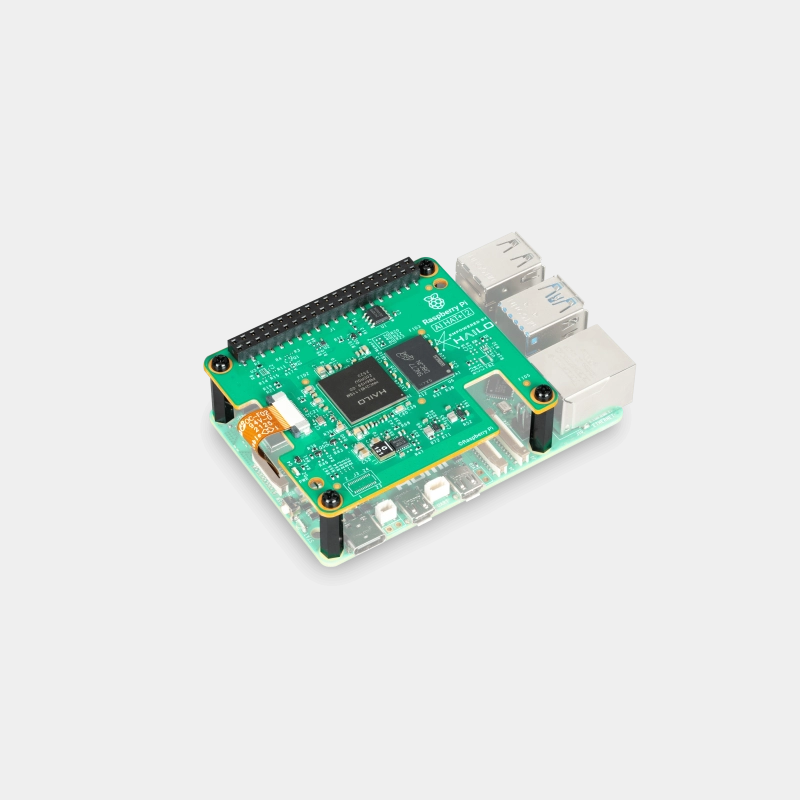
AI HATs include a Hailo neural processor connected to the Pi 5's PCIe port. rpicam-apps and Picamera2 use it for object detection, without going through a remote server.
| Model | Chip | Performance | Memory | Uses |
|---|---|---|---|---|
| AI HAT+ 13 TOPS | Hailo-8L | 13 TOPS (INT8) | that of the Pi 5 | vision, object detection |
| AI HAT+ 26 TOPS | Hailo-8 | 26 TOPS (INT8) | that of the Pi 5 | heavier networks, several models in parallel |
| AI HAT+ 2 | Hailo-10H | 40 TOPS (INT4) | 8 GB onboard | everything above, plus LLMs and vision-language models locally |
Choose theAI HAT+ for Raspberry Pi 5 for computer vision, and theAI HAT+2 for Raspberry Pi 5 if you want to run small language models on the board. Raspberry Pi recommends installing theActive Cooler (fan / heatsink for Raspberry Pi 5) under the HAT; the AI HAT+ 2 also comes with its own heatsink. To go further, read our article on AI HATs for Raspberry Pi 5 and their uses.

PoE HAT for Raspberry Pi 5: network and power on a single cable
The Pi 5's Ethernet socket is PoE+ compatible (IEEE 802.3at), but you need a HAT to draw power from the cable, and a PoE switch or injector.
- The PoE+ HAT for Raspberry Pi 5 compatible with the official case (802.3af/at) provides 5 V up to 5 A, fits in the official case and remains compatible with the Active Cooler.
- The PoE HAT for Raspberry Pi 5 with built-in fan brings its own metal heatsink and an auxiliary 12 V output (25 W in total for the 5 V and 12 V outputs).
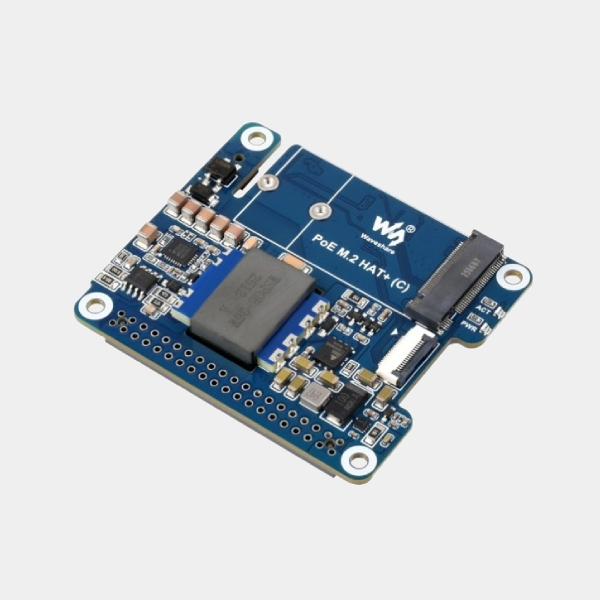
- ThePCIe to M.2 adapter with PoE combines PoE and an NVMe SSD (2230 or 2242) on a single board for a small remote server; supplied with a fan and heatsink, it rules out the Active Cooler.
Switch or injector? See our guide PoE on Raspberry Pi: power and connect with a single cable.
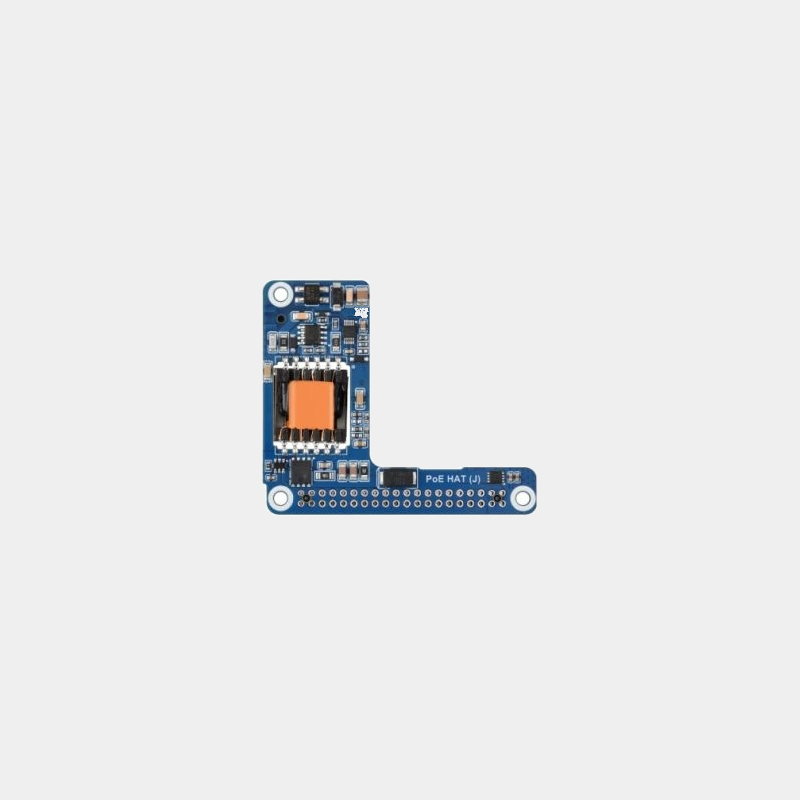 PoE+ HAT for Raspberry Pi 5, compatible with the official case17,30 € INCL. VATIn stockIn stockAdd to cart
4G/5G, audio, digital TV, sensors: the other HATs
- Cellular network. Visit PCIe to M.2 4G/5G and USB 3.2 expansion board accepts a 4G/5G M.2 B-key module (not supplied) and a nano-SIM, and adds three USB 3.2 Gen 1 ports. It uses the PCIe port. For a simpler GPIO solution, the Clipper HAT Mini adds 4G LTE; its SMA antenna is sold separately.
- Audio. The DigiAMP+ amplifies up to 35 W per channel from a 12 to 24 V power supply that also powers the Raspberry Pi.
- Television. The TV HAT receives digital terrestrial TV (DVB-T and DVB-T2), one multiplex at a time, and streams the channels over the network with TVHeadend.
- IoT and robotics. The Dragino PG1302 turns the Pi into a LoRaWAN gateway, the Weather HAT measures temperature, humidity, pressure and light, and the Build HAT drives LEGO Technic motors with its own 8 V power supply.
 PCIe to M.2 4G/5G and USB 3.2 expansion card for Raspberry Pi 534,00 € INCL. VATIn stockIn stockAdd to cart
Power supply: don't undersize it
For the Pi 5, Raspberry Pi recommends a 5 A power supply: theRaspberry Pi USB-C 27 W power supply official (5.1 V, 5 A). With a 3 A adapter, the USB current for peripherals drops from 1.6 A to 600 mA. The PoE HATs and the DigiAMP+, for their part, power the Pi directly.

Summary table: which HAT for which need?
| Need | Recommended HAT | Port used | To plan for |
|---|---|---|---|
| NVMe SSD, open case | M.2 HAT+ | PCIe | 2230 or 2242 SSD |
| NVMe SSD in the official case | M.2 HAT+ Compact | PCIe | 2230 SSD |
| SATA drives (NAS) | PCIe to SATA HAT | PCIe | 12 V power supply for 3.5" drives |
| AI vision | AI HAT+ | PCIe + GPIO | Active Cooler, camera |
| Local generative AI | AI HAT+ 2 | PCIe + GPIO | Active Cooler |
| PoE + SSD | PCIe to M.2 adapter with PoE | PCIe + GPIO | PoE switch or injector, SSD |
Frequently asked questions
Can an M.2 HAT and an AI HAT+ be used on the same Raspberry Pi 5?
Not on the single PCIe connector, except with a PCIe switch board, and not all peripherals are recognised behind a switch.
Which SSD to choose for the M.2 HAT+?
An M-key NVMe SSD in 2230 or 2242 (standard), 2230 only (Compact). No 2280.
Does the Google Coral M.2 accelerator work on the M.2 HAT?
No: the Coral M.2 uses an A+E key connector, whereas the Pi 5's M.2 HATs have an M-key connector.
Is my Raspberry Pi 4 PoE HAT compatible with the Pi 5?
No: the official PoE+ HAT is announced for the Raspberry Pi 4 and 3B+ only. Choose a PoE HAT designed for the Pi 5.
Is a fan needed with a Raspberry Pi 5 HAT?
Recommended with the AI HATs (Active Cooler); compatible with the standard M.2 HAT+; with the Compact version, the official case's fan does the cooling.
Order your HAT with confidence
Our HATs are tested and shipped within 24/48 h of receiving payment from our stock based in France, with free pickup point delivery on orders over €200. Would you rather receive your Pi 5 already assembled with its HAT and SSD? Our assembly service takes care of it.